
Most small teams don’t miss on data because the software is weak. They miss because the first Microsoft Fabric implementation build is too big.
Microsoft Fabric, a SaaS platform that enables the unification of data, offers a smart implementation that starts small, stays practical, and ties every setup choice to one business result. If your team already uses Excel, Power BI, Teams, or SharePoint, you have a head start. The goal is not to build a perfect platform on day one. It’s to get one trusted report live, fast.
Key Takeaways
- Start your Microsoft Fabric implementation with one high-impact business problem solvable in 30 days, like sales reporting or inventory visibility, using just OneLake for storage, Data Factory for ingestion, and Power BI for reports.
- Follow a tight checklist: assign a single workspace owner, connect minimal data sources via shortcuts or mirroring, set naming rules, build one shared dataset, manage access and refreshes simply, and document support before launch.
- Roll out in 6 weeks with a small team—a business lead, analyst, and IT support—starting on low-cost F2 capacity (~$262/month) or pay-as-you-go to test without big commitments.
- Scale only after proving value, such as when multiple departments need trusted data, daily refreshes matter, or manual fixes accumulate; keep governance simple by reusing Microsoft 365 patterns and Purview.
Start with one business problem you can fix in 30 days
Before you create workspaces or move data in your Microsoft Fabric implementation, conduct a quick data maturity assessment and pick one use case that hurts today. For small businesses, that’s often weekly sales reporting, inventory visibility, service backlog, or cash flow tracking. If the first use case can’t save time or improve a decision this quarter, it’s the wrong starting point.
Keep the scope tight. Choose one business owner, two or three source systems, and a clear output, usually one dashboard or one shared dataset. That alone cuts a lot of waste.

Fabric helps because it puts storage, data movement, and reporting in one place. Still, you don’t need every part of it. For most small teams, these are the only pieces that matter at first:
- OneLake stores shared data in one location, so teams stop passing files around.
- Data Factory handles data ingestion from places like Excel exports, SharePoint, or a line-of-business app, including data transformation.
- Power BI handles reports and dashboards your staff will use every day.
That’s enough for many first-phase projects. While a Data Warehouse or a metadata-driven lakehouse are options, they should follow a clear data strategy, once your data volume or reporting needs grow. Real-Time Intelligence can provide operational visibility as a future possibility.
If you want a practical planning model, the Fabric Adoption Framework and its Fabric adoption strategy guide are useful references. They lean bigger than most small businesses need, but the core idea still fits, start with business value, then add process.
If your team can’t name the first dashboard user and the decision it supports, pause the project.
The checklist that keeps Microsoft Fabric implementation on track
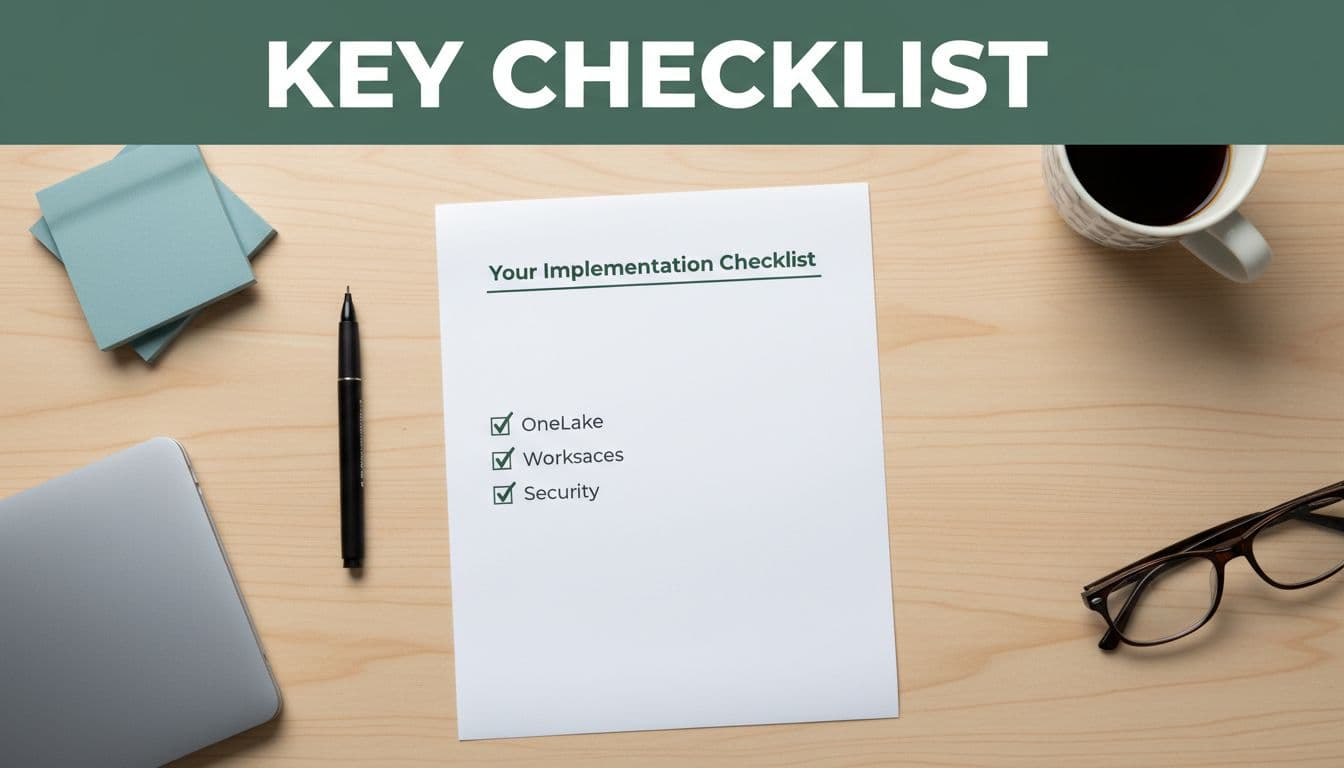
A small-team rollout works best when each step has an owner and a reason. Use this checklist to keep your Microsoft Fabric implementation focused.
- Pick one pilot workspace from a starter-kit repository and assign one person to own it. Shared ownership sounds safe, but it often creates drift.
- Connect only the data sources needed for the pilot. Excel, SharePoint, CSV exports, and a core app are enough. Use OneLake shortcuts to connect data without moving it, or the mirroring capability as an alternative for databases. For more complex data ingestion, use Data Factory.
- Set simple naming rules early, using a workload manifest for configuration. Use clear names for workspaces, pipelines, tables, and reports.
- Build one clean shared dataset from semantic models in Power BI. Define each KPI once.
- Set viewer access separately from editor access. Most users should view, not change, content.
- Agree on refresh timing. Daily is often enough. Hourly refreshes add cost and noise if nobody acts on them.
- Track capacity use and stop idle spend. In 2026, smaller Fabric capacities still make sense for pilots because you can start low and watch usage closely.
- Document two things before launch, who supports the dashboard, and what happens when source data breaks.
- Check data quality as a best practice before going live to ensure reliable insights.
For example, a distributor might start with sales orders from ERP, margin targets from Excel, and customer status from SharePoint. That’s not glamorous, but it can replace hours of manual reporting in the first month.
Governance also needs to stay simple. For data governance, decide who can publish, who approves new metrics, and where sensitive data should not go, using Microsoft Purview for compliance. If you already use Microsoft 365 groups and Teams, reuse those patterns instead of inventing new ones.
For added detail, a project planning checklist or this comprehensive implementation guide can help you pressure-test the rollout before you buy more capacity.
Roles, timeline, and the point where you scale
You don’t need a full Data Engineering team to get a pilot live. Most small businesses can launch with one business lead, one analyst, and one IT-minded admin working part-time.
Here’s a simple rollout plan:
| Phase | Weeks | Main owner | Output |
|---|---|---|---|
| Define the pilot | 1 to 2 | Ops lead or finance lead | Use case, source list, budget cap |
| Build the flow | 3 to 4 | Analyst with IT support | Workspace, pipeline, shared dataset |
| Launch and review | 5 to 6 | Business owner | First dashboard, access rules, feedback log |
That six-week window is realistic if the data sources are known and the first report is narrow. If your source data is messy, add time for cleanup, not more features.
Cost matters, so focus on cost optimization from the start and keep the first phase boring on purpose. As of April 2026, Fabric entry pricing starts around $262 per month for F2 capacity, while pay-as-you-go runs about $0.18 per CU-hour. Prices change, so check Azure before you commit. The key point is simple: small teams can test without jumping into a large long-term spend. Also, Copilot now reaches all Fabric plan sizes, which helps with setup and analysis, but it doesn’t replace data rules or business review.
Start small if your team still relies on exports, email attachments, or manual report stitching. Scale later when one of these shows up: more than one department needs the same trusted data, daily refreshes become important, or manual fixes start piling up every week. At that stage, approach migration to Microsoft Fabric in phases to maintain data quality and avoid disruptions.
A good Microsoft Fabric implementation doesn’t try to impress people with architecture. It makes one process easier, cheaper, and more reliable, then repeats that win. As complexity grows, teams might explore Data Science or Real-Time Intelligence alongside core capabilities, or transition from the web UI to local development for advanced data transformation powered by OneLake.
The biggest risk is still the one from the start, building too much too soon. Pick one use case, cap the budget, and give the pilot six weeks. Plan your migration to Microsoft Fabric thoughtfully to build on early successes.
If that first dashboard saves real time or improves a real decision, you’ve earned the right to grow. That’s when Microsoft Fabric implementation turns from a project into a habit.
Frequently Asked Questions
What’s the best first step for a small team implementing Microsoft Fabric?
Pick one urgent business use case, like weekly sales or cash flow tracking, that can deliver value in 30 days. Limit to 2-3 data sources (e.g., Excel, SharePoint, ERP exports) and one output like a dashboard. Conduct a quick data maturity check first to ensure it ties to a real decision.
How long does a pilot Microsoft Fabric rollout take?
Aim for 6 weeks: 1-2 weeks to define the use case and sources, 3-4 weeks to build the workspace, pipeline, and dataset, and 5-6 weeks to launch, set access, and review feedback. Add time for data cleanup if sources are messy, but keep features narrow.
How can small businesses manage Microsoft Fabric costs?
Start with F2 capacity at $262/month or pay-as-you-go ($0.18/CU-hour) for pilots, tracking usage to avoid idle spend. Use daily refreshes initially to cut noise and costs; scale capacity only after monitoring real needs. Check Azure pricing as it changes.
When should we scale our Microsoft Fabric implementation?
Scale when one trusted dashboard proves value and triggers needs like multi-department data sharing, daily/hourly refreshes, or piling manual fixes. Migrate in phases to maintain quality, then add features like Data Warehouse or Real-Time Intelligence.
Do we need a dedicated data team for Microsoft Fabric?
No, a business lead, part-time analyst, and IT admin suffice for the pilot. Assign clear owners per step to avoid drift, and reuse existing Microsoft 365 groups/Teams for access instead of building new governance from scratch.
