
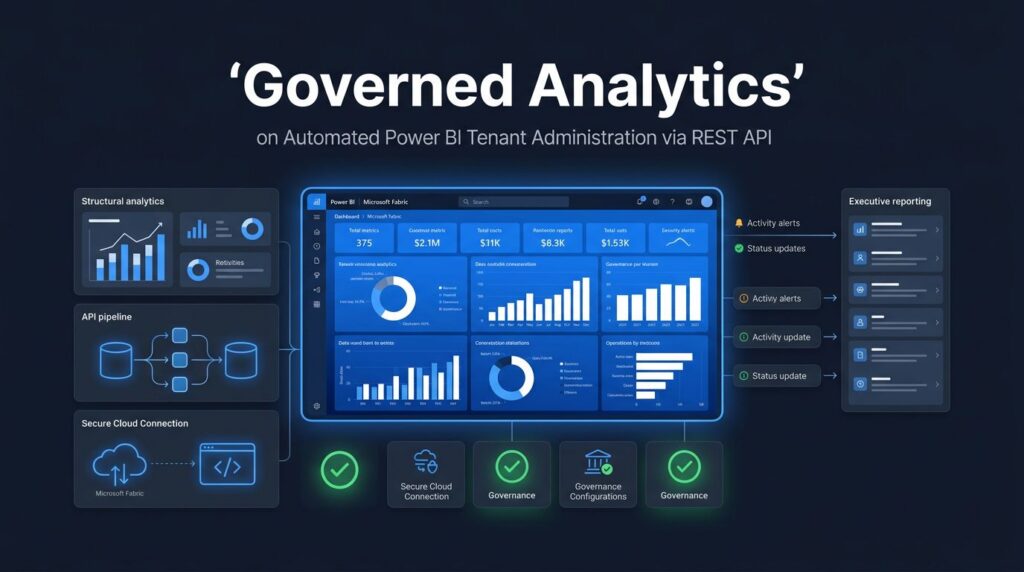
A growing environment in the Power BI Service can become difficult to control long before it becomes visibly broken. Workspaces multiply, refresh failures hide in inboxes, unused assets remain active, and governance becomes a monthly spreadsheet exercise.
The Power BI REST API gives administrators a practical way to replace repeated portal checks with scheduled inventories, alerts, and auditable operational data. For mid-market and enterprise teams, automation creates a clearer view of who owns analytics assets, what is changing, and where risk is building while streamlining daily administrative tasks.
Key Takeaways
- The Power BI REST API can automate workspace management, activity-event collection, tenant setting reviews, and governance reporting.
- A secure setup starts with Microsoft Entra ID, tightly scoped service principal access, and tenant settings limited to approved security groups.
- Administration data is more useful when it feeds an operating process, with owners, thresholds, review dates, and escalation paths.
- Microsoft Fabric expands the value of Power BI automation by connecting governance to pipelines, OneLake data, semantic models, and capacity operations.
- Spargent Analytics helps U.S. companies turn scattered Power BI administration tasks into governed, measurable data operations.
Why Power BI REST API Automation Matters for Tenant Administration
The Power BI Service admin portal is useful for investigating an issue. It is less effective as the only operating model for a tenant with hundreds of workspaces and many report owners. Manual reviews depend on someone remembering to run them, export the results, and interpret the same patterns every month.
With the Power BI REST API, an organization can collect administration data on a schedule and store it in a governed model. Instead of asking whether a workspace has an owner, an automated process can flag workspaces that lack accountable contacts. Rather than searching for refresh failures after business users complain, operations teams can monitor activity and service signals alongside their support process.
The API is not a substitute for sound governance. It is the mechanism that makes governance repeatable. Microsoft groups administrative operations separately in its Power BI admin API reference, while the wider Power BI REST API documentation covers service automation across workspaces, reports, datasets, users, and Power BI embedded analytics scenarios through dedicated REST API endpoints.
For a manufacturing company, this can mean tracking whether plant operations reports still point to approved data sources. For a healthcare organization, it can mean identifying where sensitive reports are shared and who has workspace access. In financial services, it can create a regular record of activity for control reviews.
A tenant inventory is only useful when it identifies an accountable business owner, a technical owner, and a next action for each exception.
Automation also reduces dependency on one administrator who knows where everything lives. That is important when Power BI has become part of daily finance, operations, sales, and executive reporting.
What the Power BI REST API Can Automate
The most valuable API projects begin with administrative questions that already consume time. Start with a clear decision that each data collection will support. A dashboard full of API output does not improve administration by itself.
The following areas are strong starting points.
| Administrative need | API-driven output | Business use |
|---|---|---|
| Workspace inventory | Workspace list, state, owners, capacity context | Finds orphaned or unmanaged workspaces |
| Activity oversight | Tenant activity events with date filters and continuation tokens | Supports adoption, audit, and incident review |
| Tenant configuration | Current tenant settings and approved groups | Detects policy drift |
| Content governance | Reports, semantic models, users, and permissions | Focuses certification and access reviews |
| Platform operations | Refresh history, usage metrics, and capacity-related signals | Prioritizes performance and cost work |
The specific REST operation groups within the admin/workspaces family can provide a tenant-wide workspace inventory. This creates a baseline for governance reporting, especially when you add a business owner, department, data classification, review date, and lifecycle status.
Activity events are another high-value use case. The administrative activity endpoint supports date-time windows, filters, and continuation tokens. A scheduled collection process can retain a usable activity history for analytics adoption reviews, compliance investigations, and support analysis. Microsoft documents these administrative and developer capabilities in its Power BI developer guidance.
Tenant settings deserve the same treatment. A setting changed during a project can have broad effects on external sharing, export controls, service principal access, or developer capabilities. Programmatically retrieving the configuration makes it possible to compare the current state with an approved policy baseline.
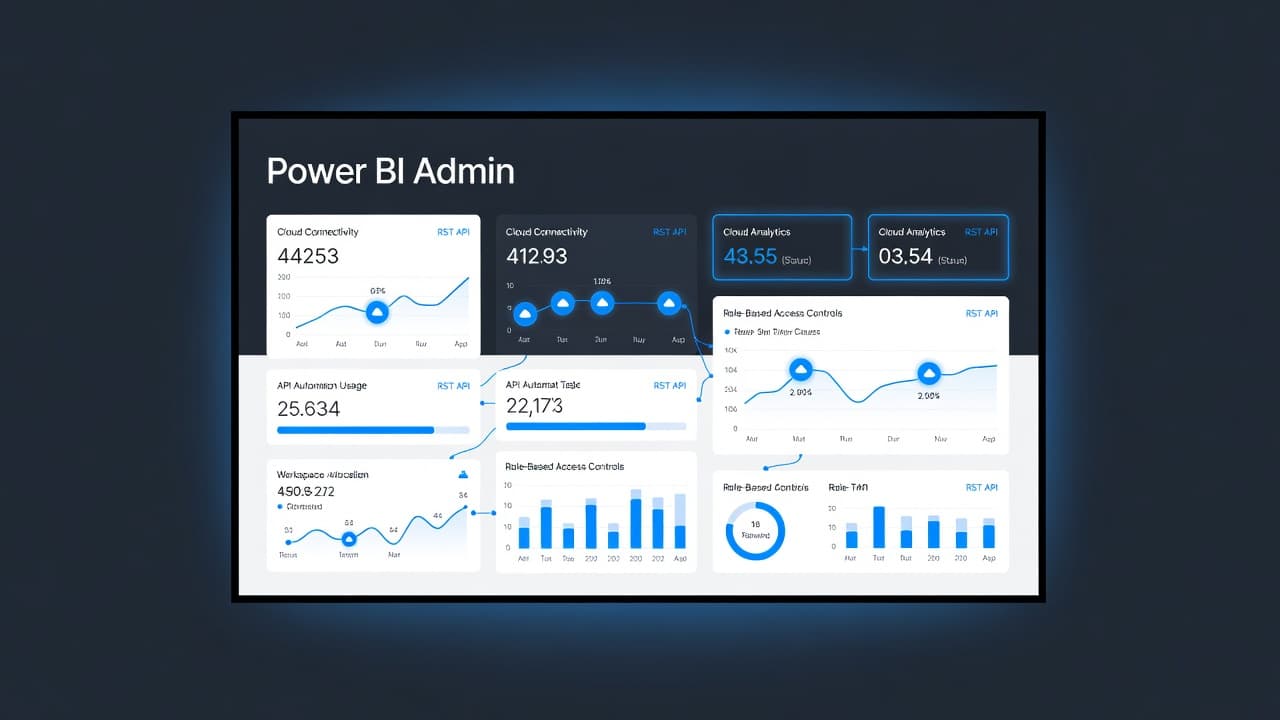
Avoid trying to automate every available endpoint at once. Start with the data needed for a monthly tenant operating review. Once the team trusts that output, add automated exceptions, remediation tickets, and executive-level adoption metrics.
Build a Secure Foundation Before Scheduling Calls
Power BI administration automation needs a secure identity design. The usual pattern uses an app registration in Azure Active Directory (Microsoft Entra ID) via the Microsoft identity platform to generate an OAuth 2.0 access token. The calling identity also needs the appropriate tenant administrative role and matching API permissions for the requested operation.
Service principals are a good fit for scheduled jobs because they avoid tying the automation to an employee account. However, a service principal should never receive broad access by default. In the Fabric or Power BI admin portal, restrict read-only admin API access to a named Microsoft Entra security group. Then place only the approved application identity in that group.
Use the narrowest permissions that meet the requirement. Tenant-level reading may require Tenant.Read.All, while some operations need additional consent or higher privilege. Review Microsoft documentation for each endpoint rather than treating a successful test call as permission to expand access.
A secure implementation usually follows core security best practices and includes these specific controls:
- Use certificate-based credentials where possible, or secure your client secret in Azure Key Vault alongside the correct tenant ID.
- Limit API access to one or more approved Entra security groups and restrict API permissions strictly to what is necessary.
- Separate development, test, and production application registrations for each Azure AD app you deploy.
- Log every job run, response failure, retry, and configuration change.
- Review privileged access and app consent on a fixed schedule.
The automation account should read data, not become an invisible tenant administrator with unrestricted write access. For most governance reporting, read-only operations are enough. Keep any write automation separate, approved, and carefully tested.
This discipline supports Microsoft Fabric governance as well. Power BI reports are often the visible layer, yet the data lifecycle also includes ingestion, transformations, Lakehouse tables, Warehouse objects, and shared semantic models. Access decisions must remain coherent across those layers.
Turn API Data Into an Operating Process
A reliable job is more than a script that returns JSON. It needs a destination, a schedule, validation rules, and a person who acts on the results. Azure Functions, Azure Automation, Fabric notebooks, Azure Data Factory, and CI/CD pipelines can all host parts of this workflow. The right choice depends on your existing platform and support model.
A practical Power BI REST API automation flow has five stages:
- Authenticate and collect the required tenant data through a service principal or approved administrator identity by sending secure HTTP requests.
- Handle paging and retries so a large tenant does not lose records when an endpoint returns continuation tokens, transient errors, or issues requiring robust error handling.
- Land raw responses in a controlled location, saving the output in JSON format along with a timestamp, source endpoint, and run identifier for traceability.
- Transform and model the records into administration tables, such as workspaces, owners, reports, activity, capacity assignment, and policy exceptions.
- Route exceptions to the right operational process, whether that is an email, Teams notification, service-management ticket, or quarterly governance review, while integrating with broader automation workflows.
A Fabric Data Factory consulting engagement can set up the orchestration layer, while a Dataflows Gen2 implementation can help standardize low-code transformation work for smaller operational datasets. Teams with broader ingestion needs may use Microsoft Fabric data engineering services to bring administration records into a common Lakehouse architecture.
The modeled output matters as much as collection. A workspace table alone does not show a risk. A workspace table linked to owners, sensitivity classifications, last activity date, capacity, and connected semantic models can identify actions that administrators and department leaders understand.
For example, a weekly exception report might highlight workspaces with no owner, reports with unusually high access, items that have not been used for six months, or a failed dataset refresh that needs attention. The same process can identify high-impact semantic models that need performance tuning before a month-end reporting cycle.
Connect Tenant Administration to Microsoft Fabric
Power BI administration becomes more valuable when it sits inside a wider Fabric operating model. A modern platform does not treat reports as isolated files. It connects ingestion, storage, data governance, modeling, and distribution so business users work from trusted definitions.
A Microsoft Fabric Lakehouse can retain raw API responses and curated governance tables in OneLake. This gives technical teams a place to reconcile tenant metadata with source-system data, service-management records, and organizational ownership data. With thoughtful OneLake consulting, companies can reduce duplicate copies and apply access controls closer to the shared data foundation.
A Microsoft Fabric Warehouse may be a better serving layer for teams that prefer T-SQL reporting and familiar dimensional structures. Either pattern can support governance scorecards, adoption reporting, and capacity analysis. The architecture should fit existing skills and reporting needs, not a generic diagram.
Strong Microsoft Fabric Power BI integration also improves consistency between the platform and the reports that measure it. Curated Fabric semantic models can define terms such as active workspace, certified report, inactive owner, refresh incident, or governed data asset once. That helps prevent IT, finance, and business units from reporting different answers to the same question.
Data platform modernization often begins with a modest problem, such as reducing manual inventory exports. Yet the work often exposes fragmented reporting logic, duplicated data preparation, and unclear ownership. That is where analytics modernization creates tangible value, because teams can consolidate repetitive effort around a governed platform.
Organizations planning to migrate to Microsoft Fabric should include administration data in the migration design. A Power BI to Microsoft Fabric migration is not complete when reports open in the new environment. It also needs ownership rules, report deployment processes, support procedures, access patterns, and deployment pipelines for monitoring.
Use Automation to Improve Performance, Capacity, and Cost Control
Administration data can guide technical investment. Without a tenant-wide view, teams often tune the loudest report or the latest user complaint. That approach misses workload patterns and recurring causes.
Microsoft Fabric performance optimization should bring together report behavior, refresh patterns, model design, storage mode, and capacity utilization. A report can appear slow because its DAX measures are inefficient, its source query is expensive, its model has poor relationships, or its capacity is under pressure. The remedy depends on evidence.
Power BI semantic model optimization focuses on that middle layer. Teams can reduce unnecessary columns, improve star-schema design, manage high-cardinality fields, and revisit calculation patterns. They can also review whether import, DirectQuery, Direct Lake, or composite models fit the data and usage profile.
At the platform level, Microsoft Fabric capacity planning should account for interactive queries, scheduled dataset refresh tasks, engineering workloads, and peak reporting periods within the Power BI Service. The goal is not to maximize capacity use. It is to meet service expectations without paying for idle headroom or suffering predictable slowdowns.
After go-live, recurring monitoring is essential. Optimize Fabric Performance and Cost when refresh queues, slow reports, or uncertain capacity requirements are eroding trust in the platform.
Short Success Story: A U.S. Pension Provider Uses Fabric for Governed Data
A pension provider faced years of data fragmentation across line-of-business systems and disconnected sources. Its existing data platform carried significant technical debt and lacked the flexibility teams needed as requirements evolved.
The organization contacted Spargent Analytics for support in modernizing its data environment. Working alongside its internal data platform team, we helped implement Microsoft Fabric and consolidate siloed data into a more unified, governed foundation.
As part of the solution, GDPR-regulated data and personally identifiable information were anonymized during ingestion. This enabled domain teams to work with trusted data without directly accessing sensitive fields.
This example demonstrates why automation and governance must work together. Tenant-level controls provide visibility into who can access Power BI assets and how those assets are used. Fabric extends this governance across data ingestion, OneLake storage, shared security, and governed reporting.
Senior Fabric Delivery for U.S. Data Teams
Spargent Analytics provides Microsoft Fabric consulting services for U.S. mid-market and enterprise organizations that need results without building a large internal platform team first. The work covers architecture, delivery, migration, training, governance, and ongoing support across the full analytics lifecycle.
A senior Microsoft Fabric expert can help assess where automation will produce the fastest return, whether that is Power BI tenant governance, Data Factory pipelines, Lakehouse design, or capacity management. Spargent’s consultants work with internal BI and data teams, while also supporting companies that need an experienced delivery team to own implementation.
As a dedicated implementation partner, Spargent supports Data Factory pipelines, Dataflows Gen2, OneLake, Lakehouse, Warehouse, Power BI, semantic models, real-time analytics, and managed operations. This includes Fabric Real-Time Intelligence where operational events need faster visibility, plus managed services for teams that need support after launch.
Built around the needs of U.S. companies, Spargent delivers with senior specialists from Europe. The model provides U.S.-market-ready delivery, clear communication, and an efficient cost structure that can produce stronger ROI than a traditional U.S.-only consulting model.
For organizations seeking Microsoft Fabric consulting USA, Spargent brings European engineering depth to U.S. operating requirements. Its data engineering consulting USA work focuses on reliable pipelines, governed access, useful reporting, and manageable operating costs. Book a Microsoft Fabric Discovery Call to review your tenant, platform priorities, and the next practical step.
Frequently Asked Questions
What is the primary purpose of the Power BI REST API in tenant administration?
The Power BI REST API allows administrators to automate repetitive tasks like workspace inventories, activity tracking, and governance reporting on a schedule. This replaces manual portal checks with reliable, auditable data operations that scale across large environments.
How can I secure access to the Power BI REST API for automation?
A secure setup uses an app registration in Microsoft Entra ID with a service principal rather than an employee account. You should restrict read-only admin API access to a specific security group and follow the principle of least privilege for all permissions.
What should be done with the raw data collected from the API?
Raw JSON responses should be landed in a controlled storage location with timestamps and run identifiers for traceability. From there, the data can be transformed and modeled into administrative tables to route exceptions or monitor adoption.
How does Microsoft Fabric enhance Power BI administration automation?
Microsoft Fabric extends Power BI automation by connecting governance data to pipelines, OneLake storage, semantic models, and capacity operations. This creates a unified environment where administration data can be easily managed alongside the rest of your data platform.
Conclusion
Power BI tenant administration becomes manageable when recurring checks become governed automation workflows. The Power BI REST API gives teams the raw material, but ownership, security, and operational follow-through turn that data into better reporting and lower risk across the Power BI Service.
A well-designed Fabric foundation connects tenant insight to pipelines, OneLake data, semantic models, performance management, and capacity decisions. That creates a stronger return from the Microsoft tools your organization already uses.
