
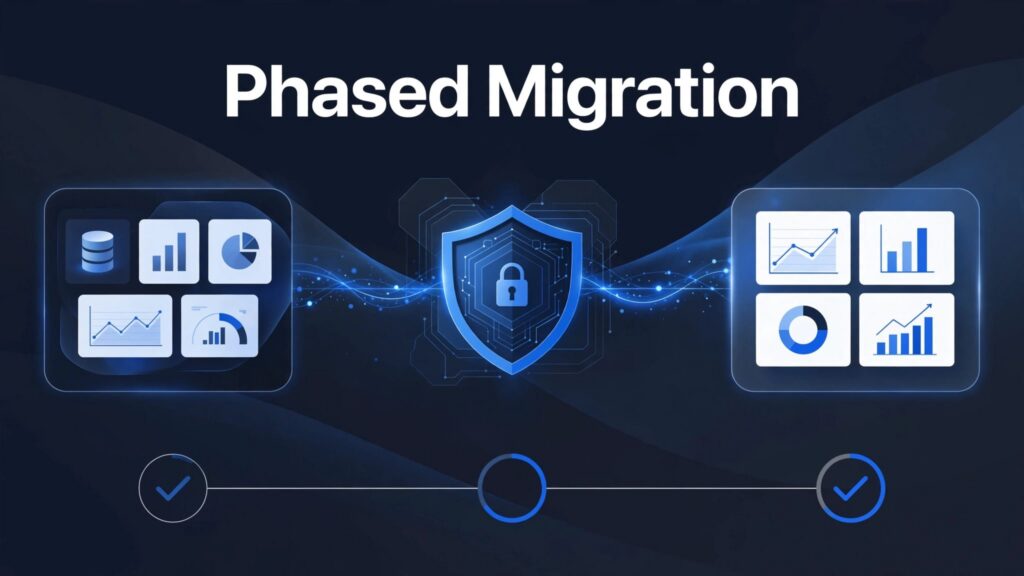
An Oracle Analytics migration may involve an Oracle analytics environment or Oracle Analytics Cloud, but moving data is only part of the work. It also requires rebuilding business logic, access controls, reports, and schedules without disrupting daily decisions.
For U.S. organizations already using Microsoft 365, Azure, or Power BI, the safest route is phased modernization. Keep Oracle reporting available while proving each replacement workload.
Start with one business domain, establish measurable acceptance criteria, and migrate to Microsoft Fabric in controlled waves.
Key Takeaways
- Separate database ingestion from rebuilding Oracle Analytics application content.
- Use shortcuts for supported existing storage, but choose pipelines or mirroring for Oracle database data.
- Approve each wave only after data, permissions, reporting, and operational checks pass.
- Retain rollback options until Fabric reporting is stable and business owners accept the results.
Phase 1: Scope the Oracle Analytics Migration
Begin with business dependencies, not server counts. Choose a reporting domain with clear ownership and measurable outcomes, such as finance or manufacturing operations.
Inventory application content and dependencies
For Oracle Analytics Server and Oracle Analytics Cloud, inventory RPD subject areas, catalog content, connection pools, application roles, agents, and scheduled jobs. For Oracle Analytics Server, also review usage tracking and catalog content to identify what people still use.
Inventory Oracle database data sources separately, including an Autonomous Data Warehouse where applicable. Decide whether each source will remain in place, be replicated, or be replaced. For estates hosted in Oracle Cloud Infrastructure, record the relevant service details; for self-managed sources, include compute instances.
Capture Oracle Data Integrator dependencies separately. If it’s in scope, document the master repository and work repository, including Repository Creation Utility dependencies. These are source-side components, not Fabric artifacts, and ODI mappings don’t transfer directly into Fabric Data Factory.
Retain Oracle-native snapshots and repository exports for recovery and reference. Preserve a source-native snapshot file as a recovery artifact. Oracle’s content export guidance describes an Oracle migration path. BAR files aren’t Fabric import packages, and RPD logic needs a rebuild plan.
Define outcomes and wave boundaries
Record current report response times, refresh windows, manual preparation hours, and infrastructure costs. Then assign an owner to each acceptance measure.
A useful pilot reduces a reporting bottleneck while testing the full delivery path. Include ingestion, transformations, semantic modeling, permissions, deployment, and support.
Classify content as retain, rebuild, consolidate, or retire. This keeps your Microsoft Fabric migration from reproducing obsolete reports and conflicting KPI definitions. Use these decisions to shape the migration blueprint and migration process.
The Oracle operational database can remain in place while you modernize its analytics.
Phase 2: Design the Fabric Landing Zone
Establish development, test, and production boundaries before building pipelines. Spargent’s Fabric workspace strategy supports clear ownership and controlled releases for the landing zone.
Choose storage around the workload
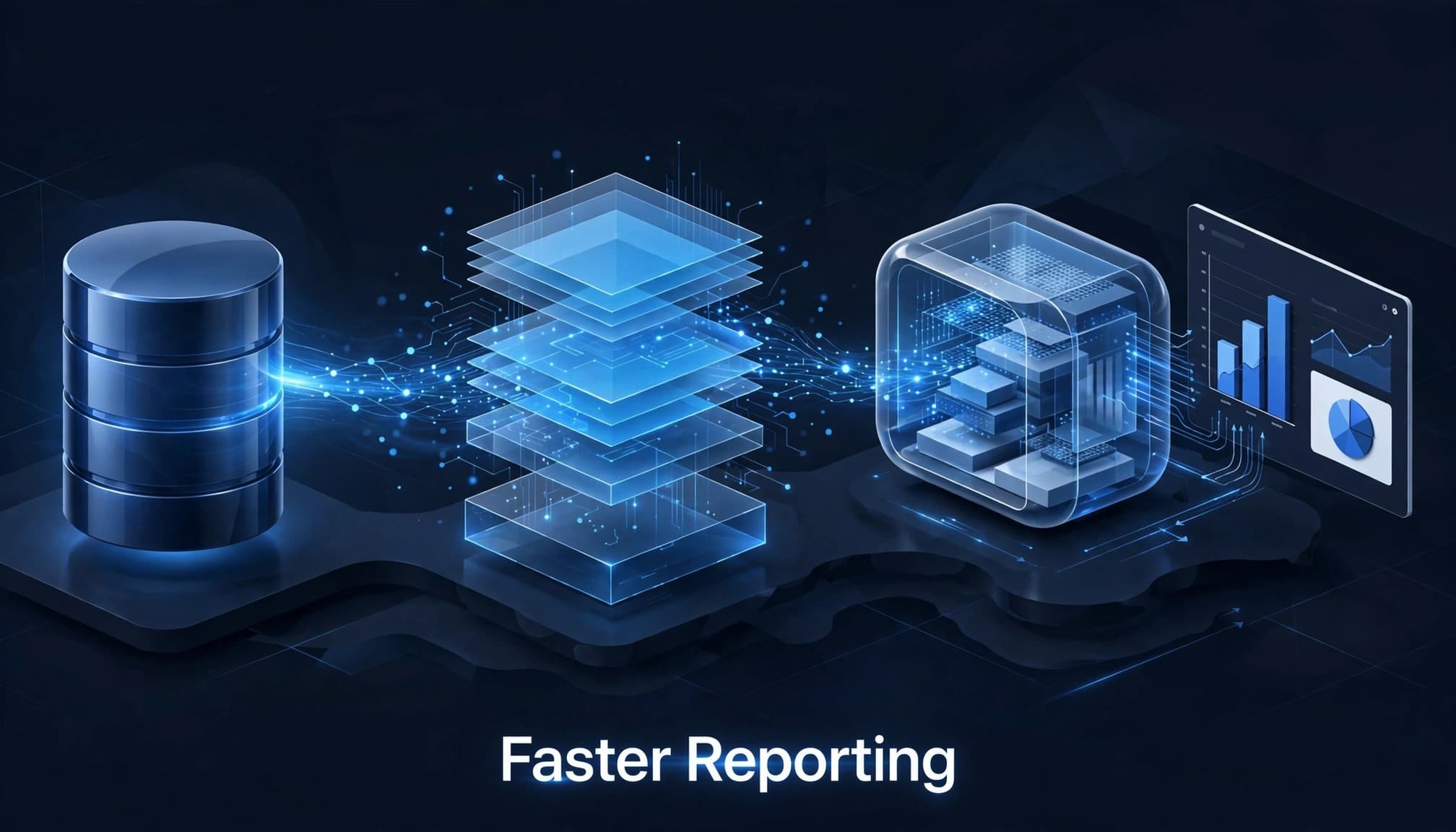
Use a Microsoft Fabric Lakehouse when open files, Spark transformations, and layered data preparation fit the engineering workload. Choose a Microsoft Fabric Warehouse for SQL-centered dimensional modeling and structured reporting.
Both use OneLake, but that doesn’t mean every dataset needs both architectures. Avoid duplicate transformation paths without a clear business reason.
Where data already resides in supported storage, such as Azure Data Lake Storage or Amazon S3 object storage, assess shortcuts first; they can reduce initial movement. Shortcuts don’t connect directly to Oracle databases, and OCI object stores aren’t automatically supported.
Establish security and operational boundaries
Assign identity management ownership for Microsoft Entra groups and service identities, and define approved connections, secret handling, and access reviews. Keep source connectivity separate from workspace design, and confirm routes and gateway availability with infrastructure teams. For an OCI-hosted Oracle source, verify its virtual cloud network (VCN) routes. Use private endpoints only where supported by the source connectivity design.
Set data residency and compliance requirements before selecting workspace regions. Microsoft Fabric governance also needs accountable dataset owners and traceable source-to-report lineage.
Reserve Fabric Real-Time Intelligence for workloads that genuinely need streaming analysis. Daily financial reporting doesn’t automatically require a real-time architecture.
Phase 3: Prove Oracle Ingestion Before Scaling
Test representative tables across your data sources before extracting an entire schema. Include Autonomous Data Warehouse if it’s your Oracle source, along with large tables, changing records, precision-sensitive values, and difficult timestamps.
Use pipelines for controlled batch movement
Fabric Data Factory pipelines suit scheduled extraction and explicit orchestration, making them useful for validating the migration process in a controlled pilot. Microsoft’s Oracle copy activity documentation covers the source configuration.
Validate gateway connectivity, drivers, credentials, source-query performance, and concurrency. Limit extraction pressure so reporting migration doesn’t degrade transactional systems.
For incremental loads, define reliable watermarks and deletion handling. Make retries idempotent so rerunning a failed batch doesn’t duplicate records.
Dataflows Gen2 can support Power Query-based preparation. However, complex Oracle SQL and ODI transformations require deliberate redesign, not automatic translation. Fabric Data Factory consulting should establish reusable ingestion patterns, not just individual connectors.
Evaluate mirroring against prerequisites
Oracle mirroring creates a read-only analytical copy in OneLake. It doesn’t migrate dashboards, RPD semantics, or scheduler jobs.
Check source write mode, ARCHIVELOG, supplemental logging, required keys, and gateway compatibility. Microsoft’s Oracle mirroring limitations currently include a maximum of 1,000 tables per mirrored database.
Also verify supported data types and behavior during schema changes. Microsoft Fabric data engineering services should test recovery and replication lag before expanding the pilot.
Phase 4: Rebuild Business Logic and Permissions
Reliable Microsoft Fabric Power BI integration depends on consistent business definitions. A faster dashboard still fails if it calculates margin differently.
Translate RPD semantics into governed models
Map logical tables, joins, hierarchies, calculations, and aggregate rules into documented target designs. Rebuild approved KPIs in a governed semantic model rather than scattering calculations across reports.
Spargent’s guidance on reusable semantic models supports shared definitions in a semantic model for executive reporting.
Choose Import, DirectQuery, or Direct Lake according to freshness, performance, and source constraints. DirectQuery leaves query demand on the source; Direct Lake requires suitable Fabric data and supported model behavior.
If existing Power BI reports are also in scope, treat Power BI to Microsoft Fabric migration as a separate dependency workstream. Preserve report contracts while changing their underlying data preparation.
Remap identities and scheduled delivery
As part of identity management, translate Oracle application roles into Entra groups, workspace permissions, and model-level controls. Rebuild session-variable and custom-authentication behavior explicitly.
Test application roles and row-level security with representative user accounts, including restricted users. Workspace access alone doesn’t prove that downstream reports enforce the intended rules.
Replace Oracle agents and scheduled jobs with supported orchestration and distribution methods. Check owners, recipients, service credentials, time zones, retries, and duplicate notifications.
Importing Oracle data doesn’t reproduce Oracle Analytics access rules. Security acceptance needs its own test evidence.
Phase 5: Validate in Parallel Before Cutover
Run Oracle and Fabric reporting against the same source period. Because source data continues changing, record extraction timestamps or replication checkpoints before comparing results.
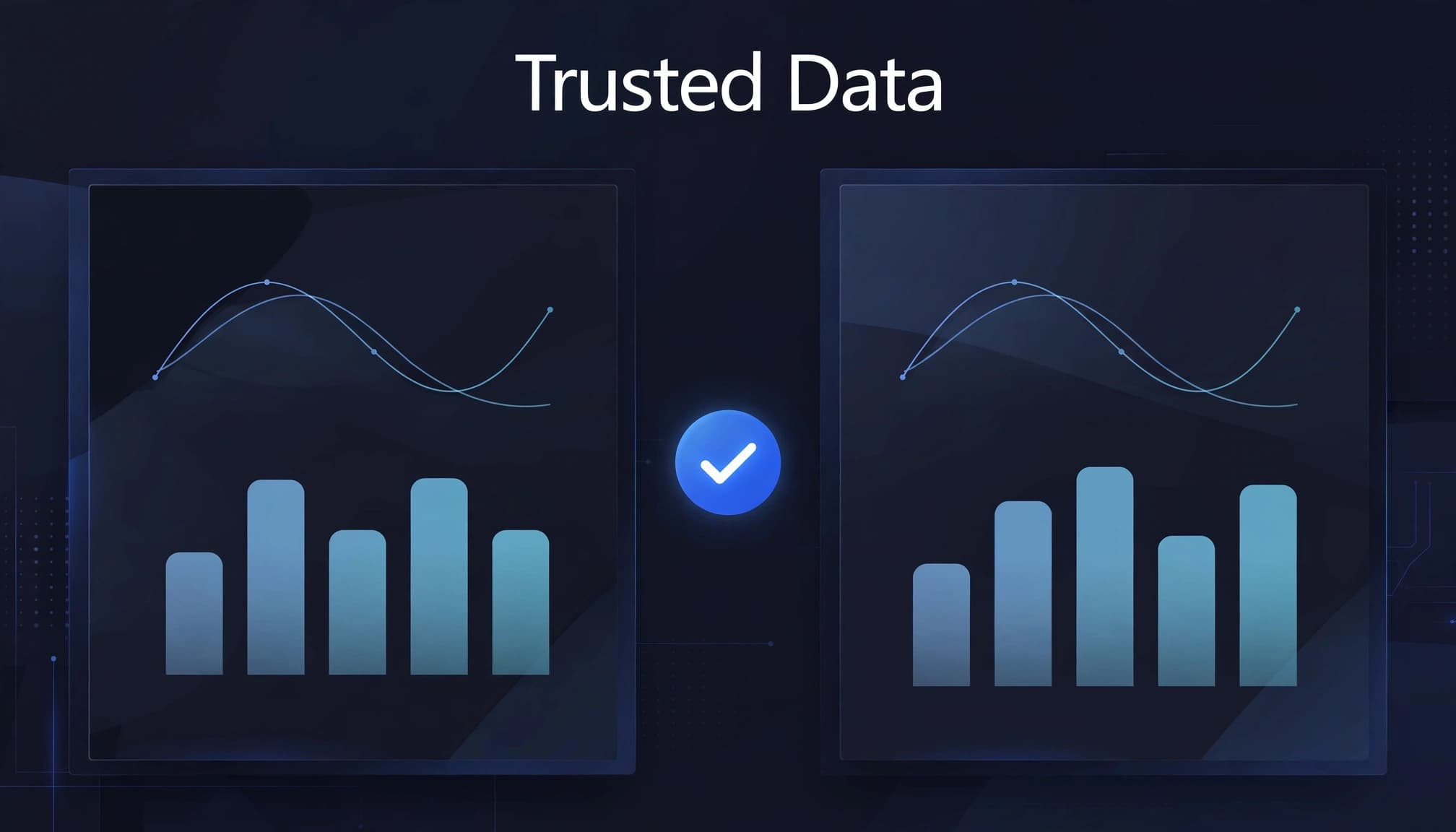
Automate checks for row counts, duplicate keys, missing relationships, partition completeness, and financial control totals. Compare curated tables as well as source extracts.
Investigate Oracle empty-string behavior, null handling, decimal precision, date boundaries, and time-zone conversions. These differences can change results even when row counts match.
Then validate the business layer. Compare KPI totals under identical filters, drill paths, and application roles. Verify identity management outcomes with representative users.
For finance, include a complete close cycle when relevant. Use usage tracking to assess report use and adoption, not as a substitute for accuracy checks or business acceptance.
Performance tests should reproduce concurrent users and overlapping refreshes. A report that passes alone may fail during the morning reporting peak.
Keep an exception register with an owner and resolution for every discrepancy. Require no unresolved critical mismatches, accepted performance thresholds, verified permissions, and business sign-off before approving the wave.
Reconciliation demonstrates completeness against defined controls. Avoid treating a successful copy activity as proof of zero data loss.
Phase 6: Cut Over With a Rehearsed Rollback
Write the cutover runbook before scheduling production changes. Assign decision authority, technical ownership, communications, and rollback triggers.
Use this order for each approved wave:
- Freeze changes to the affected Oracle reports, mappings, and schedules.
- Complete the final incremental load or confirm the agreed replication checkpoint.
- Run reconciliation tests and verify permissions, including identity management, against the release candidate.
- Redirect users and activate replacement schedules after approval.
- Disable duplicate legacy delivery while retaining the recoverable Oracle environment.
Rollback should restore the previous reporting route and schedules. Keep Oracle as the operational source; don’t assume analytical data in OneLake can safely reverse-write into it.
Define rollback triggers around missed refresh windows, incorrect totals, security defects, and unacceptable report latency. Rehearse the procedure in test, including who contacts business users.
After go-live, monitor ingestion failures, replication lag, refresh duration, query latency, and capacity consumption as technical health metrics. Use usage tracking separately to understand report adoption. Microsoft’s Fabric Capacity Metrics app helps identify competing workloads.
Treat Microsoft Fabric capacity planning as an ongoing discipline. Microsoft Fabric performance optimization should examine inefficient queries and overlapping jobs before increasing capacity.
Power BI semantic model optimization can reduce refresh and query demand. Measure licensing, storage, support, and parallel-operation costs together, then retire Oracle components only after agreed retention requirements are satisfied.
Success Story: Gay Lea Foods Accelerates Reporting
Microsoft’s Gay Lea Foods customer story describes how the dairy cooperative uses Microsoft Fabric to bring data together and accelerate reporting. It highlights the value of connecting fragmented information so employees can access useful insights sooner. This is a Microsoft customer example, not evidence of an Oracle-to-Fabric migration or a Spargent engagement.
Fictional illustration: A regional food distributor struggled with fragmented reports and manual reconciliation across teams. It chose an Oracle Analytics migration for one workload in a controlled Fabric wave. The pilot made reporting preparation simpler and helped staff reach consistent information sooner, without claiming quantified results. The lesson is to validate business definitions and controls before scaling.
Deliver With Senior Fabric Specialists
Spargent Analytics is a specialist Microsoft Fabric implementation partner for U.S. mid-market and enterprise organizations. Its Microsoft Fabric consulting services support internal analytics teams and companies without a full data function.
Cover the full data lifecycle
Senior Microsoft Fabric consultants help design, implement, migrate, optimize, and support ingestion, Data Factory pipelines, Dataflows Gen2, Lakehouse, Warehouse, and OneLake solutions.
Delivery also covers Power BI, semantic models, governance, real-time analytics, and managed support. This gives analytics modernization a consistent engineering and operational approach.
For internal teams, a Microsoft Fabric expert can address architecture or delivery gaps. For leaner organizations, Microsoft Fabric managed services reduce dependence on hiring every specialist internally.
Combine U.S. priorities with European delivery
Spargent’s model is built around U.S. business needs and delivered by senior European Microsoft Fabric specialists. It combines an efficient cost structure with clear communication and agreed working-hour overlap.
Compared with traditional USA-only consulting models, this approach can improve ROI by lowering delivery costs. Evaluate savings alongside faster implementation, maintainable pipelines, and greater value from existing Microsoft investments.
Frequently Asked Questions
Does moving Oracle data to Fabric migrate Oracle Analytics reports and business logic?
No. Data ingestion or mirroring doesn’t transfer dashboards, RPD semantics, permissions, or scheduler jobs; plan to rebuild and validate those components separately.
Should I use a shortcut or a pipeline for Oracle database data?
Shortcuts can reduce data movement when data already resides in supported storage, such as Azure Data Lake Storage or Amazon S3. For Oracle database data, evaluate Fabric Data Factory pipelines or mirroring against your connectivity, workload, and source prerequisites.
How do I know a migration wave is ready for cutover?
Run Oracle and Fabric reporting in parallel, reconcile data and KPI results, and test permissions and performance with representative users. Approve the wave only after critical mismatches are resolved and business owners sign off.
Can we roll back after a Fabric cutover?
Yes, if the cutover plan retains the Oracle environment and defines tested rollback triggers. The runbook should restore the previous reporting route and schedules; don’t assume OneLake can write analytical data back to Oracle.
Move One Trusted Workload at a Time
A successful Oracle Analytics migration gives users dependable reporting while legacy workloads remain recoverable. Approval gates should control expansion, with data accuracy and access controls tested alongside performance.
Begin with one reporting domain and prove its operating model before scaling.
Book a Microsoft Fabric Discovery Call with Spargent Analytics to review your Oracle environment, identify a suitable pilot, and define the next migration step.
