
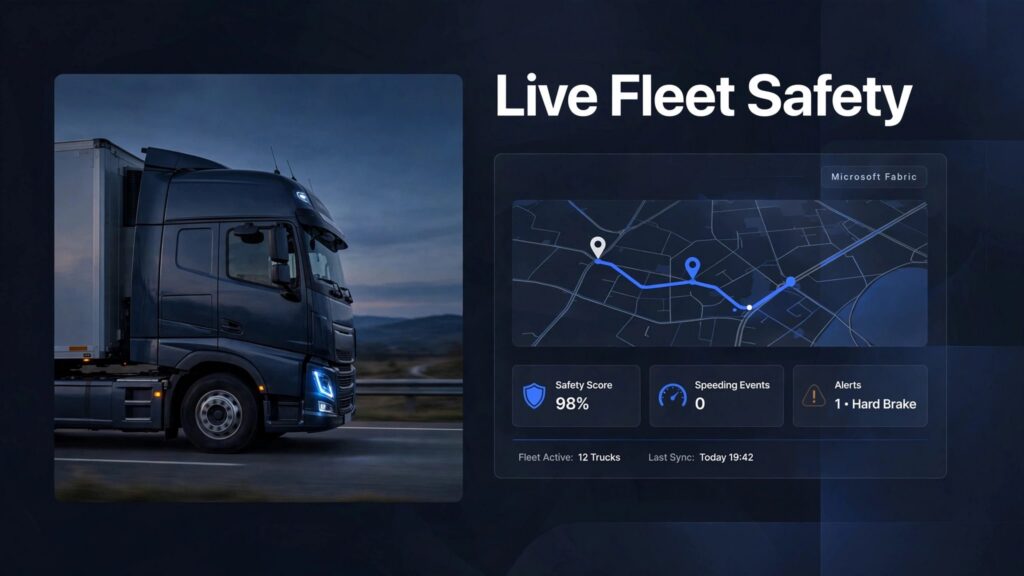
Build live fleet safety dashboards by connecting telematics events to driver, compliance, and trip data, then turning validated signals into alerts. Microsoft Fabric can support both immediate operational views and historical Power BI reporting, without relying on daily spreadsheet exports.
The main challenge is decision-ready data: identifying which driver was responsible, whether an event needs intervention, and who should respond. Start with those decisions before choosing charts or configuring ingestion.
Key Takeaways
- Start with five to seven safety metrics, each with a clear definition and assigned owner.
- Separate live fleet safety monitoring from historical analysis, while sharing governed data.
- Track response times for unresolved alerts and coaching outcomes alongside speeding, harsh braking, and compliance events.
Choose the Metrics Your Fleet Safety Dashboards Need
Telematics platforms detect speeding, harsh braking, and rapid acceleration in real time. However, detection alone doesn’t establish fault. Vehicle type, road conditions, and emergency maneuvers affect interpretation.
Start with five to seven high-impact safety metrics. A safety-first dashboard needs different headline measures than an executive fleet management dashboard.
Use this starting set to connect each signal to an action.
| Metric | What to display | Operational response |
|---|---|---|
| Speeding events | Duration, severity, posted limit, and location | Review persistent or severe events |
| Harsh braking | Events per 1,000 miles, with context | Investigate repeated patterns |
| Rapid acceleration | Events per 1,000 miles by vehicle class | Coach recurring behavior |
| Distraction and lane departure | Validated camera or ADAS detections | Review evidence before escalation |
| HOS compliance | Remaining hours and violation trends | Adjust assignments before HOS violations |
| Inspection defects | Unresolved defects and inspection history | Route issues to maintenance |
| Alert response | Unacknowledged alerts and resolution time | Escalate overdue actions |
Don’t infer distraction or lane departure from GPS alone. These signals require appropriate camera or vehicle-system data.
For broader operating visibility, add cost per mile, idle time, on-time delivery rate, and fuel spend on separate pages. That keeps safety decisions visible without losing financial context.
Normalize driver behavior measures by distance or driving hours. Otherwise, your busiest drivers can appear riskier simply because they drive more.
Connect Telematics to Microsoft Fabric
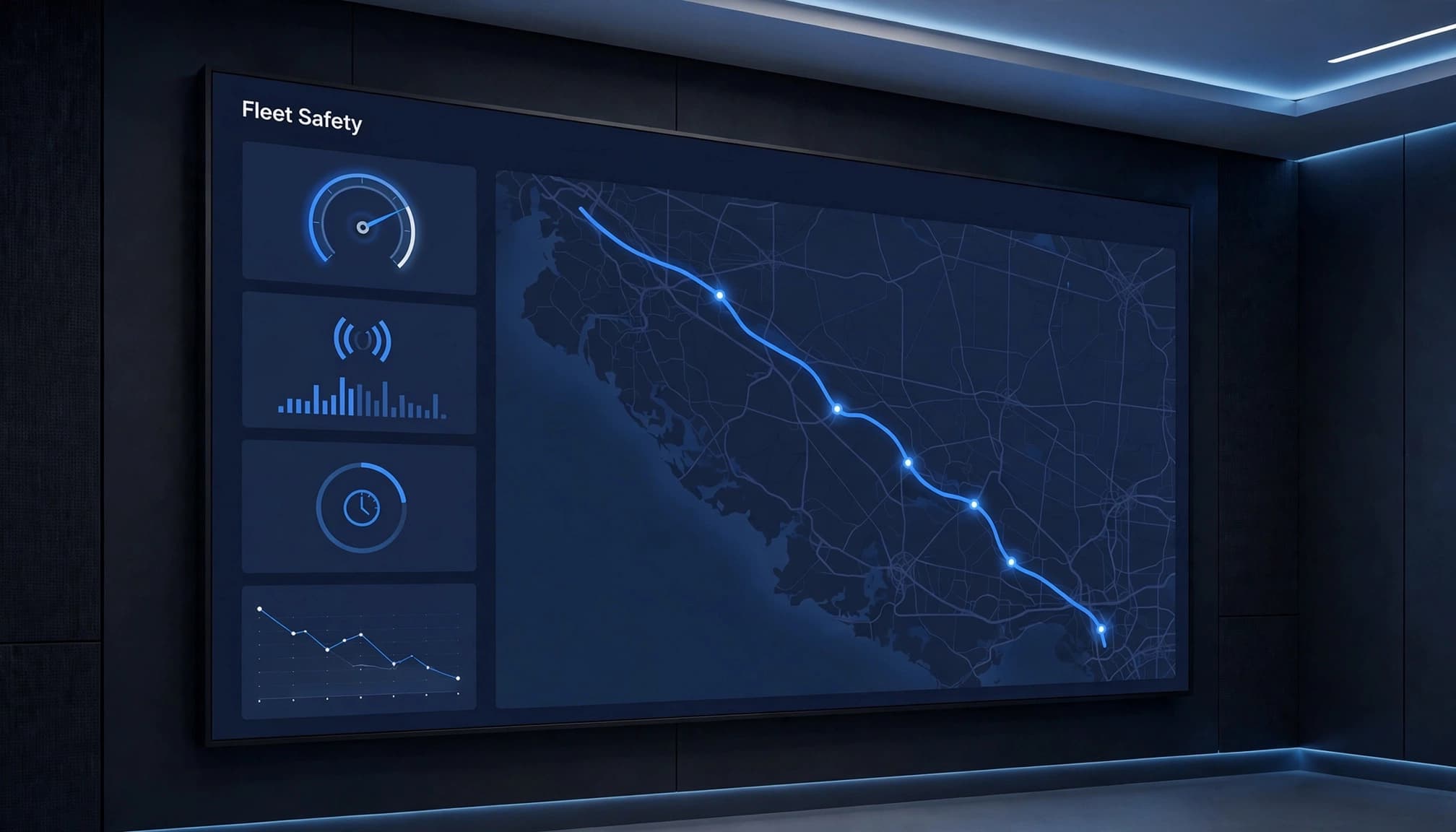
A fleet architecture needs two paths: streaming events for immediate action and historical data for analysis. Microsoft’s Real-Time Intelligence overview describes ingestion, transformation, storage, visualization, and real-time actions within Fabric.
Stream and contextualize live events
Vehicle sensors and electronic control units generate location, speed, and mechanical signals. Capture devices or telematics providers transmit them through APIs, gateways, or messaging infrastructure.
Route live feeds into Eventstreams, then Eventhouse for time-series storage and KQL analysis. This streaming path supports prompt operational action. MQTT-based systems need a supported integration path, as Fabric doesn’t replace device management.
Enrich events with vehicle class, depot, trip, and the driver assignment effective at the event time. Store event and ingestion timestamps, and preserve source event IDs for deduplication when vehicles reconnect after losing coverage.
Bring business context into OneLake
Use Data Factory pipelines for ERP, maintenance, inspection, ELD data, and transport-management data. Dataflows Gen2 supports repeatable preparation of reference data and scheduled feeds, not continuous telemetry processing.
A Microsoft Fabric Lakehouse can retain raw and curated history. A Microsoft Fabric Warehouse can support structured reporting tables and SQL-based analysis. OneLake connects these analytical workloads without requiring separate spreadsheet copies.
Our Fabric data pipeline guidance covers orchestration and reporting dependencies. This architecture supports Microsoft Fabric Power BI integration for live monitoring and long-term analysis.

Design Alerts and Views Around Operational Roles
Fleet safety operations need a fleet management dashboard that makes ownership obvious. A shared event record can support different views without exposing every detail to every user.
Give each team a focused layout
For dispatchers, place a fleet map beside an exception queue showing remaining HOS, delivery risk, and vehicle availability. Show data freshness beside location so stale positions don’t appear live.
Safety managers need validated incidents, driver trends, unresolved inspection defects, and coaching status. Finance needs incident costs, downtime, idle time, fuel spend, and cost per mile.
Use Fabric’s real-time tools for track-and-trace queries and current exceptions. Power BI supports deeper analysis of geofences, maintenance thresholds, and historical performance. Our real-time analytics consulting connects these views to operational workflows.
Set explicit rules before enabling notifications
As a pilot rule, flag speeding events more than 10 mph over the posted limit for more than 30 seconds. This illustrative threshold isn’t a legal allowance or universal safety standard.
Configure Activator for real-time alerts about compliance violations, detention exceeding contractual allowances, and predicted missed delivery windows. Each alert needs severity, an owner, acknowledgment, and an escalation deadline.
A reconnecting vehicle can upload old events. Compare event time with ingestion time before issuing a live intervention alert.
Suppress duplicate alerts and avoid sending messages that encourage drivers to interact with screens while moving.
Turn Safety Signals Into Coaching and Prevention
Compare like-for-like performance
Geotab’s Fleet Safety Benchmarks experiment uses GO-device data and machine learning to compare fleet performance against peers. It assigns a safety score out of 100 for overall safety and key contributing factors.
The Safety Benchmarks survey received 65 responses. Fleets with safety policies averaged about five points higher, while fleets using training and coaching tools such as GO TALK scored about four points higher.
These Safety Benchmarks show observational associations, not guaranteed improvements. Use them alongside vehicle-class and route comparisons, and don’t treat a safety score as a complete risk assessment.
Review trends and contributing conditions
Analyze HOS violations and ELD data across drivers, shifts, and trip types. Repeated late-shift violations can point to unrealistic scheduling rather than individual driver behavior.
FMCSA identified distraction/inattention as the second most common recorded large-truck driver-related fatal-crash factor in 2019. Its distraction-related crash table describes recorded factors, not proof of crash causation.
Review validated evidence with drivers, document coaching, and compare subsequent normalized event rates. Let drivers explain emergency braking or incorrect assignments.
Implement the Dashboard in Eight Steps
Use a controlled rollout for fleet safety rather than replacing every reporting process at once.
- Identify needs by defining safety decisions, users, measures, and acceptable data latency.
- Select a platform and ingestion approach that matches available telematics feeds.
- Install or configure hardware, including vehicle sensors, ELDs, and appropriate cameras.
- Integrate systems with consistent vehicle, driver, trip, and depot identifiers.
- Train users on alerts, data limitations, coaching workflows, and escalation responsibilities.
- Trial the dashboard with a representative depot or vehicle group.
- Roll out fully after testing access, event accuracy, and operational ownership.
- Evaluate outcomes through response times, normalized incidents, downtime, and reporting effort.
During the trial, validate speeding events, HOS violations, and driver behavior against source records and assignment context. Check missing driver assignments, duplicate messages, connectivity gaps, and changing posted speed limits. Test real-time alerts for latency and acknowledgment.
For organizations planning a Microsoft Fabric migration, move one fleet reporting domain first. A Power BI to Microsoft Fabric migration should preserve trusted measures while replacing fragile preparation processes.
Govern Fleet Data and Control Platform Costs
Protect sensitive data and consistent measures
Microsoft Fabric governance should define access to driver identity, location history, and video evidence. Apply workspace permissions, row-level security, retention policies, and auditable access.
Use shared Fabric semantic models to standardize miles driven, cost per mile, event severity, and incident costs. Finance and safety teams should calculate the same measures from approved definitions. Compare cost per mile by route and vehicle class using consistent calculations.
Also distinguish internal risk scores from FMCSA’s CSA Safety Measurement System. CSA-related performance can affect insurance premiums, customer contracts, and regulatory attention, but it isn’t equivalent to a telematics score.
Track weigh station bypass events, permits, and inspection deficiencies. Weigh Station Bypass, formerly Drivewyze, advertises PreClear coverage across more than 900 North American locations; validate route coverage before relying on a bypass. Weigh station bypass access doesn’t replace compliance obligations.
Size workloads around actual demand
Microsoft Fabric capacity planning should account for telemetry ingestion, concurrent dashboards, maintenance records, historical queries, and scheduled refreshes.
For Microsoft Fabric performance optimization, aggregate older events while retaining detail needed for investigations. Power BI semantic model optimization should remove unnecessary columns and avoid loading high-frequency telemetry into every executive report.
Measure processing lag, query response, and capacity consumption together. Our Fabric governance framework supports ownership across these workloads.
After go-live, Microsoft Fabric managed services can cover failed pipelines, changing source schemas, capacity pressure, and access administration.
Success Story: Iceland Foods Moves Beyond Static Reporting
Iceland Foods adopted Microsoft Fabric with Real-Time Intelligence to reduce preparation-heavy analytics and support faster operational decisions. Centralizing data in OneLake and enabling live Power BI reporting helped teams respond to sales, inventory, and staffing changes.
The relevant lesson for fleet teams is architectural: combine current operational signals with governed business context, then deliver focused views to frontline users.
A fictional regional food distributor is used here as an illustrative scenario. Dispatchers received delayed incident reports and couldn’t connect harsh-braking events with route conditions or driver schedules. The operator connected its telematics feed with trip and driver context in Microsoft Fabric, then built a focused dashboard for dispatchers and safety leads. It highlighted repeat events by route and shift, helping supervisors review trips before coaching sessions.
The team developed a clearer process for prioritizing reviews and correcting route assignments. This scenario is illustrative, not a real client result. The lesson is to pair live signals with useful context and give each role a view tied to a decision.
A separate Labcorp fleet safety case study describes approximately 5,000 courier and distribution vehicles plus 1,500 sales vehicles. Fleet Response reports that Labcorp reached the top 10% of companies for low accident costs following its rollout. That outcome reflects a broader safety program, rather than dashboard software alone.
Get Senior Fabric Delivery Without Building a Full Team
At Spargent Analytics, senior Microsoft Fabric specialists based in Europe deliver around U.S. business needs. We support mid-market and enterprise organizations with established analytics teams that need capacity, as well as those without a full internal team.
Our EU-to-USA delivery model is built for the U.S. market, with clear communication and an efficient cost structure. It can offer potential ROI advantages over traditional USA-only consulting while reducing the need to hire a complete internal data team.
As a Microsoft Fabric implementation partner, we cover ingestion, Data Factory pipelines, Dataflows Gen2, Lakehouse and Warehouse design, OneLake architecture, Power BI, semantic models, and governance. Our services also include real-time analytics and managed support.
Our Microsoft Fabric data engineering services support analytics modernization and migration planning. We help teams migrate to Microsoft Fabric in phases, optimize existing Microsoft investments, and maintain the platform after launch.
The goal is faster reporting, fewer manual Excel workflows, and safety decisions based on trusted data.
Frequently Asked Questions
Which metrics should a fleet safety dashboard track?
Start with five to seven measures, such as speeding events, harsh braking, rapid acceleration, HOS compliance, inspection defects, and alert response time. Normalize driver behavior measures by distance or driving hours, and assign an owner to each metric.
How does Microsoft Fabric support live fleet safety monitoring?
Eventstreams and Eventhouse can ingest and analyze live telematics events for current exceptions and alerts. Historical data in OneLake can support Power BI reporting and analysis alongside those live views.
How can a fleet avoid alerts based on outdated or misleading data?
Compare event time with ingestion time, and check data freshness before issuing a live intervention alert. Enrich events with the driver assignment, vehicle, trip, and route context that applied when the event occurred.
How should a fleet roll out a safety dashboard?
Trial the dashboard with a representative depot or vehicle group, then verify event accuracy, access, alert latency, and operational ownership. Expand after checking source records, missing assignments, duplicate messages, and connectivity gaps.
Build for Faster Safety Decisions
Effective fleet safety dashboards connect reliable events to clear operational ownership. Start with a focused metric set, preserve event context, and make every alert actionable.
Keep historical coaching analysis alongside live monitoring, then govern and size the platform around actual demand.
Book a Microsoft Fabric Discovery Call to review your telematics environment and define a practical implementation or modernization path.
