
In business intelligence, generative AI enables the reporting layer to provide answers in plain English. It can generate summaries, explain anomalies, or create initial charts without waiting for a new report.
Teams benefit from faster insights, less manual work, and up-to-date data, but AI is effective only if the data is trusted and governed.
The following outlines how generative AI is transforming business intelligence (BI), specifically by enabling faster answers, better anomaly detection, and faster visualization generation.
These real-world scenarios, where executives use instant natural-language Q&A, analysts explain sales trends, and teams generate summaries during meetings, demonstrate the tangible benefits and potential challenges for BI leaders.
Key Takeaways
-
- Business Intelligence is moving from manual filtering to conversational tools.
-
- AI-generated summaries and visuals reduce analysts’ routine tasks.
-
- Well-structured data enables more self-service for non-technical users.
-
- Faster insights can come at the cost of reliability if data quality suffers.
-
- A governed, modern data platform is essential for scalable BI.
What Generative AI Actually Does Inside Business Intelligence
Inside BI tools, generative AI typically provides chat interfaces, summaries, draft visuals, query assistance, and explanations of anomalies. It does not replace analytics but changes how users access insights.
From dashboards to conversations
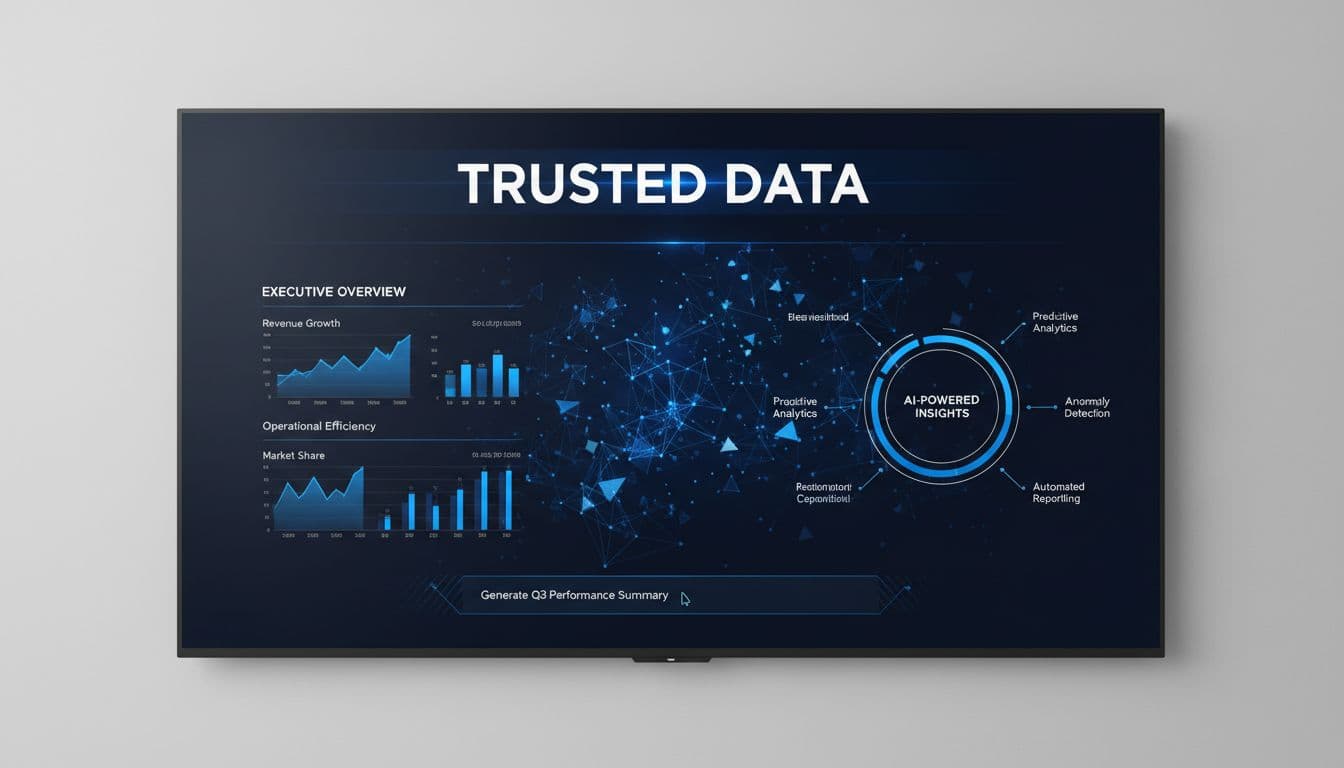
Instead of navigating multiple tabs and filters, users can ask questions such as, “Why did margin drop in the Midwest last week?” This capability is valuable in meetings, daily operations, and planning sessions, where delays for custom reports can result in missed opportunities.
From manual analysis to AI-assisted insights
Generative AI can summarize trends, suggest follow-up questions, and explain outliers in plain language. Analysts remain responsible for validation, interpretation, and business judgment, but repetitive tasks are reduced. AI-enhanced BI interfaces, increasingly resemble analyst assistants rather than traditional menu-driven tools.
Why trusted data still matters more than the model
Microsoft Fabric emphasizes that AI depends on reliable data. Cited research states 68% of leaders value a unified analytics and AI platform, a sentiment BI teams experience daily. If finance, sales, and operations define revenue differently, the model cannot fix inconsistencies.
To align definitions across departments, BI leaders can take a few straightforward steps:
-
- Bring together stakeholders from each department: finance, sales, operations, and list all versions of key business terms like revenue, customer, and margin.
-
- Compare definitions and agree on a single, organization-wide meaning for each.
-
- Document the agreed definitions in a central business glossary or within the semantic model itself.
-
- Communicate updates to all users before rolling out AI-powered BI features.
Following these steps ensures consistent terminology across the organization, which is essential for accurate and trusted analytics.
AI speeds up business intelligence processes, but the main argument is that it cannot improve problems with data quality or governance; it will only make issues more visible and urgent.
Where Gen AI Delivers the Biggest BI Wins
Faster answers for executives and business teams
The main benefit is increased speed. Executives can get summaries, store managers can investigate sales declines, and operations leaders receive plain-language insights without navigating multiple reports.
Less work for analysts and BI teams
Analysts often spend significant time creating repetitive views, explanations, and responses to common questions. Generative AI can produce initial drafts for narratives, charts, or queries, allowing analysts to focus on data quality, root-cause analysis, and business collaboration.
More self-service, without losing control
Self-service improves when users can ask questions in natural language, but this is effective only if permissions, definitions, and trusted datasets are established. Many practical BI use cases fail when semantic models are disorganized or source data is outdated. BI leaders facing these challenges should start by conducting a data audit or reviewing governance processes to identify critical issues and prioritize remediation steps before rolling out AI-powered features.
Traditional BI vs Generative AI-Enhanced BI
This is where the most immediate day-to-day differences become apparent.
| Criteria | Traditional BI | Gen AI-enhanced BI |
|---|---|---|
| How users ask questions | Filters, drill-through, SQL, report requests | Natural language plus standard BI controls |
| Speed to first answer | Often delayed by report design or analyst time | Seconds for summaries and follow-up questions |
| Manual effort | High for recurring report builds | Lower for summaries, query drafting, and explanations |
| Ease for non-technical users | Moderate | Higher, if the model is well designed |
| Governance need | High | Higher, because bad answers spread faster |
While generative AI delivers clear advantages (a central argument of this text), traditional Business Intelligence still plays a critical role for reliable KPI reporting and formal governance. Both approaches are necessary for a successful analytics strategy.
Self-Service BI, AI-Assisted BI, and Autonomous BI
Not all analytics workflows require the same degree of automation.
| Criteria | Self-Service BI | AI-Assisted BI | Autonomous BI |
|---|---|---|---|
| Typical users | Business users, analysts | Business users, analysts, executives | Ops teams, data teams |
| Automation level | Low | Medium | High |
| Data freshness need | Daily or weekly is often fine | Near real-time helps | Real-time matters most |
| Governance requirement | High | High | Very high |
| Best-fit use case | Standard dashboards and KPI review | Conversational analytics and summaries | Monitoring, alerts, and suggested actions |
For most mid-market teams, AI-assisted BI is the practical next step. Autonomous monitoring usually comes later.
What Businesses Need Before They Add AI to BI
For AI to be effective in BI, the platform must support fresh, governed, high-performance data. Microsoft Fabric addresses this need by integrating OneLake, lakehouses, warehouses, semantic models, real-time analytics, and Power BI, thereby reducing data duplication and minimizing handoff issues.
Unified data beats scattered reports
Dispersed data extracts result in multiple versions of the truth. A unified platform eliminates duplication, shortens refresh cycles, and ensures more consistent AI responses. Teams relying on emailed files and disconnected workspaces should consolidate their platforms before implementing AI.
Semantic models help AI speak the business language
Consistent definitions are more important than advanced prompts. When terms such as “gross margin,” “active customer,” and “inventory on hand” are defined within a semantic model, AI can respond using the same business language as your teams.
Governance, security, and privacy cannot be an afterthought
If a user does not have access to payroll or PHI in Power BI, AI should not have access either. Strong BI governance remains essential: row-level security, sensitive data controls, auditability, and approved datasets are all critical for trusted results and compliance. When introducing AI-powered features, review governance frameworks to ensure access permissions, data classifications, and approval workflows address new AI interactions. Schedule regular governance reviews to manage evolving risks and maintain effective controls as features and data expand.
To operationalize governance for AI in BI, use this quick checklist:
-
- Confirm all users’ access permissions are up to date and role-based
-
- Classify sensitive and regulated data sets clearly in the platform
-
- Ensure approved datasets and semantic models are documented and used
-
- Set up or review audit trails for data access and AI-generated outputs
-
- Communicate any changes in governance or terminology to all users
-
- Schedule regular reviews to update permissions, definitions, and controls as the environment evolves
This framework helps leaders ensure AI features remain trusted and compliant as new capabilities are introduced.
Unique Use Case: A Mid-Market Retail Team Modernizes Reporting with Gen AI
While this example is pretty high-level, the scenario is common.
The problem the team started with
A retailer with 900 employees managed sales data across POS systems, e-commerce tools, and spreadsheets. Monthly reporting was time-consuming, store managers distrusted headquarters’ figures, and analysts relied heavily on Excel to accommodate leaders’ requests for customized reports.
The rollout and the decisions that mattered
The company prioritized data quality over full automation. It standardized product, margin, and store definitions before migrating core reporting to a Fabric-based model with governed Power BI semantic models. Generative AI was then introduced for report summaries, ad hoc queries, and rapid explanations of sales and inventory changes.
The results and lessons learned
Executive reviews became more efficient as leaders could ask follow-up questions in real time. Analysts spent less time creating custom presentations, and store managers received more timely and accessible reports. For example, average report turnaround time dropped from three days to less than one day, and analysts reported spending 25 percent less time on routine custom requests. The key takeaway was that AI delivered value only after data quality and metric definitions were addressed.
Common Mistakes Companies Make When They Add AI to BI
The most common mistake is implementing AI with disorganized data, expecting it to resolve underlying issues. Instead, AI will present the same problems in a more persuasive manner.
Another mistake is expecting AI to compensate for poor reporting design. If teams lack clarity on key metrics, approved datasets, or semantic layer ownership, adding conversational features only obscures the real issues. Skipping governance for small pilots is also problematic; permissions, audit trails, and approved definitions are essential from the outset.
Some teams over-automate before users trust the results. Finance, operations, and compliance leaders require fast, verifiable answers rather than opaque solutions. Begin with summaries, question-answering, and guided analysis, and reserve autonomous actions for later stages.
A final mistake is going too broad. “Use AI for all analytics” is not a use case. “Let regional managers ask natural-language questions against the approved sales model” is a use case. Teams chasing real-time decision intelligence before they stabilize source data usually end up back in manual review.
Expert Tips and Best Practices for Using Generative AI in BI
Spargent Analytics partners with US mid-market and enterprise teams that have limited analytics capacity or lack internal Fabric expertise. The service model is designed for US companies and delivered by senior Microsoft Fabric experts from Europe, providing strong communication, experienced delivery, and improved ROI compared to US-only consulting models.
Spargent’s work covers the full Fabric stack, including data ingestion, Data Factory pipelines, Dataflows Gen2, Lakehouse, Warehouse, OneLake, Power BI, semantic models, governance, real-time analytics, performance tuning, and managed support after go-live.
Start with one high-value use case
Select a focused problem with clear value, such as report summarization, natural-language access to a trusted sales model, or AI-generated variance explanations. Achieving smaller, well-governed successes is preferable to launching high-profile pilots that do not reach production.
Keep people in the loop for important decisions
Leverage AI to support, not replace, human judgment. In finance, operations, and regulated environments, analysts and business owners should review outputs, approve changes, and identify incorrect assumptions before taking action.
Measure outcomes, not just adoption
Do not limit measurement to chat volume or active users. Track metrics such as hours saved, reduced report requests, meeting efficiency, refresh reliability, semantic model reuse, and platform costs. Set baseline measurements for these metrics before introducing AI-powered features, so that improvements can be clearly demonstrated after implementation. These indicators demonstrate whether BI has improved.
Final Thoughts
Generative AI is transforming business intelligence by reducing the time between asking a question and receiving an answer. The benefits include faster reporting, enhanced self-service, and reduced manual analysis. However, risks remain if data quality, definitions, or governance are inadequate.
To improve business intelligence, begin by strengthening foundational elements before introducing AI to automate meaningful tasks. Prioritize trusted data, clear business definitions, and robust governance. As you progress, select high-value use cases, engage stakeholders, and measure outcomes against business objectives. This approach enables BI leaders to adopt new technology while maintaining accuracy and trust. Book a Microsoft Fabric Discovery Call when you need a clear plan, faster delivery, and senior Fabric support without building a full internal team first.
FAQs About Generative AI and Business Intelligence
Does generative AI replace dashboards?
No. Dashboards still work best for fixed KPI monitoring, scheduled reporting, and controlled executive views.
How clean does the data need to be?
Clean enough that business owners trust the metric definitions, source lineage, and refresh timing before AI is added.
Can smaller teams benefit, or is this only for large enterprises?
Smaller teams often benefit more quickly because conversational access reduces report backlogs and dependency on a few analysts.
How does governance work with AI in BI?
It should follow the same approved datasets, permissions, and security rules already used in Power BI and Fabric.
What should the first step be?
Choose one trusted dataset, define the business terms clearly, and test one focused use case with real users.
