
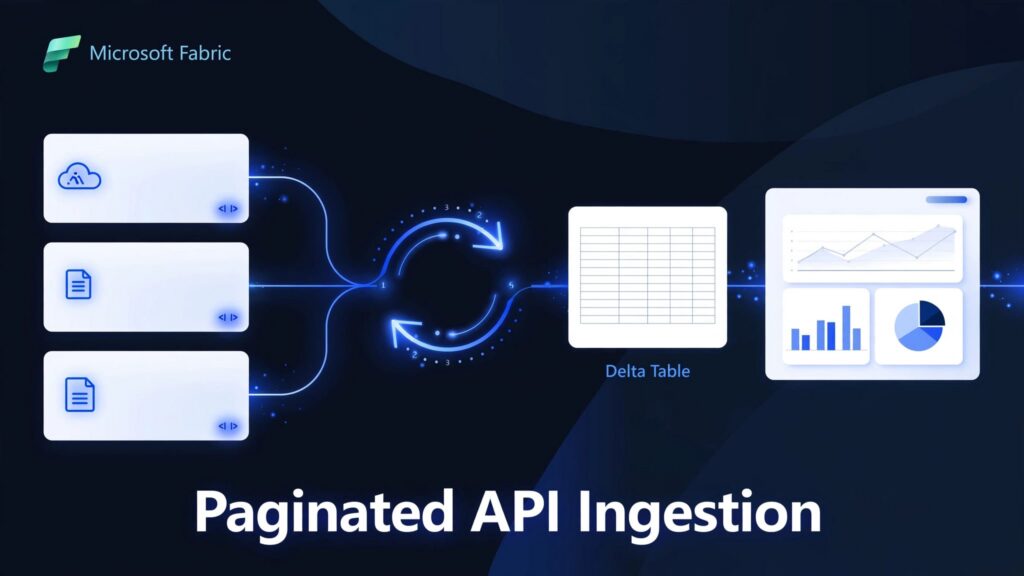
Use a Fabric Data Factory pipeline with a REST source, pagination rules, and a Delta-table destination to ingest every API page. Reliable Microsoft Fabric pagination also requires a clear stopping condition and restart-safe writes.
A successful connection proves only that the first page of the REST API works. To build a dependable reporting feed, start with the API’s continuation contract and the differences between Fabric and Azure Data Factory.
Key takeaways
- Use Copy Activity when the API exposes a supported next-page URL, token, or header.
- Keep Fabric connection settings separate from Azure Data Factory authentication and integration-runtime guidance.
- Validate completeness, throttling behavior, and restart handling before connecting the data to business reports.
Choose the ingestion path and connection
Use the REST connector for JSON APIs
The REST connector supports pagination and structured API requests. The HTTP connector is more generic and less capable for RESTful APIs. Meanwhile, the Web table connector extracts tables from HTML pages.
REST sources support GET and POST. REST sinks support POST, PUT, and PATCH, although an ingestion pipeline typically uses a Lakehouse sink.
The REST connector accepts only a JSON response. It sets Accept: application/json automatically and ignores an Accept value supplied through additionalHeaders.
For transformation-heavy work, consider Dataflows Gen2. Our comparison of Dataflows Gen2 and pipelines explains where each fits.
Separate Fabric settings from ADF settings
Microsoft’s Fabric REST connection documentation lists Anonymous, Basic, Organizational account, and Service principal authentication for Copy Activity.
The Azure Data Factory REST linked service has a different list: Anonymous, Basic, Service Principal, OAuth2 Client Credential, System Assigned Managed Identity, and User Assigned Managed Identity.
Network configuration also differs. ADF/Synapse documentation describes self-hosted integration runtime access for on-premises networks, Azure virtual networks, and Amazon VPCs. Azure Integration Runtime handles managed cloud connections.
Fabric instead provides supported on-premises and virtual network gateway options. Don’t copy ADF runtime configuration into a Fabric pipeline.
Build the Fabric pipeline and Lakehouse destination
1. Configure the REST source
Create a data pipeline in a Fabric workspace and add a Copy data activity. Create or select the REST connection, then configure the endpoint’s relative URL, request method, authentication, and required headers.
For a POST-based search endpoint, provide its JSON request body. Select the response’s record collection, such as $.data, rather than mapping the entire envelope as one record.
Microsoft’s REST Copy Activity settings describe the source controls. Configure pagination before treating a preview as evidence of a complete extraction.
2. Configure the Lakehouse destination
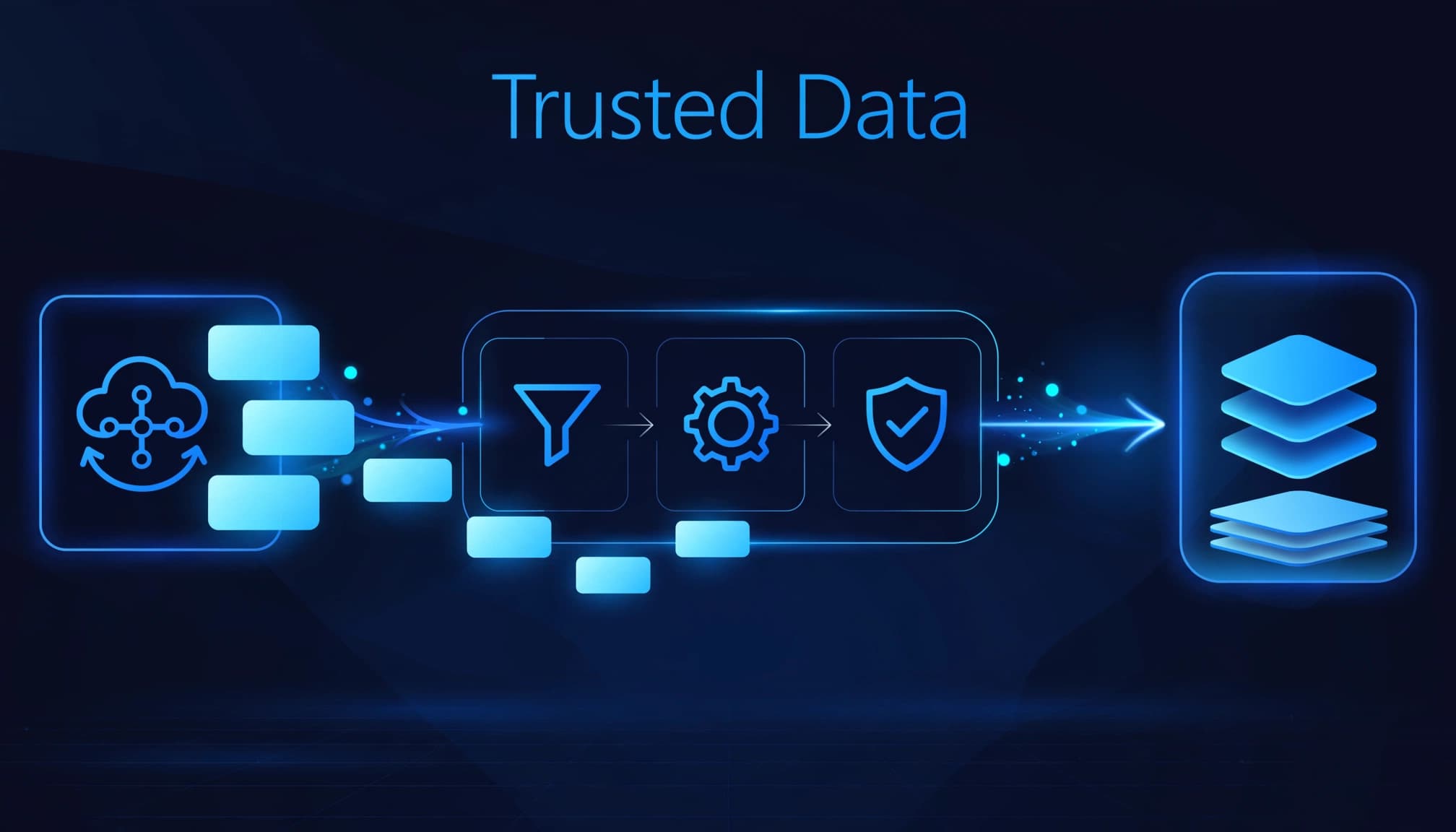
Select your Microsoft Fabric Lakehouse and choose Files or Tables. Use Files to retain raw JSON for replay and investigation. Use Tables when the mapped records should become queryable Delta tables.
Add an extraction timestamp and run identifier. These fields help trace missing batches and distinguish repeat loads.
OneLake provides shared storage across Fabric workloads. After ingestion, reuse governed data for transformations, a Microsoft Fabric Warehouse, and Power BI semantic models instead of creating separate departmental extracts.
Configure Microsoft Fabric pagination rules
Pagination rules form a case-sensitive paginationRules dictionary. The generic REST connector supports six continuation patterns.
These combinations determine where the next request value comes from:
| Next request component | From response body | From response header |
|---|---|---|
| Absolute or relative URL | JSONPath to next URL | Header containing next URL |
| Query parameter | JSONPath to parameter value | Header containing parameter value |
| Request header | JSONPath to header value | Header containing header value |
Choose the rule matching the API contract. The destination component and the source of its value are separate decisions. Some APIs provide an absolute URL that identifies the next page.
For a response containing paging.next, the configuration fragment is:
{
  "paginationRules": {
    "AbsoluteUrl": "$.paging.next"
  }
}
Enter AbsoluteUrl and $.paging.next in the pagination-rule editor. Configure record mapping separately because the next-page pointer isn’t the record collection.
Rules apply from the second request onward. A null continuation value or HTTP 204 No Content can terminate pagination. Empty strings and empty collections may require explicit end conditions.
For offset APIs, use a range-based query-parameter rule with an end condition matching the returned collection.
APIs using Link headers may follow RFC 5988 Web Linking. Use the connector’s SupportRFC5988 option for supported next-link headers rather than passing the complete Link header as a URL.
Use Power Query for a custom offset loop
Power Query is useful when a Dataflows Gen2 implementation needs custom response handling. Microsoft’s Power Query paging example uses Table.GenerateByPage to combine successive tables.
That function is a supplied helper, not a standard function available automatically in every query. Include its helper definition when using that pattern.
For an API accepting offset and count, a recursive function can advance while each response contains a full page. This function expects an object containing a data list of records:
(BaseUrl as text, Resource as text, PageSize as number) as table =>
let
    Fetch = (offset as number, count as number) as list =>
        let
            response = Json.Document(
                Web.Contents(BaseUrl, [
                    RelativePath = Resource,
                    Query = [
                        offset = Text.From(offset),
                        count = Text.From(count)
                    ]
                ])
            ),
            rows = response[data]
        in
            if List.Count(rows) = count then
                List.Combine({
                    rows,
                    @Fetch(offset + count, count)
                })
            else
                rows
in
    if PageSize < 1 then
        error "PageSize must be positive."
    else
        Table.FromRecords(Fetch(0, PageSize))
This assumes the API honors count and returns fewer records only at the end. If it caps page size below your requested count, the loop stops prematurely.
For production-scale loads, add retry handling and a request ceiling. Prefer cursor-based continuation when available because changing source data can shift offset boundaries during extraction.
Budget requests and troubleshoot incomplete loads
Calculate calls separately from timeouts
The ADF REST connector reference documents httpRequestTimeout as 00:01:40 and the source requestInterval default as 00:00:01.
Fabric also documents the 100-second request timeout, but don’t assume every ADF default applies to Fabric. Set the request interval deliberately to respect the API’s limits.
For 10,000 rows at 1,000 rows per page, there are ten data pages. With next-link pagination, ten requests taking 0.2 seconds each plus nine one-second intervals take approximately 11 seconds, excluding startup and writes.
An offset loop may need an eleventh, empty request to detect completion. A timeout is a failure threshold, not an expected page duration.
ADF Mapping Data Flow makes N+1 API calls for N pages: one schema-inference request plus one per page. This behavior doesn’t describe Dataflows Gen2 or every Fabric Copy run.
Make failures visible and restarts safe
Repeated pages usually indicate an unchanged cursor or incorrectly mapped token. Truncated results often mean a missing continuation rule or premature end condition.
For HTTP 429 responses, respect Retry-After and reduce request frequency. Longer timeouts won’t fix throttling.
Record extracted counts, request failures, and source totals where available. Deduplicate or merge on stable business keys, and advance the incremental watermark only after the load succeeds. This prevents retries from duplicating records or skipping a failed interval.
Customer success: Gay Lea Foods accelerates reporting
Microsoft’s Gay Lea Foods customer story describes how the food cooperative used Microsoft Fabric to unify data and shorten reporting time. The story documents that reporting outcome, not a specific pagination result.
Illustrative example, not Gay Lea Foods: A fictional U.S. specialty-food distributor had fragmented reports and API ingestion that left teams reconciling inconsistent records. It chose Fabric pagination and governed downstream data to create a dependable reporting feed. After validating that each paginated load included all source records, its dashboards used consistent data and required less manual preparation. The lesson is to test pagination completeness before dashboards rely on an API feed.
Turn ingestion into a governed reporting service
At Spargent Analytics, our Fabric Data Factory consulting covers pipeline design, implementation, migration, and ongoing support. We connect ingestion to Dataflows Gen2, OneLake-backed file and table storage, Warehouse architecture, and Power BI integration.
Our Microsoft Fabric data engineering services also address governance, semantic model optimization, platform performance, and capacity planning. For streaming requirements, we design Fabric Real-Time Intelligence solutions rather than treating scheduled REST polling as real-time ingestion.
For a Microsoft Fabric migration, we retain useful existing investments and replace fragile Excel handoffs with governed pipelines. Managed services provide support after go-live, whether you need additional engineering capacity or lack an internal analytics team.
We build around U.S. business needs with senior Microsoft Fabric consultants from Europe. Clear communication and an efficient delivery cost structure support stronger ROI than traditional U.S.-only staffing models, without requiring clients to build a full internal data department.
Frequently asked questions
Can the REST connector paginate a top-level JSON array?
No. Built-in pagination doesn’t support a response whose top-level JSON structure is an array, even when the records are valid JSON.
Use an API response envelope with records and continuation information, an intermediary that creates that envelope, or custom notebook logic. Changing column mapping alone won’t remove this limitation.
Does pagination solve million-row GraphQL exports?
REST ingestion rules don’t establish Fabric GraphQL export limits. The community question about retrieving more than one million Lakehouse rows received a support-ticket recommendation, not a technical solution.
For bulk extraction, use an appropriate SQL or OneLake access path to read the Delta table. Use GraphQL’s documented continuation mechanism for application queries rather than assuming REST Copy pagination settings apply.
Can I use an API key to authenticate?
An API key works only if the API contract accepts it and Fabric’s supported credential handling can meet the API’s requirements. Configure it through supported connection settings rather than exposing it in query text.
Should I advance an incremental watermark after a partial load?
No. Keep the existing checkpoint and advance it only after every page has loaded and the run has completed successfully. Otherwise, later runs can skip records.
Is scheduled REST polling real-time data ingestion?
No. Scheduled polling is batch ingestion, so data can be delayed until the next run. Use a streaming or event-driven source when reporting requires near-real-time updates.
Build for complete, repeatable reporting
A dependable API pipeline needs complete extraction, controlled request pacing, and safe recovery. Those controls protect reporting accuracy as source volumes grow.
Start with the API’s continuation contract, then connect the landed data to governed transformations and semantic models.
Book a Microsoft Fabric Discovery Call to review your ingestion architecture and identify the next step toward dependable reporting.
