
Selecting the wrong Data ingestion tool in Microsoft Fabric can lead to significant issues down the road. When your architecture is not aligned with your workload, refreshes slow down, Microsoft Fabric capacity costs climb, and analysts eventually resort to patching data gaps in Excel.
If you are comparing Dataflow Gen2 and Data Pipelines, the functional difference is clearer than it first appears. Dataflow Gen2 is designed for scenarios where data needs shaping and transformation. Data Pipelines are the optimal choice when your primary goal is moving, orchestrating, and scheduling data with granular control.
Key Takeaways
- Functional Distinction: Use Dataflow Gen2 primarily for low-code data shaping and business-defined transformations, while reserving Data Pipelines for orchestration, scheduling, and bulk data movement.
- Efficiency at Scale: Pipelines are generally more cost-effective for large-scale raw data ingestion, whereas Dataflow Gen2 excels at cleaning and preparing specific datasets for reporting.
- Hybrid Integration: High-performing architectures often combine both tools: a Data Pipeline handles the heavy lifting of ingestion and dependency management, while Dataflow Gen2 provides the downstream, business-friendly transformation logic.
- Governance and Performance: Proper tool selection is critical for managing Microsoft Fabric capacity costs; choosing the right engine prevents unnecessary performance bottlenecks and supports cleaner, more manageable data lineage.
What each tool is built to do
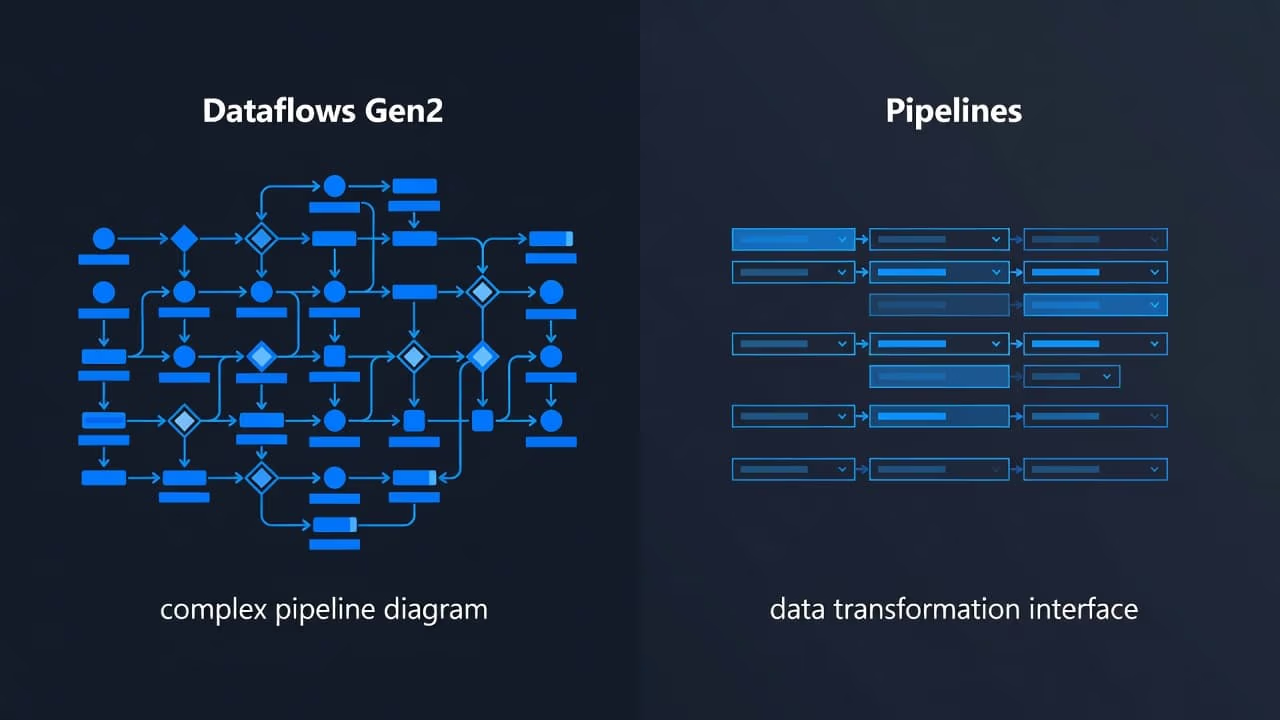
Dataflows Gen2 provide a low-code interface within Fabric that simplifies the Power Query experience. They are highly effective when you need to perform row level transformations or column level transformations to clean data, merge tables, standardize formats, or apply business logic before it lands in a model or curated table. Because of this, a successful Dataflow Gen2 implementation often centers on business-defined rules rather than raw movement speed.
Data Pipelines serve a different purpose. Within Fabric Data Factory, these pipelines orchestrate copy activities, schedules, dependencies, retries, and handoffs between various tools. A Data Pipeline can handle data ingestion into a Microsoft Fabric Lakehouse, trigger a notebook, execute a stored procedure, or load curated tables into a Microsoft Fabric Warehouse. In short, pipelines act as the control layer for the entire run rather than functioning as a primary data transformation engine.
The official Microsoft Fabric decision guide aligns with what most delivery teams see in practice. Use Dataflows Gen2 when data transformation is the primary requirement, and use Data Pipelines when complex orchestration is the main task.
Fabric simplifies this process because all workloads share OneLake. Data does not have to move across separate products just to go from initial ingestion to final modeling. The OneLake overview explains this shared foundation, which remains critical when designing a platform for long-term growth.
There is another point many teams miss: these are not the only ingestion choices available. Mirroring, shortcuts, notebooks, and Eventstream are also important features. Still, for most scheduled batch ingestion tasks, projects usually begin by deciding how to leverage the capabilities of Microsoft Fabric through either Dataflows Gen2 or Data Pipelines.
When Dataflows Gen2 beat pipelines, and when they don’t
Dataflow Gen2 vs Pipelines is the most common point of confusion for teams building on the platform. The easiest way to choose is to look at the actual job, not the product label.
| Scenario | Better fit | Why |
|---|---|---|
| Clean Excel, CSV, or SaaS extracts for reporting | Dataflows Gen2 | Power Query is fast for joins, cleanup, and business rules |
| Copy large Azure SQL database tables on a schedule | Data Pipelines | Copy activity is built for bulk movement |
| Run a bronze, silver, gold load with retries | Data Pipelines | Orchestration, monitoring, and control matter more |
| Prepare analyst-friendly data before reporting | Dataflows Gen2 | Business users can own logic without notebook code |
| Trigger notebooks, SQL steps, or alerts after load | Data Pipelines | Multi-step flow is the point |
| Reuse transformation logic ahead of reporting | Dataflows Gen2 | Familiar logic helps analyst adoption |
If your team already lives in Power Query, Dataflows Gen2 will feel natural. Finance, operations, and BI teams can own data preparation steps without waiting on a full engineering sprint. That can reduce spreadsheet work and improve Microsoft Fabric Power BI integration, because the logic moves closer to the platform instead of sitting in desktop files.
Use Dataflows Gen2 to shape data. Use Data Pipelines to move data and run the process.
On the other hand, enterprise data ingestion usually starts with Data Pipelines. If you need nightly loads from several systems, dependency checks, failure notifications, and downstream notebook runs, pipelines are the safer fit. Fabric Data Factory is designed for that style of work, and the Data Factory overview shows why Orchestration is central to the service.
Most mature solutions use both. A pipeline lands raw data, then calls a Dataflow Gen2 for business-friendly transformation, and finally publishes to a Data destination such as a lakehouse or warehouse. That split keeps ownership clear and avoids forcing one tool to do a job it wasn’t built for.
Performance, cost, and governance decide the winner at scale
Small tests can be misleading. A flow that works fine on a few files may struggle when it starts moving large tables every hour. That is where the choice between Dataflows Gen2 vs pipelines becomes a cost and performance question, not just a usability question.
For large raw copies, pipelines usually win. Copy activity is built for efficient data ingestion, and it often uses less capacity than pushing the same raw load through a Power Query layer. For example, when performing bulk data ingestion from an Azure SQL database, pipelines are generally more efficient. A detailed Dataflow Gen2 performance evaluation shows how design choices affect runtime and capacity use.
That matters for Microsoft Fabric performance optimization and Microsoft Fabric capacity planning. If a Dataflow Gen2 spends its time doing work that a pipeline copy could do faster, you pay for it twice, once in runtime and again in downstream delays. By contrast, if a pipeline lands data quickly and you reserve Dataflows Gen2 for complex data transformation, the platform behaves better. You can track this efficiency by regularly checking the Monitoring Hub and reviewing the Refresh history to ensure your tasks remain within expected capacity limits.
Governance also shapes the decision. Strong Microsoft Fabric governance means clear lineage, fewer duplicate copies, and predictable ownership. Many firms keep raw data in a Microsoft Fabric Lakehouse, then publish curated entities to a Microsoft Fabric Warehouse for SQL-heavy reporting. When managing these assets, using a dedicated Fabric workspace ensures that your CI/CD integration remains streamlined. This structure helps with security, reuse, and testing.
The ingestion choice also affects reporting later. Poor loads create bloated models, messy refresh paths, and weak self-service. Clean landing zones support Fabric semantic models and better Power BI semantic model optimization. For instance, if you are migrating data from an Azure SQL database, proper architectural planning is essential. If your team is already feeling slow refreshes or noisy capacity spikes, it is time to Optimize Fabric Performance and Cost.
One more caveat matters. If your use case is event-driven, neither tool should carry the whole load. Fabric Real-Time Intelligence is a better fit for streaming telemetry, clickstream, or sensor data, because it is built for data in motion rather than just scheduled batch work.
What U.S. companies usually need from a Fabric partner
Most U.S. mid-market firms do not have spare senior engineers on the bench. They already run Power BI, Microsoft 365, or Azure, and they need better reporting fast. Some have internal BI teams that need help, while others need an outside team to own delivery end to end.
Spargent provides Microsoft Fabric consulting services for both models. Its consultants support U.S. companies with architecture, delivery, and post-go-live support across ingestion, transformation, modeling, and reporting. That includes specialized data engineering, Data Factory consulting, OneLake implementation, and analytics consulting. Our team often uses Copilot in Fabric to assist clients with faster data preparation, allowing them to focus on high-value business insights rather than repetitive tasks.
A good expert does not start with a tool preference. The first step is assessing source volume, load frequency, business ownership, and downstream reporting needs. That matters during platform and analytics modernization, because old habits often carry over. Many companies trying to migrate to Microsoft Fabric keep too much logic in Power BI Desktop or rely on inefficient raw movement in Power Query. When designing automated workflows within a Fabric workspace, our engineers utilize the diagram view to visualize complex data flows, ensuring every step is optimized for performance and maintainability.
During a migration, the ingestion design is usually where the first savings appear. A Power BI to Fabric migration often works best when refresh-heavy prep moves into the platform, raw loads shift into Data Factory pipelines, and only specific business-friendly data transformation remains in Dataflows Gen2. The result is faster reporting, fewer manual Excel fixes, and better integration across the entire ecosystem.
Spargent also works as an implementation partner for U.S. teams that want faster delivery without building a full internal data department. Built around the needs of U.S. companies, the delivery model uses senior specialists from Europe. That gives clients USA-market-ready delivery, strong communication, overlapping hours, and a better cost structure than many USA-only firms. For buyers comparing data engineering consulting USA options or Microsoft Fabric consulting USA providers, that mix can improve ROI without lowering seniority.
After go-live, the work is not done. Capacity, refresh paths, governance rules, and usage patterns change. That is where managed services help, along with ongoing performance optimization, capacity planning, and support for semantic models, pipelines, Lakehouse, Warehouse, and real-time workloads. If your team needs a clear plan before choosing tools, Book a Microsoft Fabric Discovery Call.
Frequently Asked Questions
Can I use Dataflow Gen2 for large-scale data migration?
While Dataflow Gen2 can handle large volumes, it is optimized for transformation rather than raw movement. For bulk migration of massive tables, Data Pipelines are typically more efficient and will consume less capacity by utilizing dedicated copy activities.
Should business analysts own Dataflow Gen2 development?
Yes, the low-code, Power Query-based interface is designed for business users to manage their own logic without needing deep engineering expertise. This allows analysts to clean and format their data closer to the source, reducing the dependency on specialized data engineers for simple tasks.
How do I know if my workload requires both tools?
If your process involves moving data from a source, ensuring specific tasks complete in order, and then transforming that data for reporting, a hybrid approach is best. Use a Data Pipeline to automate the movement and workflow orchestration, then trigger a Dataflow Gen2 to perform the specific data shaping required for your model.
Do Data Pipelines replace the need for Dataflows?
No, they serve different layers of the architecture. Pipelines act as the control layer for scheduling and dependencies, while Dataflows act as the transformation layer for refining data content. Most mature Fabric implementations utilize both to maintain a clean separation of duties.
Conclusion
Selecting the right tool within Microsoft Fabric comes down to the specific requirements of your project. Dataflow Gen2 is excellent for low-code transformation and business-owned logic, while Data Pipelines are significantly stronger for bulk data movement, complex orchestration, and robust operational control.
Most scalable solutions effectively leverage both tools, because finding the right fit matters more than forcing a single approach across your entire architecture. When your data ingestion strategy is designed effectively, reporting becomes faster, governance becomes easier to maintain, and the rest of the Microsoft Fabric platform becomes much simpler to manage for your entire organization.
