
Fabric pipeline retries can duplicate data when a destination accepts a write but the activity reports failure. The next attempt repeats that write unless the load is idempotent, meaning repetition leaves the same final data state.
For reporting teams, this can inflate revenue totals, distort inventory, and create manual reconciliation work. Preventing it starts with separating retry settings from the design that makes repeated writes safe.
Key Takeaways
- Configure retries on individual Fabric activities, such as Copy Data.
- Protect destination writes with stable keys, batch identifiers, and repeatable load logic.
- Recover from temporary failures, then use controlled recovery when a run has failed.
- Record completion only after validating the destination, and prevent overlapping runs from processing the same batch.
Why Fabric Pipeline Retries Can Duplicate Data
A failed activity can leave committed data
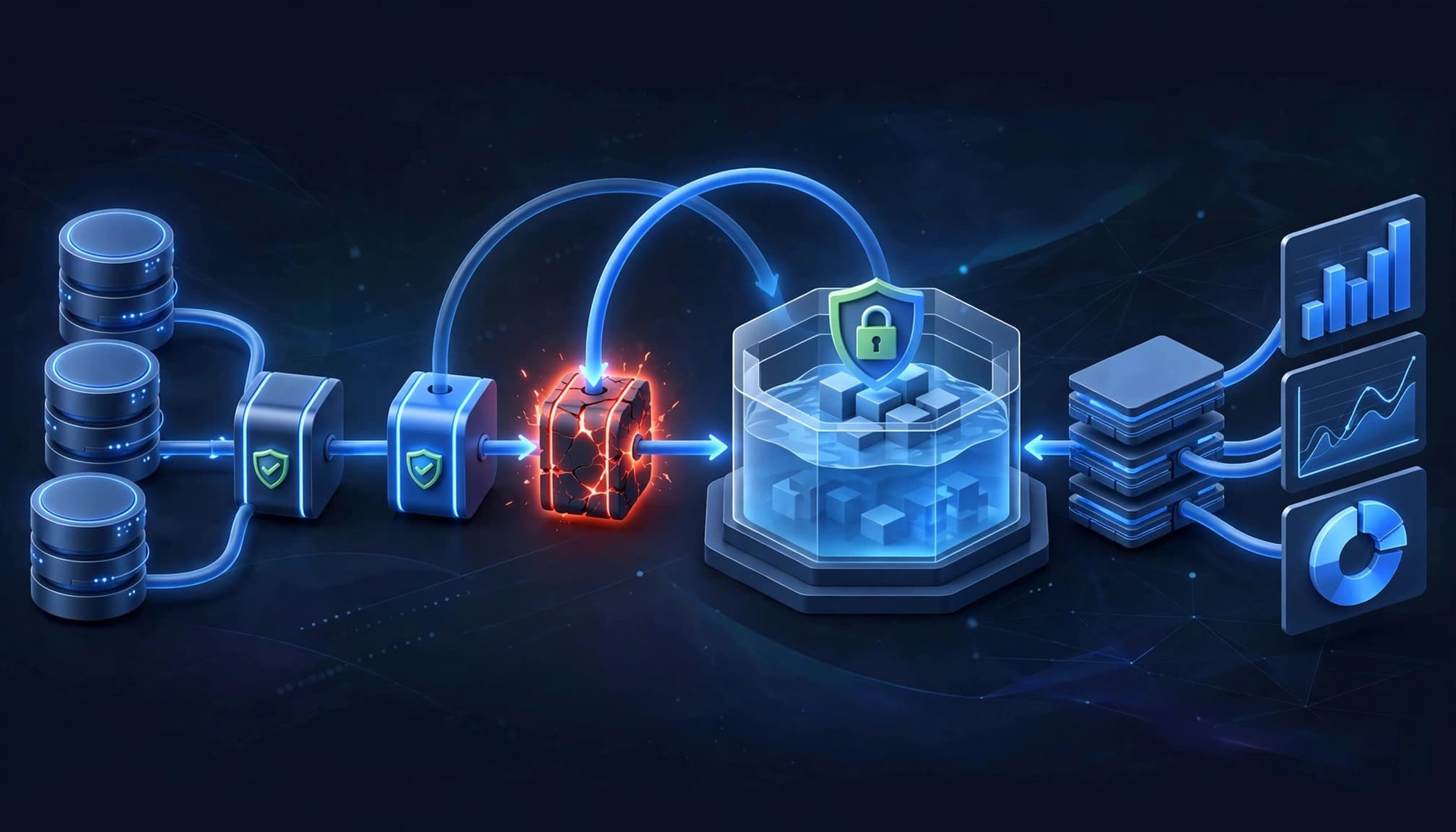
An activity’s status doesn’t always describe the destination’s final state. A gateway interruption or lost acknowledgement can occur after some data reaches the target.
If the next attempt appends the same records, duplicates can appear. The same risk exists when someone reruns a pipeline after an uncertain failure.
This matters in a Microsoft Fabric Lakehouse or Microsoft Fabric Warehouse because downstream transformations can preserve those duplicates. Power BI reports then aggregate them alongside valid records.
Transactional storage doesn’t make every load idempotent
A transactional commit protects the integrity of that transaction. It doesn’t automatically recognize a later append as a repeat of an earlier business operation.
Use stable business keys and deterministic batch identifiers to identify repeated input. For upserts, deduplicate the incoming source before matching it against destination records.
A successful retry proves the activity completed. It doesn’t prove that every business record appears exactly once.
Reliable Microsoft Fabric data pipeline design therefore starts with destination behavior, not the retry count.
Configure Fabric Pipeline Retries on Copy Data
Set an explicit activity policy
Use these values as a starting configuration, not universal defaults:
- Open the pipeline and select its Copy Data activity.
- Open the activity’s general settings.
- Set maximum retry attempts to 3 in the retry count setting.
- Set a fixed retry interval of 60 seconds.
- Set the timeout to 30 minutes, then save the pipeline.
Three additional attempts allow four executions total, including the original. Choose a timeout that accommodates normal copy duration without allowing stalled work to continue unnecessarily.
Microsoft’s Fabric activity retry documentation describes the available controls. Fabric defaults vary across configuration surfaces, so explicit settings make deployments easier to reason about.
Choose the delay strategy deliberately
Fabric offers Fixed and Increasing Delay interval types. A fixed interval is straightforward; increasing delays give a struggling dependency more recovery time.
For custom orchestration, use bounded exponential backoff with jitter. Jitter spreads requests across time instead of letting many pipelines retry together.
When migrating from Azure Data Factory, distinguish its activity-policy defaults: zero retries, retryIntervalInSeconds of 30 seconds, and a seven-day timeout when unspecified. Those aren’t universal Fabric defaults.
Retry Temporary Failures, Stop Permanent Ones
Classify the underlying error
Connectivity loss, temporary gateway interruptions, HTTP 429 throttling, and short service outages are transient failures that can justify retries.
Authentication failures, missing permissions, invalid requests, and schema mismatches need corrective action. Repeating them usually consumes capacity without changing the outcome.
Good error handling starts by classifying the actual failure, not relying on the activity’s red status. A timeout may reflect a temporary network problem or an oversized workload that needs redesign.
A Fail activity can make permanent errors actionable. Place it in the True branch of an If Condition when validation detects an unacceptable state. Supply a custom error code and message for run history and logs.
Limit pressure on failing services
Set finite retry counts and an overall recovery deadline. For persistent dependency failures, a circuit breaker stops repeated calls and later allows limited test requests.
Assign one layer responsibility for retries. If a parent repeats a child execution four times, and its copy activity attempts four times, that copy can execute up to 16 times.
That multiplication increases source pressure, capacity consumption, and duplicate-write exposure.
Separate Activity, Trigger, and Pipeline Recovery
These mechanisms operate at different boundaries.
| Mechanism | What repeats | Appropriate purpose |
|---|---|---|
| Fabric activity retry | One activity | Recover from a temporary failure |
| ADF tumbling-window retry | A pipeline run associated with a window | Recover a failed scheduled window |
| Pipeline rerun or restart orchestration | Selected work or a complete run | Recover after execution has failed |
The important distinction is scope: repeating a pipeline can repeat successful work unless its orchestration skips it.
In ADF, a tumbling window trigger defaults to zero retries. Microsoft’s trigger behavior comparison identifies automatic retry behavior for 400, 429, and 500 responses in this context. An ADF schedule trigger doesn’t support retries.
These are ADF behaviors, not Fabric scheduling rules. During ADF-to-Fabric migration, redesign recovery boundaries rather than assuming trigger behavior transfers unchanged.
Build a Restart Pattern That Preserves Completed Work
Track completion by entity and batch
Use a control table with the entity, stable batch identifier, processing window, phase, status, and an IsCompleted flag.
Before processing, check the record. Skip completed batches and claim pending work through a concurrency-safe operation so overlapping runs don’t load the same batch.
A flag alone can’t close the gap between writing data and recording completion. The destination operation must remain idempotent if execution stops between those steps.
Stage input under a stable batch identifier and use stable keys to deduplicate records. Retry logic should reuse that batch identity and publish through a merge or controlled replacement of the affected batch or partition.
Validate the destination before marking completion. Advance incremental watermarks only after the target is safely published.
Separate extract, transform, and load phases
Use parent-child orchestration, commonly called Execute Pipeline in Data Factory, to chain separate extract, transform, and load pipelines.
Gate each phase with control-table status. If extraction completed but transformation failed, recovery can reuse the extracted batch instead of querying the source again.
Keep each phase’s input stable across attempts. Recalculating a moving time window during recovery can introduce gaps or overlap.
For Dataflows Gen2 implementation, distinguish transformation from orchestration. Our comparison of Dataflows Gen2 and pipelines explains that boundary.
This phase-specific approach also makes ownership clearer when engineering and analytics teams support different parts of the workflow.
Monitor Failures and Recover From the Right Point
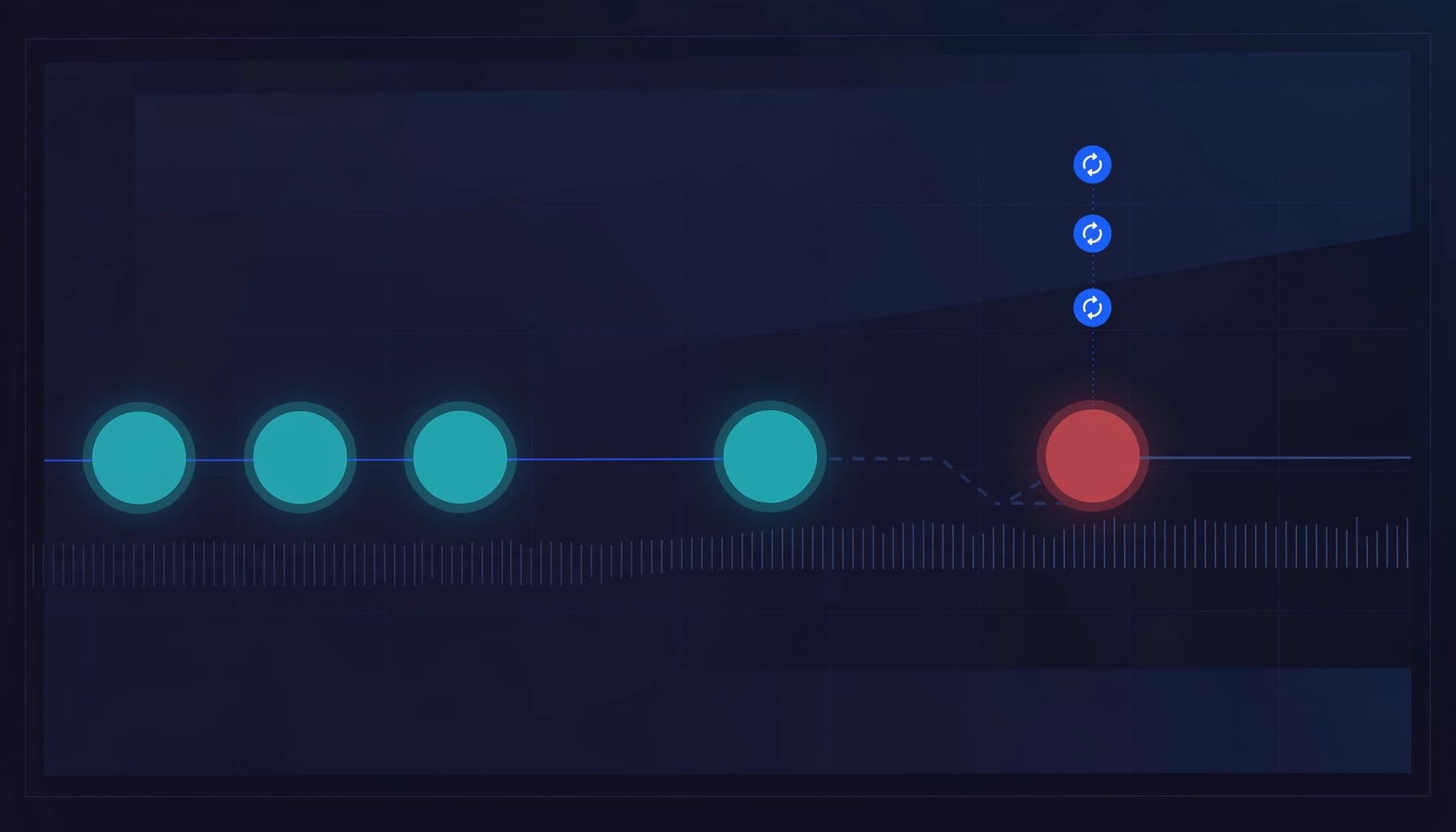
Fabric provides pipeline run history and Monitoring Hub views for investigating failures. Inspect the run ID, activity status, available timing information, inputs, outputs, and error details.
Correlate those details with your batch control record and destination contents. An error message alone can’t establish whether a write committed.
Microsoft’s pipeline monitoring guidance covers manual recovery, including a full pipeline rerun or a rerun from failed activity. The latter is point-of-failure recovery, not an automatic activity retry.
Before resuming, establish whether the failed activity left partial output. Then use the same batch identity and safe publishing logic.
Keep downstream Power BI semantic model refreshes dependent on validated publication. Otherwise, a technically successful refresh can expose incomplete data to business users.
Customer Success: Bank CenterCredit’s Faster Decisions
Bank CenterCredit reports that Microsoft Fabric and Power BI reduced analytics time and accelerated decision-making by 50%, according to Microsoft’s Bank CenterCredit customer story. The story highlights integrated reporting but doesn’t document a specific retry implementation.
For example, a fictional U.S. healthcare provider with duplicate records and reporting delays could assign stable batch identities, deduplicate data, and publish idempotently in Fabric. OneLake connects engineering and analytics workflows, while these controls let teams retry failures without repeating completed outputs. The practical result would be more dependable reporting and less manual reconciliation, not a measured customer outcome. The lesson is to design safe recovery into ingestion before raising retry limits.
How We Help U.S. Teams Deliver Reliable Fabric Solutions
At Spargent, our Microsoft Fabric consulting services support U.S. mid-market and enterprise organizations with established analytics teams or no internal data team.
Our senior European Microsoft Fabric consultants design, implement, migrate, optimize, and support solutions across the data lifecycle. Delivery covers ingestion and Data Factory pipelines, Dataflows Gen2, Lakehouse and Warehouse architecture, OneLake governance, Power BI integration, semantic models, and Real-Time Intelligence.
For companies planning to migrate to Microsoft Fabric, including Power BI modernization, we build recovery controls into implementation. After go-live, our managed support addresses pipeline reliability, semantic model optimization, performance, and capacity planning.
Our EU-to-USA delivery model combines U.S.-focused delivery and clear communication with an efficient European cost structure. The aim is stronger ROI from existing Microsoft investments without requiring every specialist role in-house.
Reducing repeated work also supports Fabric capacity management. Book a Microsoft Fabric Discovery Call to review your current recovery design and identify the next practical improvement.
Frequently Asked Questions
Does retrying Copy Data guarantee exactly-once loading?
No. Activity settings control repeated execution, not business-level uniqueness, so retries alone can’t guarantee exactly-once processing. The destination needs stable keys, batch-aware processing, or another idempotent publishing method.
A retry-safe design must also handle execution stopping after data commits but before the completion record updates.
How is activity retry different from point-of-failure recovery?
An activity retry repeats an unsuccessful activity during execution. Point-of-failure recovery starts another execution at the failed activity after the earlier run has failed.
Both require safe destination writes. Starting later avoids repeating upstream activities, but the failed activity itself may already have written data.
When should I retry an activity or restart the pipeline run?
Use activity-level retries for brief failures during a run. After a run fails, use point-of-failure recovery when completed upstream work should remain untouched. Confirm the failed activity can safely write again.
What should I check before resuming a partially written batch?
Check the destination for rows already committed, then compare them with the batch ID and completion record. Resume only when you can safely deduplicate or overwrite partial output.
How should retries handle HTTP 429 throttling?
Treat HTTP 429 as a temporary failure, honor the Retry-After header when available, and use exponential backoff with a retry limit. If throttling persists, reduce concurrency instead of repeating requests rapidly.
Make Recovery Safe Before Increasing Retries
Fabric pipeline retries are useful when temporary faults interrupt otherwise valid work. Idempotent writes make those repeated attempts safe for reporting.
Set explicit activity policies, preserve batch identity, and record completion after validation. Then combine monitoring with phase-specific recovery so a temporary failure doesn’t become a duplicate-data cleanup project.
