
Manage Fabric notebook dependencies through a published Fabric Environment for shared libraries, versioned wheels for custom code, and %pip for temporary experiments. Keep deployment-specific configuration separate, and store credentials in a secret manager.
This gives your team repeatable execution without reinstalling packages or copying functions between notebooks. For businesses relying on timely Power BI reporting, consistent dependency execution in Microsoft Fabric helps prevent upstream code changes from breaking refreshes.
Start by choosing where each dependency belongs.
Key Takeaways
- Publish reusable libraries and Spark settings through a shared Fabric Environment.
- Package custom Python code as a versioned wheel, keeping notebooks focused on orchestration.
- Separate configuration from secrets, then deploy code, environment references, and settings together.
Choose Where Fabric Notebook Dependencies Belong
The right location depends on whether the dependency is shared, experimental, or deployment-specific.
| Dependency path | Best use | Runtime behavior |
|---|---|---|
| Published Fabric Environment | Approved packages and shared wheels | Libraries are available when the session starts |
| Wheel in Lakehouse Files | Development or controlled runtime installation | Requires an explicit installation step |
%pip install | Package evaluation and temporary changes | Applies to the current session |
| Notebook resources | Small files and notebook-specific modules | Travels with the notebook’s resource context |
For production reuse, an Environment usually provides the clearest ownership and release process. A Lakehouse wheel remains useful when a workflow deliberately installs a particular artifact.
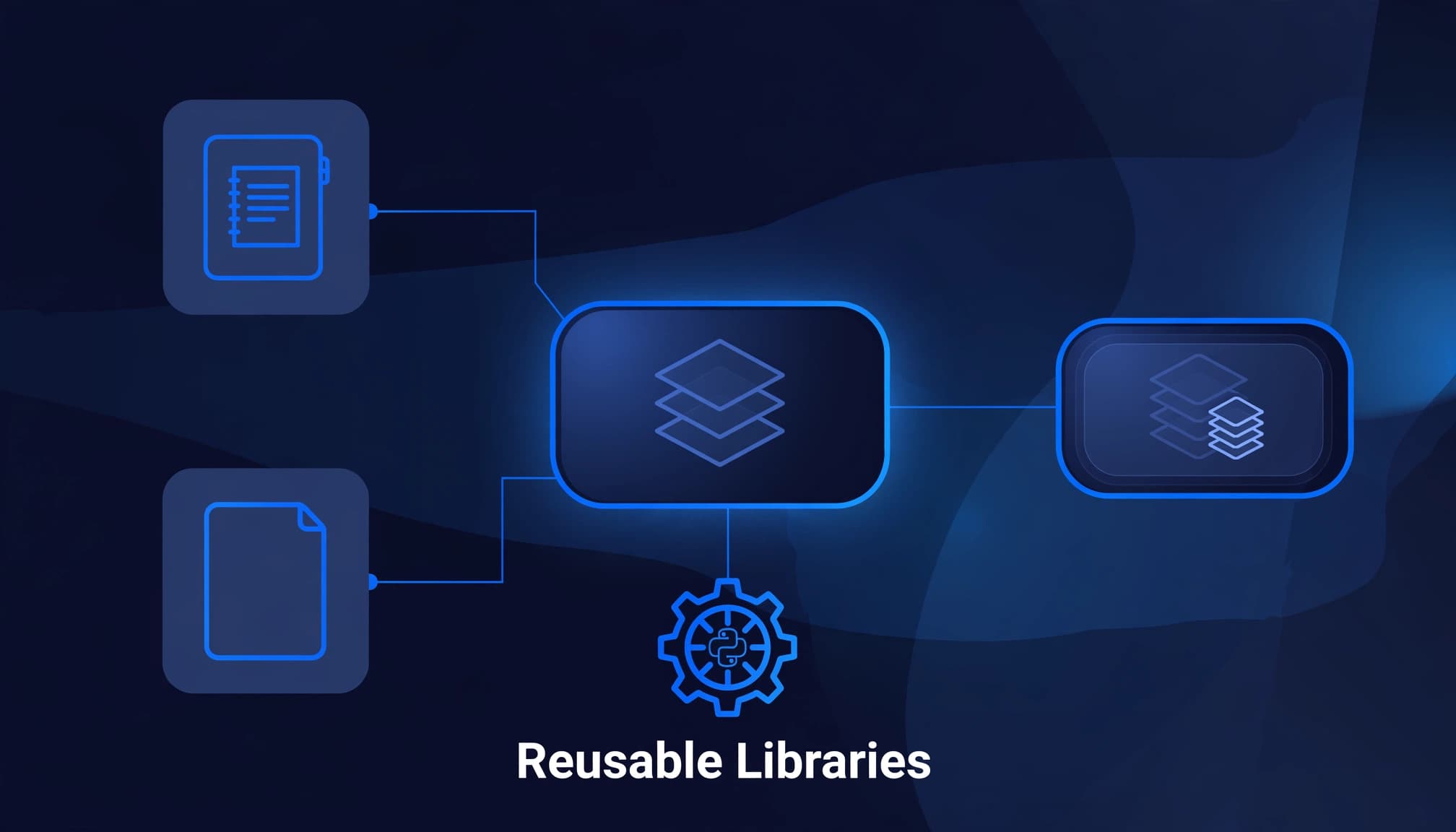
Keep orchestration separate from reusable business logic. Our guide to Fabric notebooks and data pipelines explains how pipelines schedule work while notebooks handle code-intensive processing.
Set Up a Shared Fabric Environment
Publish libraries and compute settings
Create an Environment in your workspace. Add public packages with explicit versions, upload custom libraries, and configure the Spark runtime and compute settings.
Next, publish the Environment and resolve installation failures before attaching production workloads. Saving library changes alone doesn’t make them available to new sessions.
In the notebook’s top bar, select the published Environment. Start a new session after changing the attachment or publishing updated dependencies.
These instructions target Spark notebooks. Pure Python notebooks use a different runtime and don’t have Spark executors.
Set the workspace default deliberately
Set the approved Environment as the workspace default so notebooks using Workspace default inherit its libraries and compute configuration.
An explicitly attached Environment remains an explicit choice. Changing the workspace default doesn’t force every notebook onto the same configuration.
Pin direct dependencies and retain the resolved dependency information used for testing. Record the Spark compute configuration used during validation alongside the Fabric runtime and resolved dependency information.
Promote the same wheel artifact through development, test, and production rather than rebuilding it separately in each workspace.
Package Reusable Code as a Python Wheel
Build the configuration module
Keep notebooks thin by moving shared functions into an importable package. For example, create config_reader.py:
from configparser import ConfigParser


def get_config(filepath):
    config = ConfigParser()
    if not config.read(filepath):
        raise FileNotFoundError(filepath)
    return config
Then add a setup.py file alongside it:
from setuptools import setup


setup(
    name="fabric_shared_config",
    version="0.1.0",
    py_modules=["config_reader"],
)
Install the packaging tools and build the wheel:
python -m pip install setuptools wheel
python setup.py bdist_wheel
This demonstrates the established setup.py workflow. New projects can use a pyproject.toml build configuration instead.
Publish the artifact without renaming it
The build places the wheel in dist/. Wheel filenames follow this structure:
{distribution}-{version}-{python tag}-{abi tag}-{platform tag}.whl
Keep the generated wheel file’s filename unchanged because installers use its compatibility tags.
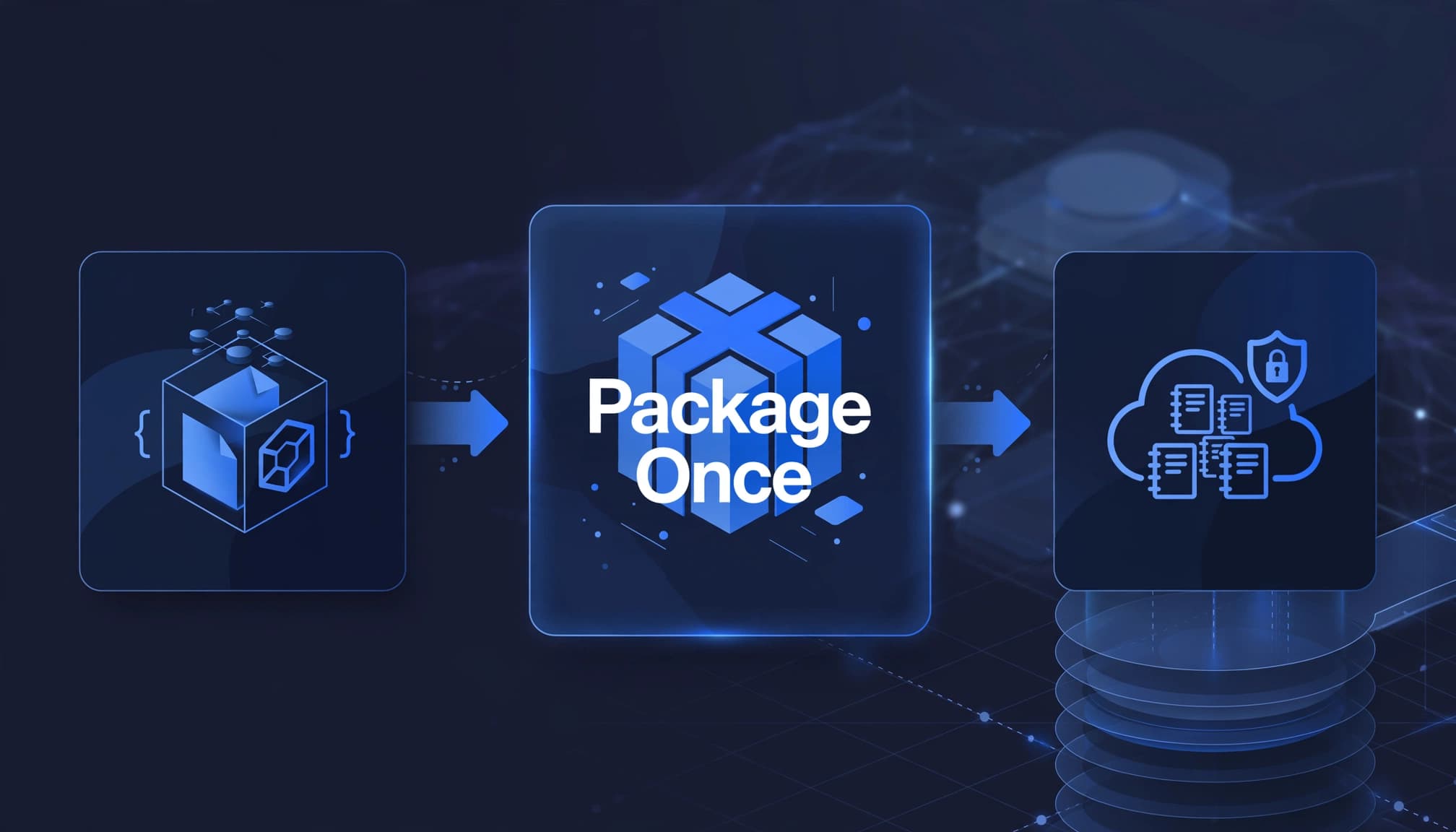
Upload the .whl file directly to the Environment’s custom libraries. The artifact is then available as a custom library. Publish it and start a fresh notebook session.
The notebook can then import config_reader without running an installation cell. Packaging shared functions this way improves reusability across notebooks because they use the same implementation instead of duplicating functions. Maintain the source, tests, and versioned releases outside Fabric in source control.
For updates, increment the package version and publish a new artifact.
Load Configuration Without Exposing Secrets
Keep deployment settings in Lakehouse Files
Store nonsecret settings in an app.config config file under a Lakehouse Files subfolder, such as Files/config/app.config.
Useful entries include endpoint URLs, processing parameters, and secret names. Teams sometimes call these environment variables, but an INI-style config file doesn’t automatically populate Python’s os.environ.
Environment resource files have a separate lifecycle: changes take effect without publishing. Don’t assume publishing an Environment versions or promotes those files alongside its libraries.
A Lakehouse location provides a stable configuration pattern, but its files still need an explicit deployment process.
Read settings and retrieve credentials separately
Attach the intended default Lakehouse, then use the packaged reader:
from config_reader import get_config


config = get_config(
    "/lakehouse/default/Files/config/app.config"
)
endpoint = config["service"]["endpoint_url"]
secret_name = config["service"]["api_key_secret"]
The /lakehouse/default path refers to the attached default Lakehouse in this Spark notebook context.
Keep API keys in Azure Key Vault rather than plaintext configuration. Use the secret name from the file with notebookutils.credentials.getSecret. Microsoft’s NotebookUtils documentation covers secret access and file-system utilities.
Role-based access control should restrict workspace and OneLake access. A shared configuration path doesn’t isolate secrets, and workspace and OneLake permissions still determine who can access the underlying files.
Use Session Installs and Notebook Resources Selectively
For experiments, install a package near the beginning of the notebook:
%pip install requests==2.32.5
In Spark notebooks, %pip is a magic command that installs packages for the current Spark session. It makes them available to the driver and executors. A local Jupyter notebook uses its own kernel, while Fabric notebooks run on Spark. Prefer %pip over !pip, which doesn’t provide the same Spark-aware behavior.
The package is then available to subsequent cells. A later session still needs the installation unless the dependency moves into a published Environment. Before production promotion, validate packages used by PySpark transformations or Spark SQL UDFs on both the driver and executors.
Notebook resources work well for small data files, images, and uploaded Python modules. Keep notebook resources for assets tied to one notebook. An accessible .py module can be imported directly; a wheel uploaded to notebook resources requires installation, for example:
%pip install "builtin/fabric_shared_config-0.1.0-py3-none-any.whl"
A shared utility notebook can also help during development. However, distinguish execution methods: %run shares the calling context, while separately invoked notebooks can introduce startup overhead. Separate execution doesn’t always require a new Spark session because session-sharing settings affect behavior.
Automate Releases Across Workspaces
A production release needs more than a notebook file. Deploy the approved wheel, published Environment, configuration assets, and workspace-specific references as one coordinated change.
Microsoft’s notebook management API handles notebook definition content and default Lakehouse configuration separately from notebook metadata:
notebookutils.notebook.createrequires nonempty, valid.ipynbJSON content.updateDefinitionchanges notebook content and default Lakehouse configuration, returningTrueorFalse.updatechanges metadata such as display name and description, not notebook content or Lakehouse configuration.
For Spark notebooks, updateDefinition also accepts environmentId and environmentWorkspaceId. Those parameters aren’t supported in the Python notebook runtime.
Environment and workspace identifiers differ across deployment stages. Resolve the destination references during deployment instead of carrying development IDs into production.
Our Microsoft Fabric CI/CD guidance covers the wider release discipline. Apply the same controls when notebooks support Data Factory pipelines, Dataflows Gen2, Lakehouse tables, Warehouse loads, and downstream semantic models.
Troubleshoot Imports Before Scaling Compute
When an import fails after an update, first confirm the notebook uses the intended Environment and a fresh session.
Then distinguish the distribution name from the import name. The example distribution is fabric_shared_config, but its module is config_reader.
Inspect installed metadata with:
from importlib.metadata import version
print(version("fabric_shared_config"))
If the version is correct, investigate runtime compatibility, transitive conflicts, or missing native dependencies. Also look for local files that shadow installed modules.
Performance optimization starts with identifying the delay. Package installation, Spark startup, transformation execution, and Power BI refreshes require different fixes. Increasing capacity won’t repair an incorrect import path.
Customer Success: Gay Lea Foods Accelerates Reporting
Microsoft’s Gay Lea Foods customer story describes how the organization uses Fabric to unify data and accelerate reporting.
The business outcome is relevant: dependable shared data reduces the friction between engineering work and business analysis.
The story doesn’t attribute those results to a particular Python packaging approach. Dependency management supports that broader goal by making the notebook layer easier to release and maintain as reporting requirements grow.
Bring Dependency Management Into Fabric Delivery
At Spargent, our Microsoft Fabric data engineering services connect notebook engineering with platform design, implementation, migration, optimization, and managed support.
We support ingestion through Data Factory pipelines and Dataflows Gen2, Lakehouse and Warehouse architecture, OneLake governance, Power BI integration, semantic model optimization, and Real-Time Intelligence.
For U.S. mid-market and enterprise organizations, this means senior Microsoft Fabric specialists from Europe working around U.S. business needs. Our delivery model combines strong communication with an efficient cost structure designed to improve ROI compared with traditional U.S.-only consulting.
We can extend an internal analytics team or provide delivery capacity where no dedicated team exists.
During data platform modernization or a Power BI to Microsoft Fabric migration, dependency controls belong alongside capacity planning and governance. The goal is faster reporting, fewer manual Excel workarounds, and less operational dependence on individual developers.
Frequently Asked Questions
Should a wheel live in an Environment or a Lakehouse?
Use an Environment for approved libraries shared across production notebooks. Choose Lakehouse storage when a workflow intentionally installs a specific wheel at runtime. Both options require versioning and clear release ownership.
Can VS Code use Fabric notebooks and Lakehouse data?
The Fabric Data Engineering extension supports local editing with execution against Fabric compute. A local Python interpreter doesn’t automatically inherit Fabric libraries, workspace permissions, or the notebook’s Lakehouse mount.
Do Environment changes affect an already-running session?
No. An active session keeps its current libraries. Restart the session after updating an Environment to load the new dependencies.
Is %pip appropriate for production dependencies?
Use %pip for temporary testing or troubleshooting. Define production dependencies in a Fabric Environment so they can be versioned and shared across notebooks.
How do I verify the attached Environment after deployment?
Open the deployed notebook and check its Environment setting. Confirm the expected Environment is attached, then start a fresh session and test key imports and package versions.
Make Dependencies Part of Your Release Process
Reliable Fabric notebook dependencies begin with versioned artifacts, published Environments, and configuration managed separately from secrets. Treat those components as one release unit to reduce avoidable failures.
If inconsistent notebooks are slowing implementation or reporting, Book a Microsoft Fabric Discovery Call to review the current environment and identify the next step.
