
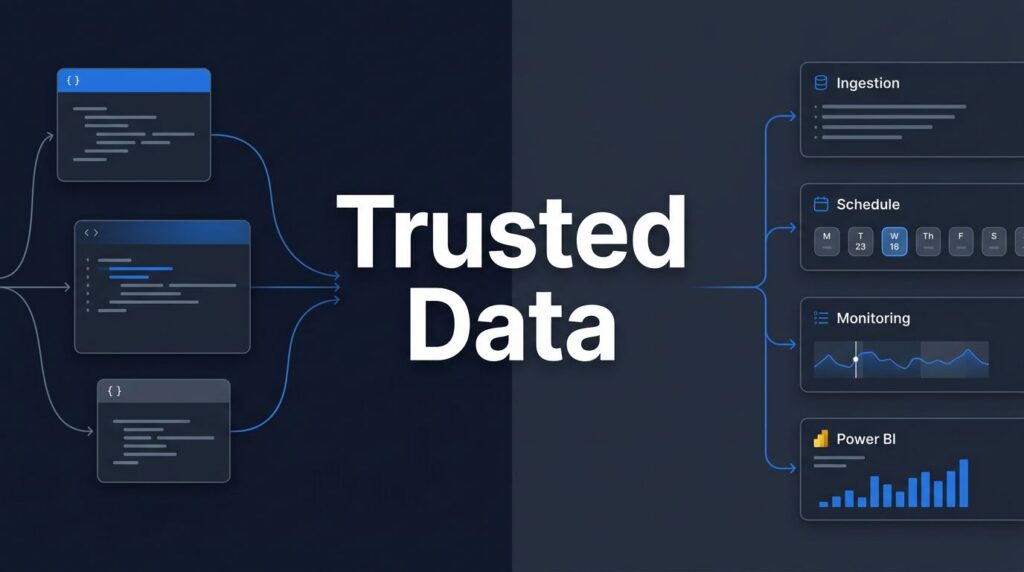
A fragile nightly refresh can damage trust in every Power BI report that follows. Choosing between Fabric Notebooks for code-intensive processing and Fabric Data Pipelines for orchestration helps teams use Fabric notebooks data pipelines effectively, delivering dependable reporting without turning simple ingestion into a code-heavy project.
For U.S. companies already invested in Microsoft 365, Azure, or Power BI, Microsoft Fabric creates a shared foundation for Data ingestion, transformation, storage, analytics, and reporting. Yet Fabric’s broad toolset can cause confusion when a team needs to decide where work belongs.
The strongest solution rarely relies on one workload alone. It assigns orchestration to Fabric Data Pipelines, code-intensive processing to Fabric Notebooks, and business-friendly transformations to Dataflows Gen2.
Key Takeaways
- Fabric Data Pipelines orchestrate ingestion, dependencies, scheduling, monitoring, and downstream refreshes, while Fabric Notebooks handle code-intensive Spark processing.
- Start with the data product and operating requirements rather than choosing a tool based on power or popularity.
- Use Dataflows Gen2 for maintainable, business-friendly Power Query transformations and notebooks for complex logic, high-volume processing, reusable code, and machine learning.
- A strong architecture combines pipelines, Dataflows Gen2, notebooks, Lakehouse or Warehouse storage, and governed Fabric semantic models.
- Secure configuration, clear ownership, capacity monitoring, source control, testing, and failure handling are essential for avoiding support debt and maintaining dependable reporting.
Fabric Notebooks and Fabric Data Pipelines: the practical distinction
A Data pipeline is the orchestration layer in Fabric Data Pipelines. It controls when work runs, in what sequence, with which dependencies, and how teams review execution history. Use a Copy data activity to ingest files or database tables, trigger a refresh, call a notebook, set parameters, and schedule a repeatable workflow.
Fabric Notebooks provide the code and compute layer for Apache Spark work. Data engineers and data scientists use them to run Spark jobs that ingest, cleanse, join, enrich, and transform larger or more complex datasets. They support Python, Scala, SQL, and Spark SQL for scalable data transformation, as well as machine learning models. Microsoft describes notebooks as the primary code item for Spark jobs and machine learning experiments in its Fabric Data Science overview.
The decision becomes clearer when you look at the work itself:
| Work requirement | Better starting point | Why |
|---|---|---|
| Copy files or database tables on a schedule | Data pipeline | A Copy data activity provides visual orchestration, connectors, retries, and scheduling |
| Apply complex Spark transformations | Fabric Notebooks | Apache Spark and code offer more control over joins, data quality rules, and large-scale processing |
| Clean business data with familiar Power Query steps | Dataflow Gen2 | Low-code transformations are easier for analytics teams to maintain |
| Run several dependent tasks | Data pipeline | It manages order, conditions, parameters, and monitoring |
| Train or score a machine learning model | Fabric Notebooks | Spark jobs and Python provide the right development surface |
| Refresh a semantic model after data loads | Data pipeline | The pipeline coordinates the end-to-end release of current data and completed data transformation |
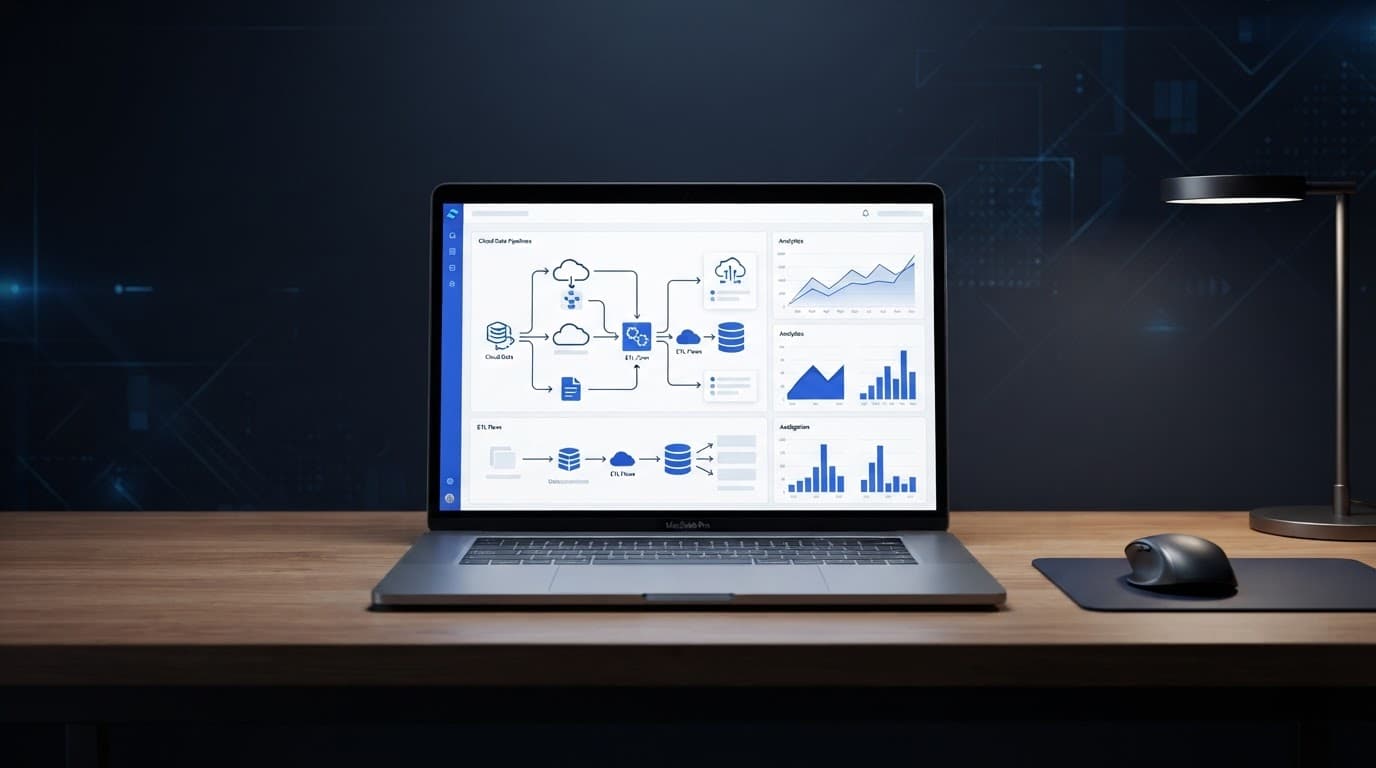
In most production designs, a pipeline invokes a notebook rather than competing with it. A Notebook activity might ingest ERP extracts through a Copy data activity, run a notebook that applies a medallion-style data transformation, validate row counts, then refresh a Power BI semantic model. Microsoft’s notebook activity guidance reflects this pattern by placing notebook execution inside the pipeline workflow.
A pipeline should show the business process of data movement. A notebook should contain the transformation logic that needs code, scale, or repeatable engineering standards.
Start with the data product, not the tool
Many teams start by asking whether a notebook is more powerful than a pipeline. That question leads to poor architecture because it treats the tool as the objective.
Start with the data product your business needs. A manufacturing team might need hourly production, quality, and inventory reporting. A healthcare provider may need governed claims and operational data with restricted access. A retailer may need near-real-time stock signals and sales trends.
Then identify the operating requirements:
- How often must the data update, and does it need scheduled, event-driven, or near-real-time processing?
- What are the data ingestion needs across SQL databases, SaaS systems, files, APIs, and external cloud storage?
- Who will maintain the workload, data engineers, BI developers, or business analysts?
- What audit trail, lineage, security, and recovery standards apply?
- Which reports, applications, and teams will consume the final data?
This approach supports sensible Microsoft Fabric capacity planning. Teams must manage Capacity units carefully when running resource-intensive Spark notebooks, since those workloads can consume more resources than straightforward ingestion activities. Conversely, forcing a large transformation into a visual workflow can create a difficult-to-debug process that runs longer than expected and uses Capacity units inefficiently.
Microsoft Fabric also changes the design conversation through OneLake, its unified logical data lake foundation. Engineering, warehouse, and Power BI teams can work with the same governed data instead of creating repeated extracts. OneLake shortcuts can provide no-copy access to data in Azure Data Lake Storage, Amazon S3, and other supported locations. Copilot can also assist with building pipeline steps or code routines, while teams retain responsibility for reviewing and governing the results.
A thoughtful OneLake consulting engagement maps ownership, workspace boundaries, domains, shortcuts, and security before data spreads across multiple Fabric items. These decisions support effective data engineering practices and affect how easily a company can scale reporting later.
When Data Factory, Dataflows Gen2, and notebooks work together
Microsoft Fabric Data Factory is a strong fit for repeatable ingestion and operational control. Fabric Data Pipelines provide structured scheduling and operational triggers, while a Fabric Data Factory consulting team can build workflows that handle source connections, failure alerts, dependencies, and parameterized runs across environments.
For many finance, operations, and sales datasets, a Dataflows Gen2 implementation is the quickest route to trusted data. Power Query gives analysts a familiar visual experience for cleanup, renaming, type conversion, and business-rule data transformation. It works well when the logic is understandable without a full software-development workflow.
Notebooks earn their place when the work needs more than low-code steps. Examples include deduplicating high-volume event data, applying complex matching rules, parsing irregular files, building reusable Spark functions, or preparing features for machine learning. They are also useful when data engineering standards call for source control, code review, testing, and parameterized, code-based data transformation.
The target architecture often follows a simple division of responsibility:
- Data pipelines ingest, schedule, and coordinate the workload, with each Pipeline activity configured for parameterization using Base parameters.
- Dataflows Gen2 handle maintainable Power Query transformations where they fit.
- Notebooks perform Spark-based transformation, data science, or custom logic through code-based data transformation.
- A Microsoft Fabric Lakehouse stores open Delta Lake formatted tables for downstream analytics and general Data engineering tasks.
- A Microsoft Fabric Warehouse supports governed SQL reporting and dimensional models.
- Fabric semantic models provide consistent measures and definitions for Power BI users.
This design improves Microsoft Fabric Power BI integration because reports draw from prepared, trusted data instead of personal Excel files and disconnected datasets. It also gives BI teams a foundation for Power BI semantic model optimization, including clean star schemas, selective refresh patterns, and well-managed measures, while the Lakehouse supports flexible analytical workloads. A second Pipeline activity can coordinate downstream refreshes and delivery steps as the data moves through the architecture.
Avoid workload choices that create support debt
A notebook can become a liability when it contains simple copies, hidden connection details, and undocumented transformations. Conversely, a pipeline becomes hard to maintain when it tries to imitate a full Spark engineering project with dozens of visual branches.
Use notebooks when code produces a clear operational advantage. Keep functions modular, store parameters outside the code where practical, and monitor execution within the live Spark session. Track code changes through Git and maintain clear Version history so the next senior engineer can understand both the implementation and its evolution.
Use pipelines when the value lies in control. Make the execution path obvious, and name activities around the business action, not an internal shortcut. Each Pipeline activity and Notebook activity should include clear failure handlers, with validation steps before refreshing reports and alerts before stale data reaches executives.
Microsoft Fabric governance must cover both workloads. Secure access through a Workspace identity or a dedicated Service principal, establishing the right connection Security context for each workload. Teams also need workspace roles, connection ownership, lineage, sensitivity labeling, and deployment practices. Microsoft Purview integration supports a more consistent view of data assets, but governance still requires clear operating decisions.
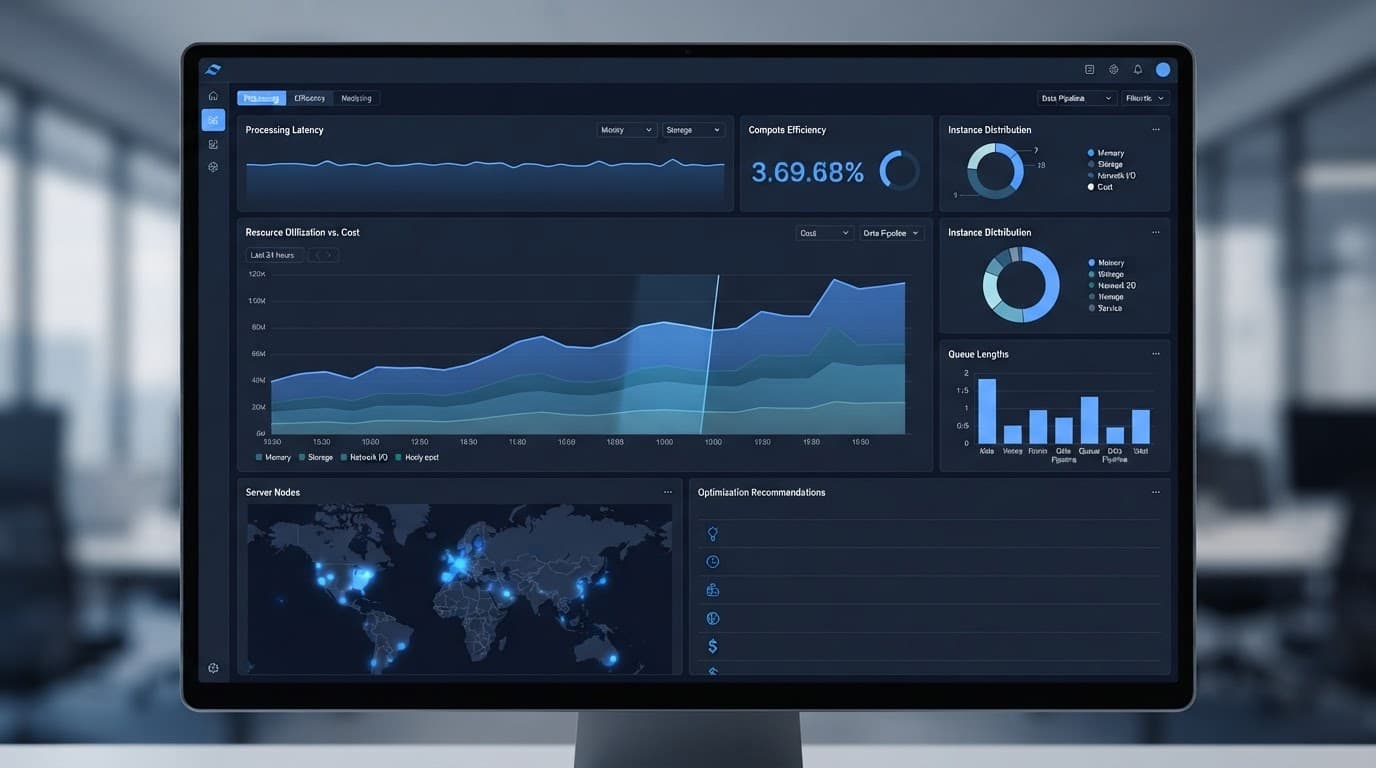
The same discipline supports Microsoft Fabric performance optimization. Monitor notebook duration, pipeline bottlenecks, refresh timing, source-system limits, and capacity usage. Poorly sequenced workloads can delay a finance dashboard even when the semantic model itself is healthy.
For teams already in production, Optimize Fabric Performance and Cost when refresh times, capacity pressure, or inconsistent report performance starts limiting adoption.
Success story: Telecom operator unit connects data across Fabric
Over a 12-month engagement, Spargent Analytics worked with a telecom operator unit to implement Microsoft Fabric as a unified platform for data ingestion, storage, and real-time analytics. The project replaced fragmented systems that had resulted in inconsistent and outdated data for marketing and sales teams.
The team consolidated data into a shared lakehouse, applied transformations using Spark notebooks, and connected reporting tools through Direct Lake. This enabled dashboards to update automatically, removing the need for scheduled refreshes and manual data transfers. Ingestion, transformation, and reporting were managed as integrated workloads on shared data, rather than as separate processes.
The implementation removed daily manual data-copying tasks and eliminated about 3,000 hours of manual work in the first year. Real-time datasets are now governed and shared directly between teams. The operator also reduced costs associated with legacy software licenses and on-premises hardware.
For mid-market and enterprise organizations, the project highlights that faster reporting depends on reliable data ingestion, governed data models support trusted dashboards, and advanced analytics requires usable upstream data. The team implemented data governance and security controls such as role-based permissions and audit trails. Compliance was addressed from the start by automating data lineage and supporting regulatory requirements, ensuring platform reliability and security.
Delivery support for U.S. Fabric teams
Spargent Analytics provides Microsoft Fabric consulting services for U.S. organizations that need senior delivery capacity without building a large internal data team. The work can begin with a targeted architecture review or expand into full data platform modernization and ongoing support.
A Spargent Microsoft Fabric expert can help design ingestion patterns, build Data Factory pipelines, develop Dataflows Gen2, establish Lakehouse and Warehouse layers, and improve governance. Services also cover Microsoft Fabric migration, including a practical Power BI to Microsoft Fabric migration plan that protects report continuity while improving the underlying platform.
For organizations with limited internal engineering coverage, Spargent acts as a hands-on Microsoft Fabric implementation partner. Its Microsoft Fabric data engineering services include notebook development, pipeline orchestration, Fabric Real-Time Intelligence, semantic modeling, and managed operational support. Data engineering teams can also receive guidance on configuring a Service principal or Workspace identity for secure deployment pipelines.
Spargent helps teams automate operational workflows through the Job Scheduler API and REST endpoints, while Base parameters support dynamic runtime values across environments. Continuous integration practices and Version history provide better deployment control as Microsoft Fabric solutions evolve.
Built around the needs of U.S. companies, Spargent delivers with senior Microsoft Fabric specialists from Europe. This EU-to-USA delivery model combines experienced engineering, direct communication, and an efficient cost structure. U.S. teams gain dependable coverage and better ROI than a traditional USA-only consulting model.
Spargent’s Microsoft Fabric managed services also help teams after go-live, covering monitoring, enhancement work, incident response, cost control, and analytics modernization priorities. Companies seeking data engineering consulting USA support can add senior Fabric capability without waiting through a long hiring cycle.
When fragmented Excel processes, slow refreshes, or platform uncertainty hold back reporting, Book a Microsoft Fabric Discovery Call to assess the current environment and select a practical next step.
Frequently Asked Questions
What is the difference between Fabric Data Pipelines and Fabric Notebooks?
Fabric Data Pipelines provide orchestration, including scheduling, dependencies, parameters, monitoring, and refresh coordination. Fabric Notebooks provide the code and Spark compute needed for complex data transformation, data science, and machine learning workloads.
Should a pipeline or notebook handle data ingestion?
Use a pipeline for repeatable ingestion from files, databases, SaaS systems, APIs, and other sources because it provides connectors, scheduling, retries, and operational control. A notebook can then process the ingested data when the transformation requires Spark, custom code, or advanced engineering logic.
When should a team use Dataflows Gen2 instead of a notebook?
Dataflows Gen2 is a strong choice for business-friendly transformations such as cleanup, renaming, type conversion, and straightforward business rules. It gives analysts a familiar Power Query experience without requiring a full software-development workflow.
How do Fabric notebooks and pipelines work together?
A pipeline typically invokes a notebook as one step in a larger workflow. The pipeline can ingest data, run the notebook, validate results, refresh a semantic model, and manage alerts or dependencies.
How can teams control Fabric pipeline and notebook costs?
Teams should monitor capacity usage, notebook duration, pipeline bottlenecks, refresh timing, and source-system limits. Efficient Spark session management, sensible workload sequencing, parameterization, and choosing the simplest suitable workload help improve performance and control Capacity unit consumption.
Choose the workload that keeps data moving
Fabric Data Pipelines and Fabric Notebooks solve different problems, and strong Fabric solutions need both. Pipelines orchestrate dependable delivery, while notebooks use Apache Spark for code-driven processing and scalable compute across a Lakehouse.
The best Fabric notebooks data pipelines design keeps logic understandable, data governed, Power BI connected to trusted semantic models, and capacity aligned with business demand. Efficient Spark session management and optional Copilot assistance can accelerate development without replacing sound engineering practices. Together, these capabilities give teams faster insight without creating another platform they struggle to support.
