
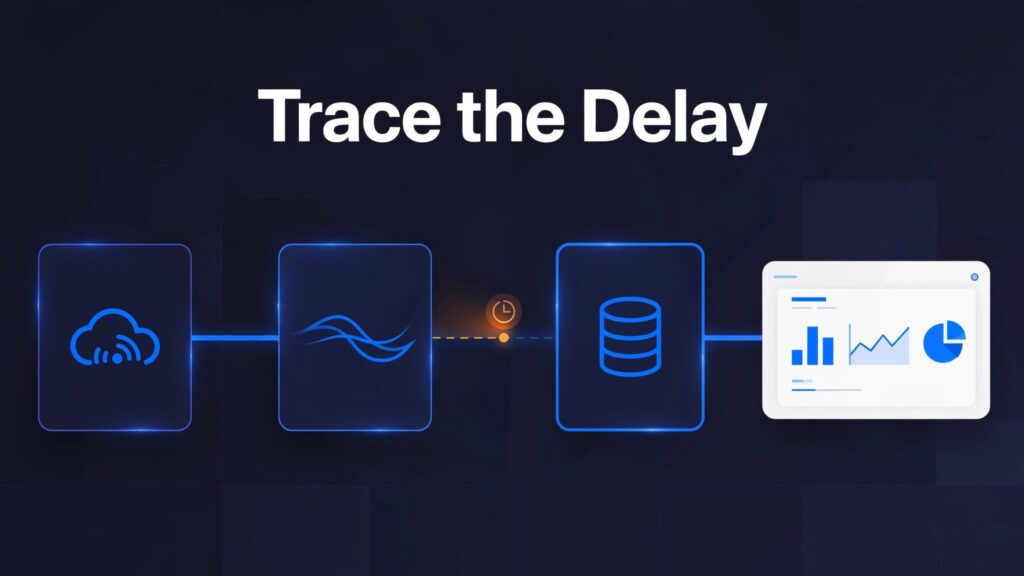
Fabric Eventstream latency can begin before the stream receives an event, during transformation, at the destination, or in reporting. Trace the same event across those stages, from when it occurred to when it became available, before treating a stale dashboard as proof that Eventstream is slow.
The most useful measure is decision-ready latency: the time between a business event and someone being able to act on it. Record when the event occurred, when it became available at each stage, and when a person could act.
Key Takeaways
- Compare time values for source, source arrival, destination, and report stages using the same event identifier.
- Use Data insights for message flow and Runtime logs for errors and interruptions.
- Persist converted time values when downstream reporting needs typed columns.
- Size capacity for peak demand, and use streaming where faster information changes the response.
1. Locate the Delay Before Changing the Pipeline
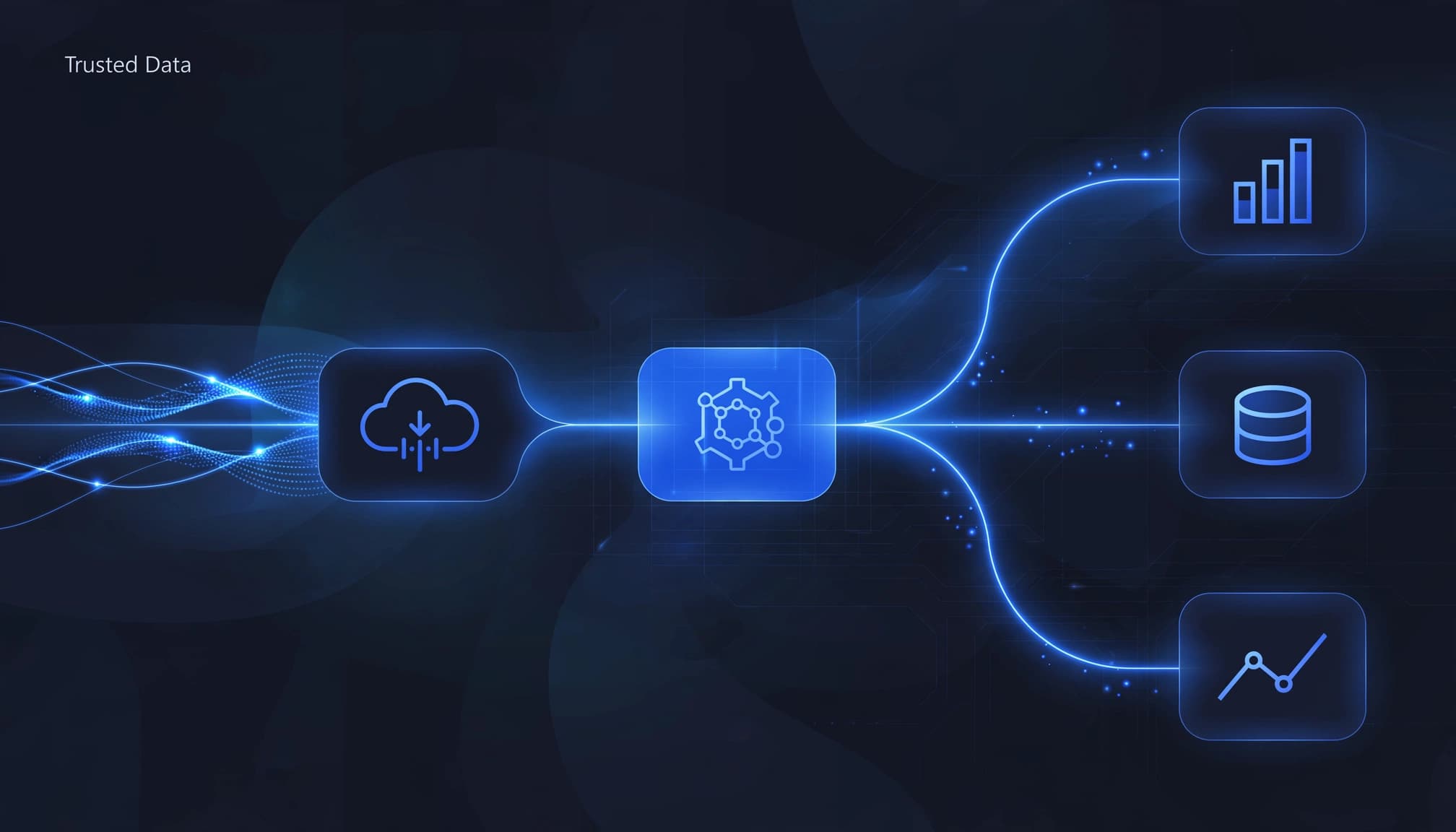
Carry a stable event identifier and preserve the original business-event time value. Record the producer’s publish time, then capture arrival at the stream and availability times at each boundary your architecture permits.
These checkpoints help isolate ownership.
| Boundary | Compare | Likely investigation |
|---|---|---|
| Source | Business-event time value versus producer publish time | Business-event-to-publish delay: producer buffering |
| Eventstream | Producer publish time versus stream arrival | Source-to-platform transfer: connectivity, retries |
| Post-transformation | Stream arrival versus transformed output | Processing delay: transformations, windows, processing backlog |
| Destination | Stream output versus query availability | Delivery and storage delay: ingestion, schema mapping, destination errors |
| Reporting | Query availability versus visible result | Report-display delay: query execution, refresh behavior, semantic model |
Normalize timestamps to UTC and account for clock differences. Otherwise, clock skew can look like processing delay.
Separate Delivery Time From Display Time
Query the destination directly before investigating Power BI. If the expected event is already queryable, investigate report behavior rather than changing the ingestion path.
For Microsoft Fabric Power BI integration, include semantic model storage mode and refresh behavior in the trace.
Measure Typical and Peak Behavior
Averages can hide serious delays during bursts. Track median and tail latency, such as the 95th percentile, alongside event volume.
Also retain failed-event counts. Fast delivery of only the valid records can conceal a growing data-quality problem.
2. Use Data Insights and Runtime Logs Together
Compare IncomingMessages and OutgoingMessages
Select the Eventstream node and open Data insights. Compare IncomingMessages and OutgoingMessages over the same period.
Microsoft’s Eventstream documentation describes the available health-review tools. Availability varies by source or destination.
If incoming traffic continues while outgoing traffic stalls, investigate processing and destination health. If both stop, start with the source connection and producer.
Message counts aren’t automatically a reconciliation test. Filters reduce counts, aggregations combine records, and multiple destinations change the relationship between input and output totals.
Compare counts against the transformation’s expected behavior. A lower output count can be correct, while matching counts can still contain incorrect timestamps.
Correlate Runtime Logs With the Slow Period
Open Runtime logs on a supported selected node. Filter by severity or keyword to narrow warnings, errors, and relevant messages.
Use timestamps to reconstruct the incident alongside the metric chart. The Fabric Community answer describes investigating interruption timing, but the official reference doesn’t promise a dedicated interruption-duration field.
Record the last healthy activity and recovery time where the evidence supports them.
These references don’t document a built-in alert specifically for Eventstream interruptions. Manual review remains the basic approach; Activator alerts on event conditions are a separate capability.
For broader diagnostics, Eventstream workspace health review provides a preview experience.
3. Check Destination Behavior and Event Structure
Trace Each Destination Separately
Available destinations include custom endpoints, Eventhouse, Lakehouse, Spark Notebook (preview), derived stream branches, and Activator.
Check source and destination readiness in the Real-Time hub before tracing delays. For a Kafka source, measure the time between publishing an event and its arrival.
Eventhouse supports direct ingestion or event processing before data arrival. Meanwhile, a Microsoft Fabric Lakehouse destination converts events into Delta Lake format. These paths have different processing and availability boundaries.
Multiple destinations can receive the same stream independently. Therefore, one branch arriving promptly doesn’t establish that another branch is healthy. Trace each destination and derived stream separately rather than assuming fan-out means identical availability.
Our KQL database and Lakehouse comparison explains where each fits operational analytics and historical analysis.
Validate Shape as Well as Speed
A schema-aware eventstream and the schema registry help validate event structure. Nonconforming events can be dropped, with validation errors appearing in Runtime logs.
Watch required fields, numeric types, and timestamp formats. A malformed stream can produce fast but incorrect analytics.
For database changes, DeltaFlow (preview) transforms change data capture (CDC) events from Azure SQL Database, Azure SQL Managed Instance, SQL Server on a VM, and PostgreSQL into tabular events. It also manages destination tables and schema evolution.
However, CDC processing still needs its own trace. Include source-change timing, transformation errors, and destination availability in the investigation.
4. Convert Timestamps and Persist the Result
Parse Epoch Milliseconds Correctly
A value such as 1714390800000 can arrive as a string even though it represents Unix-epoch milliseconds.
In KQL, tolong() converts the string to a 64-bit integer. Then unixtime_milliseconds_todatetime() produces a UTC datetime:
print EventTime = unixtime_milliseconds_todatetime(tolong("1714390800000"))
The KQL epoch-millisecond conversion reference documents this function.
Don’t treat milliseconds as seconds. Also monitor conversion failures so null datetime values don’t silently disappear from time-based reporting.
Store Typed Values in a Curated Table
A cast changes a query’s output. It doesn’t alter the source table’s stored column type.
An Eventhouse update policy can run a transformation when raw data arrives and write typed values into another table.
Create the target schema first, define the transformation, and attach the policy to the target table. The source and target must share a database, and the transformation output must match the target schema.
Keep the raw source value alongside the parsed datetime for diagnosis. Then point downstream reporting at the curated output rather than assuming an ad hoc cast changed the original data.
This also gives Fabric semantic models a consistent datetime contract.
5. Separate Late Events From Processing Backlogs
Define Event-Time and Window Rules
Event-time records when the business event happened. Processing-time records when the platform handled it.
If an event reaches Fabric late, grouping by processing-time moves it into a later period. Grouping by event-time preserves the original business period, but the application needs an explicit late-arrival policy.
Define the time field used for windows, the accepted lateness, and what happens afterward. Depending on the design, late records might revise results, enter an exception path, or be excluded.
Windowed aggregations can also wait for a window to complete. That intentional wait differs from an unexpected ingestion delay.
Expose Backpressure and Plan for Peaks
Backpressure occurs when a source produces events faster than downstream processing can handle. The queue grows, so recently displayed records may describe increasingly old activity.
Expose lag, dropped events, schema errors, and retry behavior. After recovery, compare backlog growth with the rate the system processes new arrivals and drains queued records.
Microsoft Fabric capacity planning should reflect peak event load and competing workloads, not only daily averages. Notebook jobs and semantic model refreshes can affect the broader capacity picture.
Our workload-based capacity planning guide connects sizing with workload demand and cost control.
Microsoft Fabric performance optimization starts with the constrained stage. Increasing capacity won’t repair malformed timestamps or an unsuitable window definition.
6. Use Streaming Where Faster Information Changes Action
Fabric Real-Time Intelligence is strongest when seconds or minutes affect operational value. Streaming data can support faster responses to production incidents, transaction monitoring, and service disruptions.
Daily financial reviews may work better with scheduled Data Factory pipelines or Dataflows Gen2. A Microsoft Fabric Warehouse or Lakehouse can support governed historical reporting without a streaming dependency.
For data platform modernization, set a freshness requirement for each decision. Use real-time dashboards when current data can change an operational response. This keeps analytics modernization focused on faster action and less manual reporting.
Customer Success: Iceland Foods Connects Streaming With Decisions
Iceland Foods adopted Microsoft Fabric and Real-Time Intelligence to reduce preparation-heavy analytics and support more current operational reporting. Its approach brings data together in OneLake and delivers reporting through Power BI. Teams use this information to monitor sales, evaluate promotions, and adjust inventory and staffing.
The example appears in Microsoft’s Fabric customer stories and shows how operational information can support business decisions. It doesn’t provide a universal Eventstream latency benchmark or performance target. Measure your own pipeline across ingestion, transformation, storage, and reporting to identify where delays occur.
Get Delivery Support Across the Fabric Lifecycle
At Spargent, our Microsoft Fabric consulting services help U.S. mid-market and enterprise organizations with latency troubleshooting, implementation, migration, and ongoing operations.
Our Microsoft Fabric consultants support ingestion, Data Factory pipelines, Dataflows Gen2, Lakehouse and Warehouse design, OneLake, Power BI, governance, and managed support. We connect these capabilities to faster reporting, fewer manual workflows, better-governed models, and tighter cost control.
For a Microsoft Fabric migration, including Power BI modernization, we address pipeline behavior and semantic model performance together.
We support internal analytics teams that need specialist help and organizations without a full in-house team. Senior European specialists deliver for the U.S. market with clear communication and an efficient cost structure that can improve ROI compared with traditional USA-only staffing.
Our real-time analytics consulting supports existing analytics teams and organizations that need a delivery partner.
Frequently Asked Questions
Why Does a Timestamp Conversion Disappear Downstream?
Query-time age measurements exist only in that query’s result. They don’t change the original stored column. Downstream queries need the same transformation or a curated table containing the converted value. An update policy provides an ingestion-time persistence pattern.
Does Healthy Outgoing Traffic Prove Low Latency?
No. Outgoing counts show flow, not event freshness. A pipeline can emit records continuously while draining an old backlog. Compare original event-time with destination availability, then investigate reporting separately. Counts and age measurements answer different questions.
Which Checkpoint Should I Investigate First?
Start at source ingestion and compare each processing stage with destination availability. The first point where freshness falls behind shows where to investigate.
How Should I Set a Freshness Target?
Identify when a delayed update would change a business decision. For inventory, set the maximum data age that still helps teams make replenishment decisions.
When Are Scheduled Updates Preferable to Continuous Processing?
Use scheduled updates when people act on data in batches, such as during daily planning or end-of-shift reviews. Continuous processing adds little value when decisions wait for the next review.
Make Eventstream Latency a Measurable Problem
Fabric Eventstream latency becomes manageable when each stage has a timestamp, an owner, and a defined freshness requirement. Fix the stage that consumes the latency budget.
For help identifying that bottleneck, Book a Microsoft Fabric Discovery Call. We’ll review your environment and identify the next step toward timely, trusted reporting.
