
Operational teams need to know immediately when a production line begins to drift, inventory runs short, or transactions start failing. Waiting for the next scheduled refresh can delay action and increase operational risk.
Continuous telemetry must arrive quickly and in a trusted form. It should also connect to alerts or workflows that help teams act before a minor issue grows.
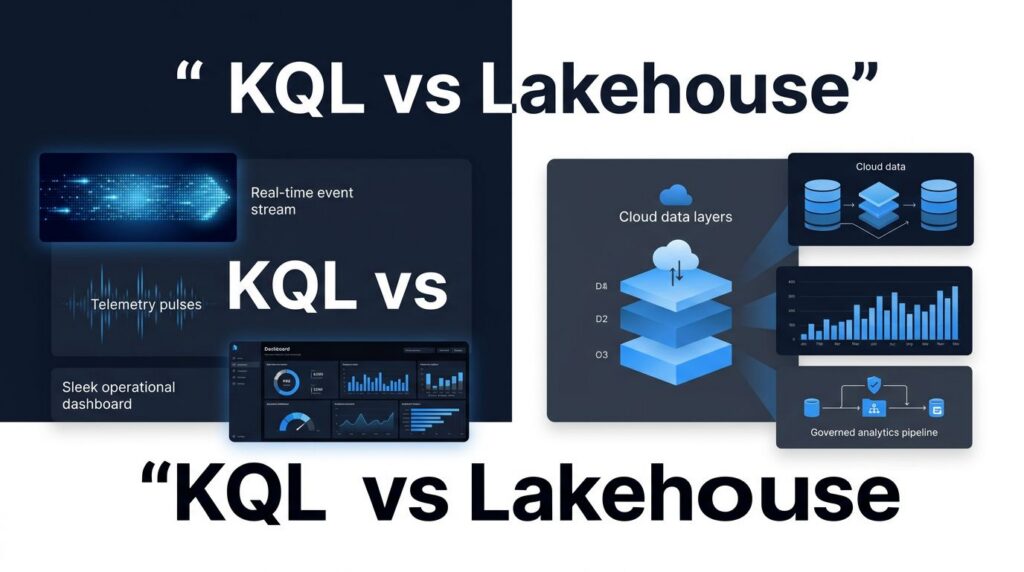
The choice between a KQL Database and a Lakehouse determines how Microsoft Fabric supports operational analytics. A KQL Database is optimized for fast event processing and real-time analysis, while a Lakehouse provides durable storage for data engineering, historical reporting, and broader analytical workloads.
Many growing organizations need both, but each should serve a distinct purpose. The right architecture depends on how the data arrives, which decisions it informs, and how quickly the business needs to act.
Key Takeaways
- KQL Database is the stronger choice for streaming telemetry, logs, clickstreams, and time-stamped operational events that need near-real-time analysis.
- A Microsoft Fabric Lakehouse is better for curated historical data, Spark data engineering, open Delta tables, machine learning, and broad analytical workloads.
- Many organizations benefit from sending live events to KQL Database and retaining governed history in OneLake through a Lakehouse.
- Power BI reports need well-designed semantic models using Direct Lake mode, clear refresh patterns, and capacity planning regardless of the chosen data store in OneLake.
- Spargent Analytics helps U.S. companies design, migrate, optimize, and support Fabric solutions with senior European delivery teams.
KQL Database vs Lakehouse: Match the Store to the Workload
Microsoft Fabric provides teams with several specialized data stores on a single shared platform. That shared foundation matters because Data Factory, Data Engineering, Power BI, Real-Time Intelligence, and Data Warehouse all work with OneLake. A team can use different compute engines without building disconnected copies of the same data estate, leveraging shared compute engines to optimize performance across different tasks.
However, shared storage doesn’t mean every workload belongs in the same store.
How KQL Database and Lakehouse Differ
A KQL Database sits inside an Eventhouse and is part of Fabric Real-Time Intelligence. It is designed for high-volume, append-heavy event data. Typical records include machine readings, application logs, security events, point-of-sale activity, web behavior, and change events from operational systems.
A Lakehouse combines files and managed Delta tables in OneLake, relying on underlying Delta Lake formatting to support reliable transactions. It supports Spark notebooks, SQL queries through its SQL Analytics Endpoint, data pipelines, and Power BI reporting. That makes it a practical home for cleaned, conformed, and historical data that different teams need to reuse.
Microsoft’s data-store decision guide makes the distinction clear: choose the store based on access patterns, data type, and query behavior rather than treating every Fabric item as interchangeable.
The comparison below provides a useful starting point.
| Decision area | KQL Database | Lakehouse |
|---|---|---|
| Best data pattern | Time-stamped, append-mostly events | Structured, semi-structured, and file-based data via Delta Lake |
| Primary purpose | Real-time operational analysis | Data engineering, a Data Warehouse workload, and historical analytics |
| Main query tools | Kusto Query Language, limited SQL support | Spark, SQL via SQL Analytics Endpoint, notebooks, and Shortcuts |
| Typical latency target | Near-real-time exploration and dashboards | Batch or micro-batch processing |
| Common use cases | Telemetry, logs, IoT, security, clickstreams | Medallion Architecture, BI, ML, curated history |
| Data preparation | Update policies and materialized views | Pipelines, notebooks, Dataflows Gen2, Spark jobs |
The choice isn’t a contest between two products. It is a design decision about where live data should be served and where business-ready data should be maintained.
A KQL Database can expose a live operational signal quickly, while a Lakehouse gives that same organization a durable foundation for trend analysis, shared reporting, and data science.
When a KQL Database Fits Operational Analytics
KQL Database earns its place when events arrive continuously, and business users need answers while those events still matter. A security leader may need to inspect suspicious sign-ins within minutes. A manufacturer may need to spot an unusual temperature pattern before a machine stops. A retailer may need to see store and e-commerce demand as it changes.
Kusto Query Language is well suited to filtering, aggregating, joining, and analyzing time-series data. It also supports specialized functions for anomaly detection and for efficiently analyzing time-series data. Materialized views can precompute recurring aggregations, while update policies can transform incoming events as they land.
Real-Time Hub and Eventstreams help teams handle fast data ingestion from sources such as Azure Event Hubs, Azure IoT Hub, Azure SQL Database change data capture, Azure Cosmos DB change data capture, PostgreSQL CDC, and other operational feeds. This allows an Eventhouse to capture streaming telemetry data seamlessly. This makes Fabric Real-Time Intelligence a strong option for organizations that want a managed Microsoft environment for both stream ingestion and interactive Real-Time Analytics.

When to Choose a KQL Database
KQL Database works especially well when these conditions apply:
- Events are largely append-only and include timestamps, supporting reliable data ingestion.
- Analysts need to search a large event volume interactively during Real-Time Analytics.
- Operations teams need live dashboards, alerts, or anomaly investigation.
- JSON, text-heavy logs, sensor payloads, and telemetry data need quick exploration.
- A response depends on recent activity rather than a completed overnight load.
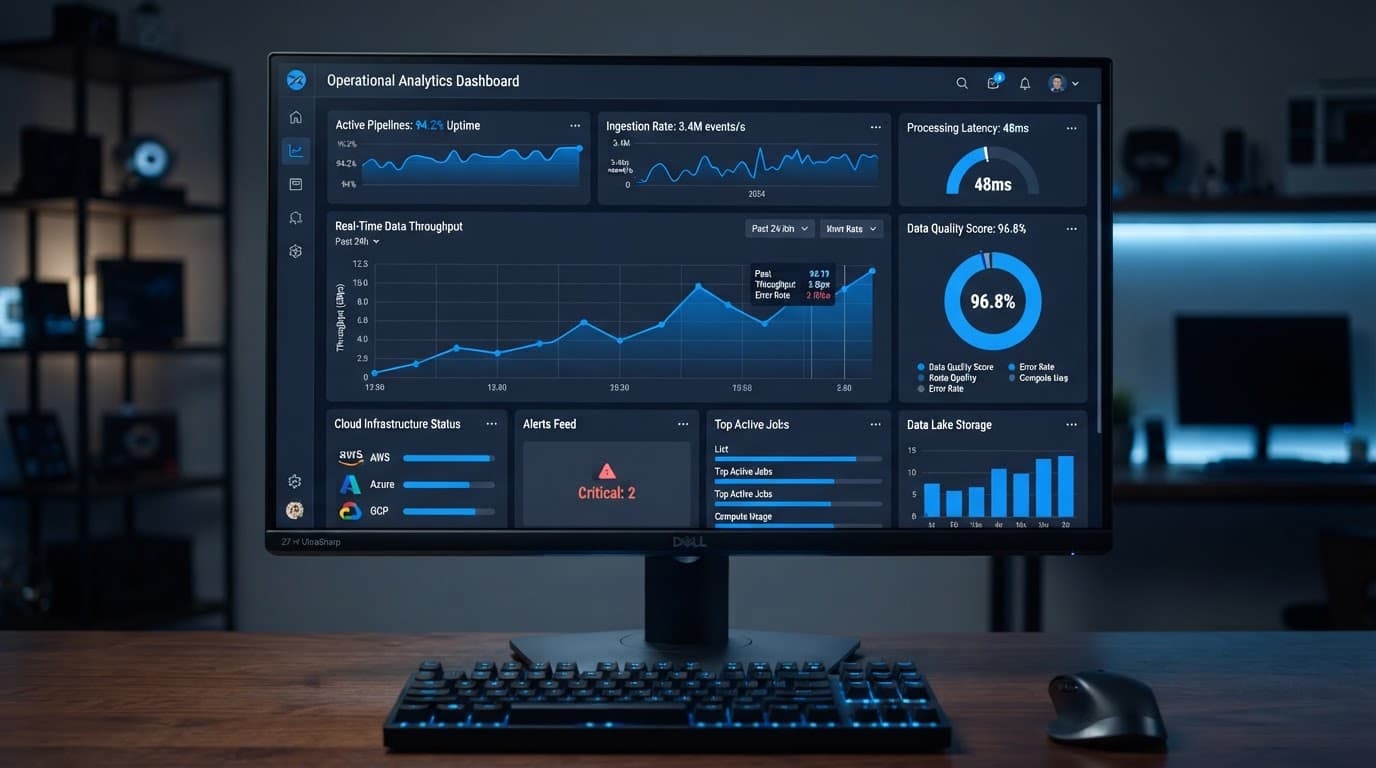
For example, an energy operator might ingest asset telemetry data into an Eventhouse, query recent readings with KQL, and display an operational dashboard for dispatch teams. The same data can later support reliability trends, maintenance planning, and monthly reporting elsewhere in Fabric.
KQL Database does have boundaries. It is not a replacement for a transactional system that processes orders, manages inventory reservations, or enforces relational business rules. Nor should it become a dumping ground for every dataset an organization owns. Its greatest value lies in serving live, event-oriented questions well.
A useful technical comparison of Lakehouse, Warehouse, and KQL Database in Fabric also highlights why query style should drive the decision. KQL excels when the question starts with “What happened in the last hour?” and requires rapid filtering across event records.
Where a Lakehouse Delivers More Value
A Lakehouse is the better fit when your data platform needs to retain and improve data over time. It stores files and managed Delta tables in OneLake, giving engineering teams an open, reusable data foundation.
This matters for organizations replacing manual Excel reporting, brittle SQL jobs, and department-owned extracts. A Lakehouse can hold raw source data, validated tables, and business-ready datasets in a governed Medallion Architecture pattern. Data engineers can use notebooks or pipelines for transformations, while analysts can query the SQL Analytics Endpoint and build reports against curated tables.

A Lakehouse is usually the stronger choice for:
- Combining ERP, CRM, finance, supply chain, and external data.
- Maintaining multi-year history for planning and performance analysis.
- Running Spark transformations and notebooks at scale.
- Preparing features for data science and AI workloads.
- Creating curated tables that support trusted Power BI reporting.
- Sharing data across business domains without repeated exports.
How OneLake Supports the Lakehouse
OneLake reduces the need to duplicate data between Fabric experiences. For example, Data Factory can ingest source data, a Lakehouse can refine it, and Power BI can consume the resulting tables through the SQL Analytics Endpoint over Delta Lake storage. The platform’s shared OneLake storage model also supports shortcuts, which can provide no-copy access to supported Azure, Amazon S3, and Google Cloud Storage sources.
That makes OneLake consulting valuable when a company already has data in Azure Data Lake Storage, Databricks, Snowflake, or another cloud environment. Shortcuts help teams connect external files into Microsoft Fabric without massive data movement. The objective is not a rushed rip-and-replace project. It is a controlled plan that brings priority data into a governed architecture while preserving useful investments.
A Lakehouse may still need a dedicated Data Warehouse for heavily relational reporting requirements. Microsoft Fabric Warehouse is a stronger candidate when teams need full T-SQL capabilities, stored procedures, and a classic dimensional SQL experience. The Lakehouse remains more flexible for Spark, Delta Lake, and engineering-oriented workloads.
A Better Pattern: Use KQL Database and Lakehouse Together
The most effective answer to KQL Database vs Lakehouse for operational analytics is often a combined architecture. Each store handles the part of the workload it was designed to carry.
A manufacturer can route equipment telemetry through Eventstreams into a KQL Database. Operations staff see current readings, investigate anomalies, and receive alerts through real-time dashboards. In parallel, the organization lands the retained event history in a Lakehouse. Engineers can join it with work orders, supplier data, production schedules, and quality records.
The result supports two distinct needs. Live operations gain fast visibility, while leadership receives long-term analysis that explains recurring issues and their financial impact.
How the Combined Architecture Works
A practical architecture commonly follows this path:
- Ingest batch data through Fabric Pipelines, mirroring, shortcuts, or connectors, then process it in OneLake.
- Route relevant live events through Eventstreams into a KQL Database for immediate analysis.
- Store curated historical data in Lakehouse Delta tables for engineering, BI, and machine learning.
- Publish trusted business logic through Direct Lake mode in Power BI semantic models and reports.
- Apply common governance, security, lineage, and capacity controls across the solution.
This approach avoids forcing a Lakehouse to act like a low-latency event store. It also avoids keeping all business history in a database optimized mainly for event exploration. Distinct compute engines ensure that heavy analytical workloads running against historical data in OneLake never starve your live operational streams of resources.
A healthcare organization might use KQL for live device telemetry and system events, then use the Lakehouse to connect those records with staffing, maintenance, and patient-service data. A financial services team can monitor current transaction patterns in KQL while using the Lakehouse for reconciliation, customer analysis, and regulatory reporting.
Teams discussing these tradeoffs often share useful implementation experiences in the Microsoft Fabric practitioner community. Still, community examples should never replace workload testing with your own data volumes, concurrency expectations, and reporting requirements.
Power BI, Semantic Models, and Governance Still Matter
Selecting the right store does not automatically produce fast reports. Slow Power BI pages often trace back to an overloaded semantic model, inefficient DAX, unclear relationships, unnecessary columns, or a capacity that doesn’t match user demand.
Strong Microsoft Fabric Power BI integration starts with a curated model. The Lakehouse or KQL Database should provide data in a form that fits the report’s purpose, often leveraging Direct Lake storage mode to read data directly without duplication. A live operations dashboard may use KQL-driven data, while executive financial reporting often benefits from a governed Lakehouse or Data Warehouse layer.
Power BI semantic model optimization should address model size, star-schema design, incremental refresh where appropriate, efficient T-SQL and DAX patterns, aggregations, and user concurrency. Well-designed Fabric semantic models protect shared metrics such as revenue, on-time delivery, utilization, and margin from drifting across departments, whether they rely on a Lakehouse or a structured Data Warehouse.
Governance must sit beside performance. Effective Microsoft Fabric governance includes clear workspace ownership, access roles, sensitivity labels, lineage, endorsement processes, and standards for certified data products. Microsoft Purview capabilities can extend familiar information protection practices across the Fabric estate.
Capacity also needs deliberate attention. Microsoft Fabric capacity planning should account for data engineering jobs, pipeline activity, semantic model refreshes, interactive Power BI usage, and real-time workloads. A high-priority operational dashboard should not compete blindly with a large overnight notebook.
For organizations already experiencing refresh delays or rising capacity pressure, Optimize Fabric Performance and Cost begins with workload measurement, model review, and a practical remediation plan. Microsoft Fabric performance optimization works best when teams measure the full chain, including ingestion, transformation, query behavior, Power BI reporting design, and capacity utilization.
Delivery Support for U.S. Fabric Teams
Many U.S. mid-market organizations have capable analysts but lack senior specialists in KQL, Spark, OneLake architecture, capacity management, and Power BI modeling. Others have no internal data engineering team and need a partner that can take ownership without creating a black box.
Spargent Analytics provides Microsoft Fabric consulting services for companies that need faster reporting, governed pipelines, better Power BI adoption, and measurable value from existing Microsoft investments. Its work covers architecture, delivery, optimization, training, and managed support across the full Microsoft Fabric lifecycle.
That includes Fabric Data Factory consulting, Dataflows Gen2 implementation, ingestion design, Lakehouse engineering, KQL Database design, real-time dashboards, semantic model development, and governance controls. Spargent also provides advanced data engineering support for teams building modern analytics solutions, handling everything from Fabric Pipelines to traditional T-SQL data warehousing setups.
Start with a High-Value Fabric Workload
For a company planning a Microsoft Fabric migration, the first step is to identify high-value workloads rather than move everything at once. A focused plan to migrate to Microsoft Fabric may start with a reporting bottleneck, a critical data pipeline, or a live operational use case. A Power BI to Microsoft Fabric migration can then extend existing reports with OneLake, Data Factory, Lakehouse, and Real-Time Intelligence capabilities.
Spargent’s model is built around the needs of U.S. companies and delivered by senior Microsoft Fabric specialists from Europe. U.S. clients receive strong communication, experienced engineering, and an efficient cost structure that often produces better ROI than a traditional USA-only consulting model.
Whether you need a Microsoft Fabric expert for an architecture review or a long-term Microsoft Fabric implementation partner, Spargent can support the work without forcing you to hire a full internal data team. Its Microsoft Fabric managed services provide ongoing help with platform health, data pipelines, reporting changes, governance, and capacity performance.
For U.S. buyers seeking data engineering consulting USA support or Microsoft Fabric consulting USA delivery, Book a Microsoft Fabric Discovery Call to review the current platform, business priorities, and realistic next steps.
Customer Success Story: Manufacturer Connect Real-Time Production Data with Historical Analytics
A mid-sized regional precision-components manufacturer in the USA lacked timely visibility into production performance. Machine data was collected continuously, but supervisors relied on spreadsheets and next-day Power BI refreshes to identify downtime, quality issues, and missed targets.
Spargent Analytics engineers helped design a focused Microsoft Fabric solution that streamed equipment telemetry through Eventstreams into a KQL Database.
As a result, our customer’s operations teams gained near-real-time dashboards and alerts for abnormal machine readings. Historical telemetry was retained in a Lakehouse and combined with work orders, production schedules, and quality data.
The solution gave supervisors faster insight into emerging shop-floor issues while providing management with trusted Power BI reporting on downtime, supplier quality, and production efficiency.
Frequently Asked Questions
What is the main difference between a KQL Database and a Lakehouse in Microsoft Fabric?
A KQL Database is optimized for high-volume, append-heavy streaming telemetry and near-real-time operational analytics. In contrast, a Lakehouse is designed for durable data engineering, open Delta tables, historical reporting, and machine learning workloads.
Can I use a KQL Database and a Lakehouse together in the same solution?
Yes, combining both stores is often the best approach for operational analytics. You can route live telemetry through Eventstreams into a KQL Database for immediate monitoring while simultaneously retaining event history in a Lakehouse for deeper trend analysis and business reporting.
Do I still need a traditional Data Warehouse if I use a Lakehouse?
A Lakehouse handles many analytical and data engineering needs, but you might still need a dedicated Data Warehouse when your workloads require full T-SQL capabilities, complex stored procedures, and a classic relational dimensional experience.
How does OneLake simplify data management across these different stores?
OneLake provides a unified storage foundation that allows different compute engines, such as Spark, Kusto, and SQL, to access data without creating redundant copies. This shared model supports shortcuts and streamlines governance across your entire analytics estate.
Final Thoughts
KQL Database and Lakehouse solve different problems inside the same Microsoft Fabric platform. KQL Database is built for fast operational event analysis, while the Lakehouse supports durable, reusable, and governed data for wider analytics.
The strongest KQL Database vs Lakehouse decision connects each workload to a real business need. Live signals belong where they can be queried quickly. Historical and curated data belongs where it can support trusted reporting, engineering, and long-term planning, while OneLake unifies these assets alongside a traditional Data Warehouse to power high-speed Direct Lake experiences.
