
Slow lakehouse queries can leave finance teams waiting for reports while operations turns to manual Excel extracts. Unlike a traditional SQL database, the Fabric SQL analytics endpoint provides a familiar SQL interface to lakehouse data, with performance shaped by Delta tables, query design, and capacity.
Start by finding where the delay occurs before increasing capacity or replacing your reporting platform. Separate slow execution from stale metadata and Power BI model delays.
Key Takeaways
- Tune the underlying Delta tables because file layout and partitioning affect endpoint performance.
- Measure query execution separately from metadata synchronization and report rendering.
- Validate changes under realistic concurrency, then connect the results to reporting speed and capacity cost.
Understand the Fabric SQL Analytics Endpoint
A read-only analytical surface
A Microsoft Fabric lakehouse automatically provides a Fabric SQL analytics endpoint over its Delta tables. Microsoft describes this read-only T-SQL endpoint as a way to query data with familiar SQL tools.
Use a SQL database for OLTP operations and other transactional operations, including application writes. Unlike a SQL database, the SQL analytics endpoint is a read-only layer for analytical queries. Microsoft Fabric Warehouse supports SQL-based data preparation and warehousing, but it isn’t interchangeable with a lakehouse endpoint or a SQL database.
Connect to the TDS endpoint using its connection string, available in the workspace, and authenticate with Microsoft Entra ID.
OneLake connects the workloads
OneLake is Fabric’s shared storage foundation. Data Engineering, Data Factory, Warehouse, Power BI, and Real-Time Intelligence operate within that integrated platform.
However, shared storage doesn’t make every file SQL-queryable. Automatic endpoint discovery covers supported Delta tables in the lakehouse /tables folder. Ordinary CSV or Parquet files don’t become endpoint tables automatically.
Therefore, check table format and placement before treating a missing table as a performance problem.
Establish a Baseline and Connect Correctly
Measure the user-visible delay
First, reproduce the problem in the same workspace with the same query, identity, and reporting filters. Record repeated executions because the first run can behave differently from subsequent runs.
Capture enough context to distinguish these delays:
| Measurement | What it helps diagnose |
|---|---|
| SQL execution duration | Query shape and table access |
| Time until new data appears | Ingestion and metadata synchronization |
| Power BI visual duration | Model calculations and report design |
| Capacity utilization during execution | Contention and workload scheduling |
Keep the baseline alongside the query text and test conditions. The SQL analytics endpoint is a read-only layer, so a faster run during a quiet period can look like a successful optimization.
Also record returned row counts. A query that becomes faster because it returns incomplete data is a regression.
Use the endpoint’s connection details
Open the lakehouse SQL analytics endpoint and copy its connection string from the item menu or settings. The connection string points to its TDS endpoint, not a separate SQL database.
Use the server value from that connection string in SQL Server Management Studio, select the database engine, and authenticate with Microsoft Entra ID. Set the database or initial catalog to the lakehouse name, not a SQL database name.
If your workspace contains both a lakehouse and a SQL database, confirm you’re testing the lakehouse endpoint. You can also test the connection in Visual Studio Code using its query editor, then run the query in your usual query editor. Visual Studio Code is an alternative client for checking access, not a performance fix.
Then run the problematic query directly. If the test is fast but the report remains slow, investigate the reporting layer before changing lakehouse storage.
Tune Delta Files and Partitioning
Compact fragmented tables
Frequent small ingestion batches can leave lakehouse tables with many small Delta files. The SQL analytics endpoint scans at file level, so excessive fragmentation adds overhead.
Microsoft’s endpoint performance guidance also warns that too few large files can reduce scan parallelism. Aim for a balanced layout that suits the workload, rather than the largest possible files.
Use Spark table maintenance, including OPTIMIZE or appropriate auto compaction, to manage fragmentation. Schedule maintenance around ingestion and reporting windows, then repeat the baseline tests.
Keep VACUUM retention aligned with recovery and time-travel requirements. Removing old files is housekeeping, not a substitute for fixing inefficient queries in a SQL database.
For recurring ingestion problems, Fabric data engineering consulting can address the write patterns that recreate fragmentation after every load.
Avoid overly granular partitions
Partitioning helps only when the layout suits the data volume and access pattern. High-cardinality partition columns can create many small partitions and increase metadata discovery work.
Microsoft recommends partitions of at least, or close to, 1 GB. This guidance applies to partition size, not as a universal target for individual files.
Review daily partitions on smaller tables before assuming they’re useful. Also examine customer or transaction identifiers that can create excessive partition counts.
During OneLake architecture planning, distinguish zero-copy access from optimized access. Shortcuts can reduce duplication, but the underlying lakehouse table layout still deserves performance testing.
Rewrite SQL to Reduce Unnecessary Work
For analytical queries on the SQL analytics endpoint, focus on reducing scanned data and intermediate results. These endpoint-specific practices aren’t universal SQL database tuning rules, since a SQL database may optimize workloads differently.
Select only the columns you need instead of using SELECT *. Apply selective filters early, and avoid moving large result sets into notebooks or reporting tools when SQL can aggregate them first.
For date filtering, prefer direct range predicates over applying functions such as YEAR() to every row. This gives the engine a better opportunity to skip irrelevant data.
Next, inspect joins. Confirm that join keys have compatible types and duplicate keys aren’t multiplying rows unexpectedly. Avoid implicit conversions and unnecessary joins to wide tables.
Reusable views can simplify reporting logic, but a view doesn’t materialize results or guarantee faster execution. Validate the SQL behind it.
For repeated business calculations, consider preparing curated tables upstream. Fabric Data Factory pipelines and Dataflows Gen2 can move recurring cleansing and enrichment out of report-time queries.
Finally, compare execution plans where available. Change one factor at a time so you can identify which adjustment reduced elapsed time.
Keep Metadata and Notebook Queries Reliable

Separate freshness from execution speed
Microsoft describes typical metadata lag for a SQL analytics endpoint as less than one minute, although synchronization can take seconds to minutes. Discovery also stops after 15 minutes without query activity.
If a SQL database client can’t see a new table or schema changes, follow Microsoft’s metadata synchronization guidance. You can request an on-demand refresh through the portal or the Refresh SQL analytics endpoint metadata REST API.
In automated workflows, record the REST API refresh request and verify that the required table or column is visible to the SQL database client before releasing downstream reports. Use bounded retries and an alert threshold. If the table is in a lakehouse, confirm its metadata synchronization has completed.
A metadata refresh addresses visibility and synchronization. It doesn’t compact Delta files or repair an expensive join.
Isolate connector failures
Microsoft’s Spark connector documentation describes synapsesql reads in the Scala language and a pySpark environment, using three-part table or view names. The connector also supports custom queries and parallelized reads, but prepareQuery behavior can vary by connector path.
In a Python notebook, such as one edited in Visual Studio Code, start with a minimal table read and confirm the connection string and Microsoft Entra ID authentication. If you’re using prepareQuery, test that construction separately in the query editor before adding it to a larger SQL database query.
If the simple read fails, check permissions, connector configuration, and the REST API response, then review the complete error message. A failing prepareQuery call may indicate a connector issue, not unsupported SQL.
Don’t treat prepareQuery behavior as interchangeable with documented synapsesql behavior, or assume every SQL database connection handles it the same way.
Align Power BI Performance With Capacity Planning
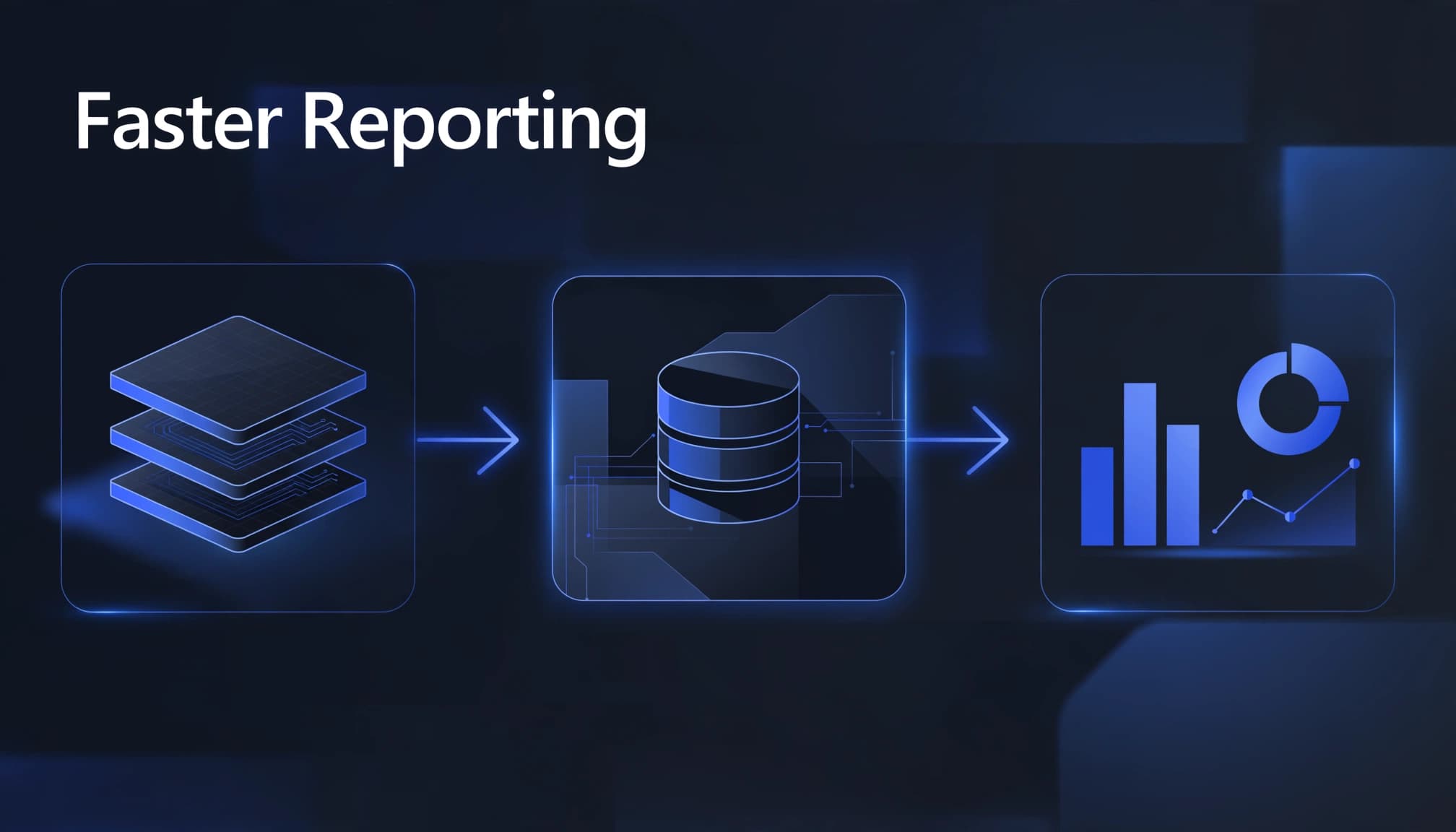
Performance tuning must cover the full reporting path, from SQL analytics endpoint execution to Power BI behavior, refreshes, and capacity contention. A fast query against a SQL database doesn’t guarantee a fast dashboard.
For Microsoft Fabric Power BI integration with a lakehouse, review the semantic model’s storage mode, relationships, measures, and refresh behavior. Direct Lake, Import, and DirectQuery follow different execution paths, so confirm which mode the model uses. Also verify the connection string and Microsoft Entra ID authentication.
Power BI semantic model optimization often involves removing unused columns, simplifying expensive DAX, and correcting relationships. Keep business measures in governed Fabric semantic models rather than reproducing them across spreadsheets.
Meanwhile, use the Capacity Metrics app to examine workload consumption and busy periods. Compare analytical queries on the SQL database with pipeline, Spark, and refresh schedules before increasing capacity.
Capacity planning should reflect peak concurrency and service expectations. Test changes during a representative reporting window.
For a Power BI-to-Fabric migration, preserve a report baseline before moving workloads. Analytics modernization should produce measurable improvements without sacrificing accuracy or access controls.
Customer Success: Migros Industrie Improves Data Freshness
Microsoft’s Migros Industrie customer story documents the change after the company adopted Fabric. Data updates fell from as long as 30 minutes to a few seconds.
That finding is about data freshness, not evidence of a specific SQL query-speed gain. It reinforces a broader lesson: measure freshness, query duration, and report response time separately. Faster data availability can help teams deliver operational information sooner, but it doesn’t show whether the analytics endpoint or reporting layer is faster. Tracking each measure independently helps identify where delays remain, without confusing pipeline improvements with query or report performance.
How Spargent Supports U.S. Fabric Teams
Spargent Analytics is a specialist Microsoft Fabric delivery partner for U.S. mid-market and enterprise organizations. Senior European specialists support internal analytics teams that need extra capacity, as well as companies without a dedicated analytics function.
Delivery is designed for U.S. business needs, combining clear communication with an efficient European cost structure. Compared with a traditional USA-only model, this approach can improve ROI while keeping senior expertise central to delivery.
Spargent’s Microsoft Fabric consulting services cover architecture, implementation, migration, optimization, and managed support. Its specialists can assess whether an endpoint issue calls for query tuning, pipeline changes, or a different Lakehouse, Warehouse, or SQL database design.
The delivery scope includes ingestion, Fabric Data Factory consulting, Dataflows Gen2, OneLake, Power BI, semantic models, governance, and Fabric Real-Time Intelligence.
For organizations planning a platform migration, this end-to-end view helps prevent disconnected fixes. The goal is faster reporting and less manual Excel work, not simply moving fragmented processes elsewhere.
Ongoing managed services can maintain performance baselines, review capacity consumption, and support governed pipelines. This helps U.S. organizations control costs and access senior data engineering expertise without building every specialist role in-house.
Frequently Asked Questions
Is the Fabric SQL analytics endpoint the same as a SQL database?
No. The endpoint is a read-only T-SQL layer over supported Delta tables in a lakehouse, while a SQL database supports transactional operations such as application writes.
Why can’t I see a new lakehouse table in the endpoint?
Metadata synchronization can take seconds to minutes, and discovery may stop after 15 minutes without query activity. Check that the table is a supported Delta table in the lakehouse /tables folder, then request a metadata refresh if needed.
What should I try first when an endpoint query is slow?
Measure SQL execution separately from metadata synchronization and Power BI rendering. Then review scanned data, joins, Delta file layout, and partitioning before changing capacity.
Will a faster endpoint query make my Power BI report faster?
Not necessarily, because semantic model calculations, storage mode, refreshes, and capacity contention also affect report response time. Test the complete reporting path under representative load.
Make Faster Queries a Repeatable Outcome
Start with a measured query, correct the data layout, and validate metadata readiness. Then test the complete Power BI reporting experience under realistic load.
The strongest result is repeatable reporting performance with controlled capacity spending. If your team needs help identifying the bottleneck, Optimize Fabric Performance and Cost with Spargent Analytics through a practical review of your current environment.
