
You don’t need a big IT department to outgrow spreadsheets. But you do need a data platform your team can afford, understand, and keep running.
When you compare Microsoft Fabric vs Azure Synapse, the best choice usually comes down to one thing, how much complexity your business can absorb. In 2026, Fabric is Microsoft’s unified analytics platform and main bet for modern data warehousing, while Synapse still fits some heavier or more technical workloads with a different management style. That difference shapes cost, effort, and speed from day one.
Key Takeaways
- Fabric wins for small teams: Its unified SaaS platform with OneLake, seamless Power BI integration, and capacity-based pricing lowers admin effort and speeds time to value compared to Synapse’s modular PaaS setup.
- Synapse for heavy workloads: Choose it when you need deep control over large-scale data, custom Spark jobs, or dedicated SQL pools—best for teams with strong engineering skills.
- Budget and skills matter most: Fabric simplifies budgeting and learning for reporting-first businesses; Synapse offers flexible usage pay but risks surprise bills and higher support costs.
- Default to Fabric in 2026: It’s Microsoft’s main analytics bet for growing mid-market needs, unless your data estate demands Synapse’s advanced flexibility.
Where Microsoft Fabric and Azure Synapse stand in 2026
In the Microsoft Fabric vs Azure Synapse debate, Fabric has emerged as the front door for most Microsoft analytics projects. It’s a SaaS vs PaaS story at heart: Fabric is a true software-as-a-service platform, so Microsoft manages more of the plumbing for you. Azure Synapse is more of a platform-as-a-service, meaning you piece together more components yourself.
Think of Fabric as an all-in-one workshop. Synapse is a wall of separate power tools. Both can build strong analytics, but one asks more from the operator.
For small businesses, that matters a lot. A recent 2026 Fabric vs Synapse comparison and Microsoft’s own Spark comparison on Microsoft Learn point in the same direction: Fabric is easier to adopt, while Synapse still gives deeper control. Fabric puts OneLake as its foundational storage, Data Factory for data integration, pipelines, SQL, Spark, and Power BI closer together. These components simplify the overall data warehousing journey compared to Synapse’s modular approach, which often means managing separate storage, compute, and integration choices before reporting even starts.
Side-by-side feature comparison for small business teams
This quick table shows how the two platforms feel in daily use.
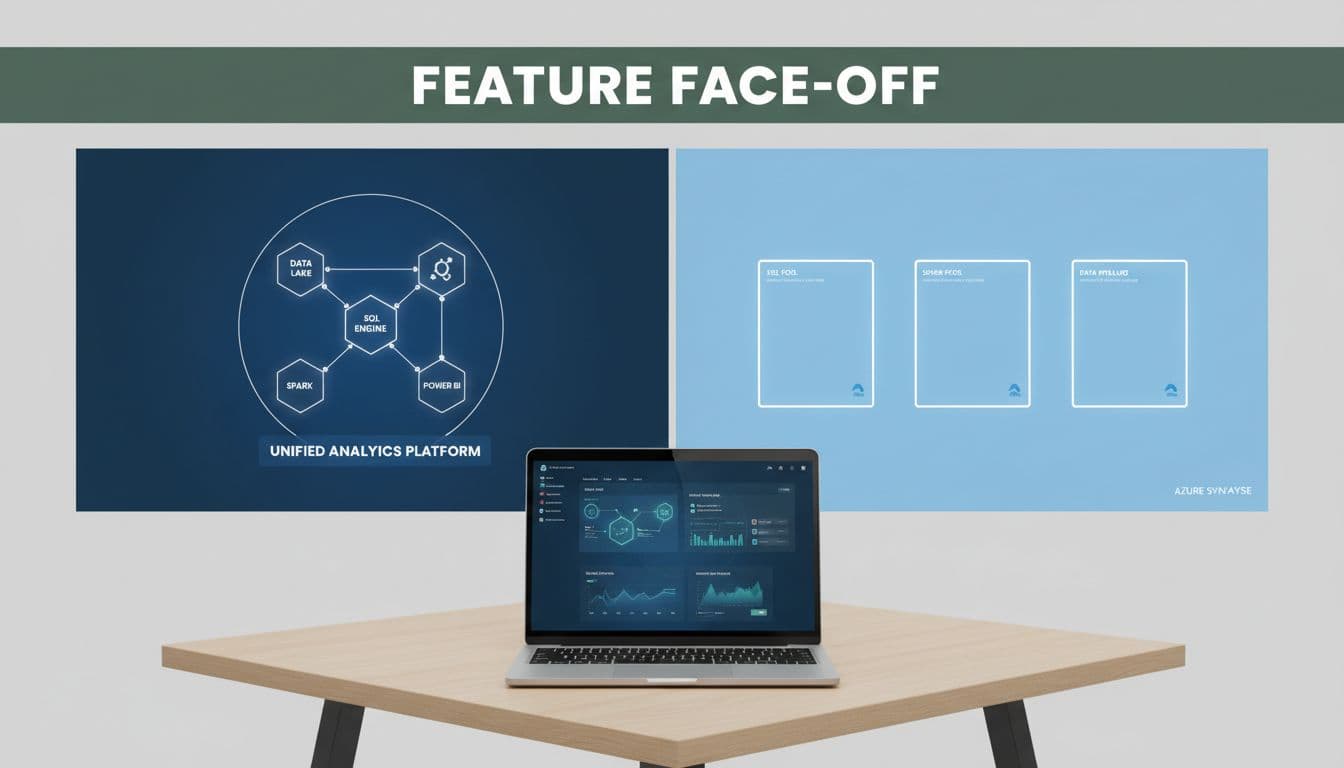
| Decision factor | Microsoft Fabric | Azure Synapse Analytics | Small business read |
|---|---|---|---|
| Platform model | Unified service in one workspace | Separate Azure services tied together | Fabric is easier to learn |
| Power BI integration | Power BI is built in | Power BI connects, but needs more setup | Fabric wins for dashboard-first teams |
| Pricing style | Capacity-based, shared compute | Usage-based, separate meters | Fabric is easier to budget |
| Technical skill | Lower admin burden | More engineering skill required | Synapse fits stronger IT teams |
| Data scale | Good for growing mid-market workloads | Strong for very large, complex workloads | Synapse shines at bigger scale |
In the Microsoft Fabric vs Azure Synapse comparison, Fabric’s Lakehouse architecture offers a unified approach that contrasts with Synapse’s modular setup using Dedicated SQL Pools, Serverless SQL Pools, and Apache Spark Pools. Fabric utilizes the Delta Lake format to ensure interoperability across tools.
For reporting-led teams, Fabric usually feels lighter with seamless Power BI integration. If your staff already use Power BI, Excel, and Microsoft 365, the gap gets wider. A sales or finance team can start with dashboards, then add data pipelines later. Synapse often starts the other way around, with more engineering choices before business users see results.
Fabric also has an edge for future growth without a big jump in admin work. Still, Synapse keeps the advantage for terabyte-scale workloads, custom Spark jobs, or Dedicated SQL Pools that reserve performance for heavy Data Warehousing tasks.
Cost, licensing, and implementation effort
Monthly price is only part of the story. Total cost of ownership also includes setup time, outside help, staff training, and the hours spent keeping the platform healthy.
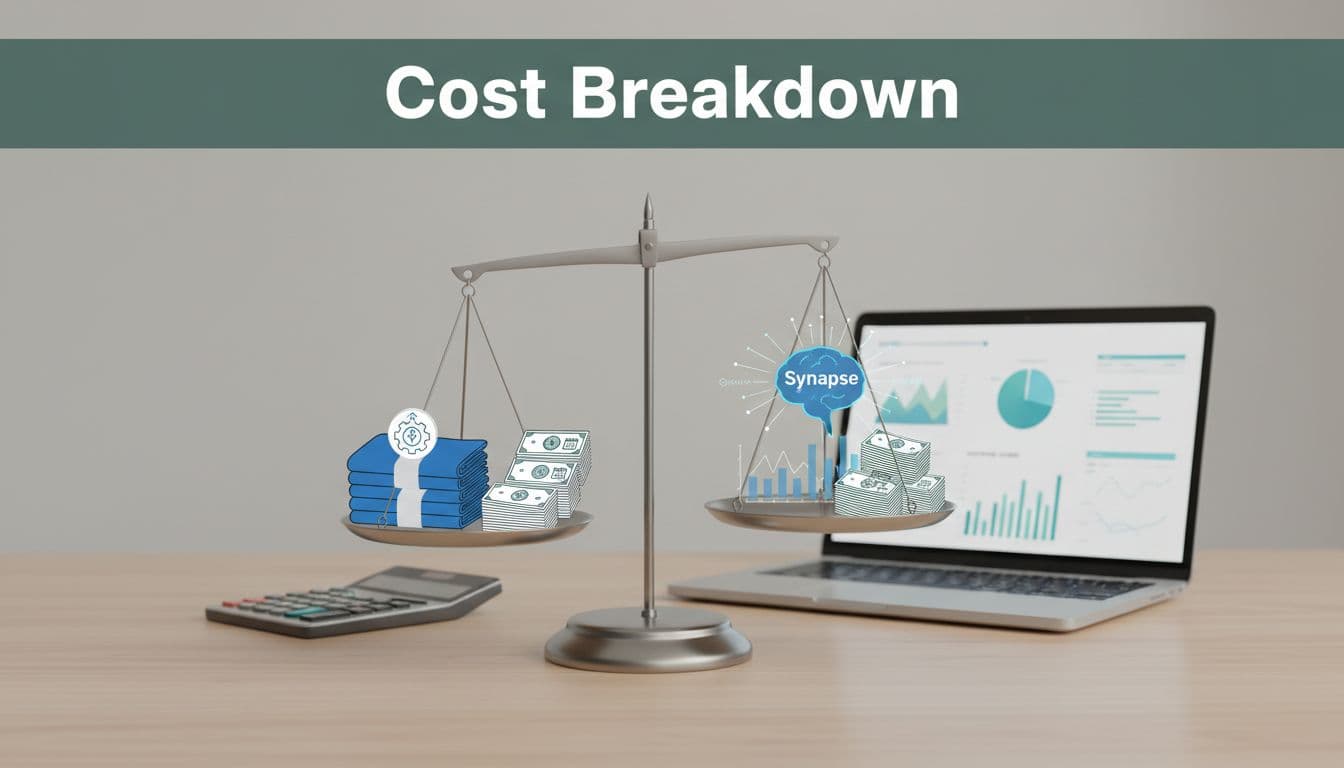
Fabric uses Fabric Capacity Units, so you buy a pool of compute that different workloads share. Fabric simplifies Data Integration through Dataflow Gen2 and the use of OneLake shortcuts, which allow data to be referenced without moving it, with OneLake as the central hub. This makes Fabric a more streamlined unified analytics platform for small businesses compared to the manual setup required for Data Factory in Synapse. That’s easier for budgeting and easier to explain to finance. Synapse charges by usage across services such as SQL, Spark, pipelines, and storage. That can work well for uneven workloads, but it can also create surprise bills if no one watches it closely.
Licensing feels different too. Fabric is simpler for non-technical buyers because the platform comes bundled more tightly. Synapse gives you more knobs to turn, yet each knob adds planning and oversight. For a small business without a data engineering team, implementation effort often matters more than raw compute price.
The cheaper platform on paper can become the expensive one after admin time and specialist hours pile up.
If you want a second opinion on those trade-offs, this 2026 capabilities and trade-offs summary gives useful context.
Pros and cons that matter to lean teams
Fabric’s biggest strength is speed to value. Your team can ingest data, model it, and publish reports without hopping across as many services, with features like Real-Time Analytics and the Copilot AI Assistant enabling fast insights. Integrated Microsoft Purview also simplifies governance. Because Power BI sits inside the same world, self-service reporting is easier for finance, operations, and leadership users.
Still, Fabric isn’t perfect. Capacity pricing can feel high if your usage is tiny or inconsistent. Some advanced teams also want more low-level control than Fabric exposes.
Synapse still earns its place. It provides robust RBAC and access control, support for CI/CD deployment pipelines, and sophisticated Machine Learning workflows (both platforms handle Machine Learning workflows, though implementation varies). If you already have Azure engineers, large data volumes, or strict workload tuning needs, it offers more flexibility. The trade-off is hands-on management, which usually means more setup, more permissions work, and a longer path to a finished dashboard.
- Fabric usually lowers admin overhead and suits reporting-first businesses.
- Fabric can cost more than expected if you overbuy capacity.
- Synapse gives stronger engineering control and flexible pay-for-use options.
- Synapse often needs more technical skill, which raises support costs.
Frequently Asked Questions
What’s the core difference between Microsoft Fabric and Azure Synapse?
Fabric is a unified SaaS platform that bundles storage, compute, SQL, Spark, and Power BI in one workspace, making it easier for small teams to manage. Synapse is a modular PaaS requiring you to assemble separate services like Dedicated SQL Pools and Spark Pools. For small businesses, Fabric cuts setup time while Synapse offers more customization for complex needs.
Which platform is better for small businesses on a budget?
Fabric usually edges out with predictable capacity units that simplify budgeting and reduce admin overhead—no surprise usage bills. Synapse’s pay-per-use can be cheaper for sporadic workloads but often leads to higher total costs from engineering time and oversight. Start with Fabric unless you have uneven, low-volume usage.
When should I pick Azure Synapse over Fabric?
Opt for Synapse if you handle terabyte-scale data, need fine-tuned Spark jobs, or have existing Azure engineers comfortable with its modular tools. It’s stronger for advanced data warehousing and ML workflows with dedicated resources. Fabric fits better for most reporting-led small business scenarios.
Is Microsoft Fabric replacing Azure Synapse?
Fabric is Microsoft’s primary unified platform in 2026 and the front door for new analytics projects, but Synapse remains for specialized, high-control workloads. Both coexist, with Fabric simplifying adoption via SaaS while Synapse serves PaaS power users. Map your 90-day needs to decide.
Best-fit scenarios for small business buyers
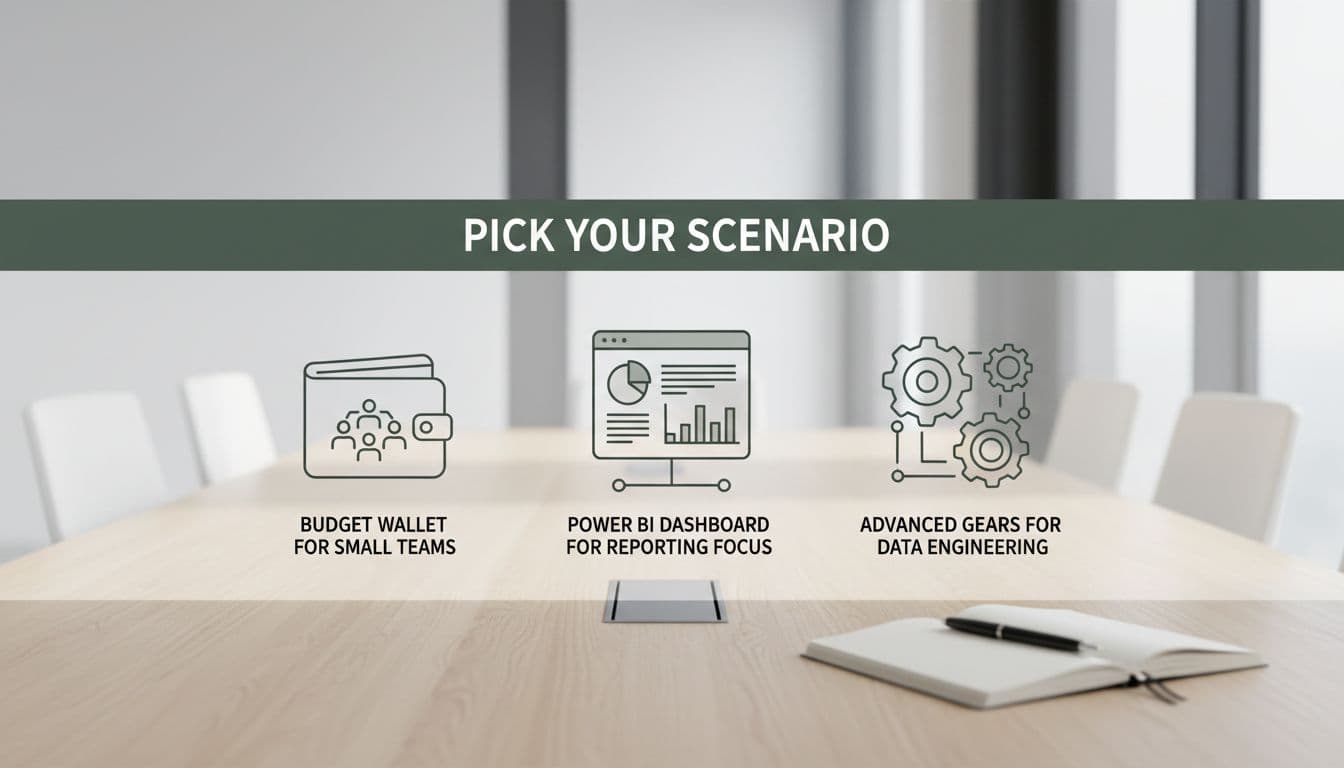
Best for budget-conscious teams
If your budget is tight and your team is small, Fabric is usually the safer default in the SaaS vs PaaS debate. The sticker price isn’t the only factor. Features like OneLake and Mirroring simplify data ingestion and Data Integration, while lower setup effort and fewer moving parts often reduce support costs over time.
Best for Power BI-centric businesses
Choose Fabric if Power BI already drives your reporting. Power BI integration with its Lakehouse architecture means a tighter handoff from data prep to dashboards, so business users get answers faster. This is where Microsoft Fabric vs Azure Synapse becomes less of a close race and more of a workflow decision.
Best for advanced data engineering needs
Choose Synapse when you need deeper control over Spark job definitions in Apache Spark Pools, dedicated T-SQL queries and Data Warehousing performance via Synapse Studio, or large Azure-based data workloads with Machine Learning workflows. It is also a fair choice with Managed Virtual Network support, the On-premises Data Gateway for hybrid setups, if your company already has Synapse skills in-house and isn’t trying to simplify the platform.
Most small firms don’t need a garage full of separate analytics tools. They need good reports, clear costs, and a system their team can run without hiring three specialists. Both platforms provide Auto-scaling compute, but Fabric adds V-Order optimization for performance and Real-Time Analytics capabilities.
That’s why Microsoft Fabric is the better default for many small businesses in 2026. Still, Synapse remains the right fit for bigger data estates and engineering-heavy use cases. Before you choose, map your first 90 days of data sources, reports, and owners. The best platform isn’t the most complex one, it is the one your team will use well.
