
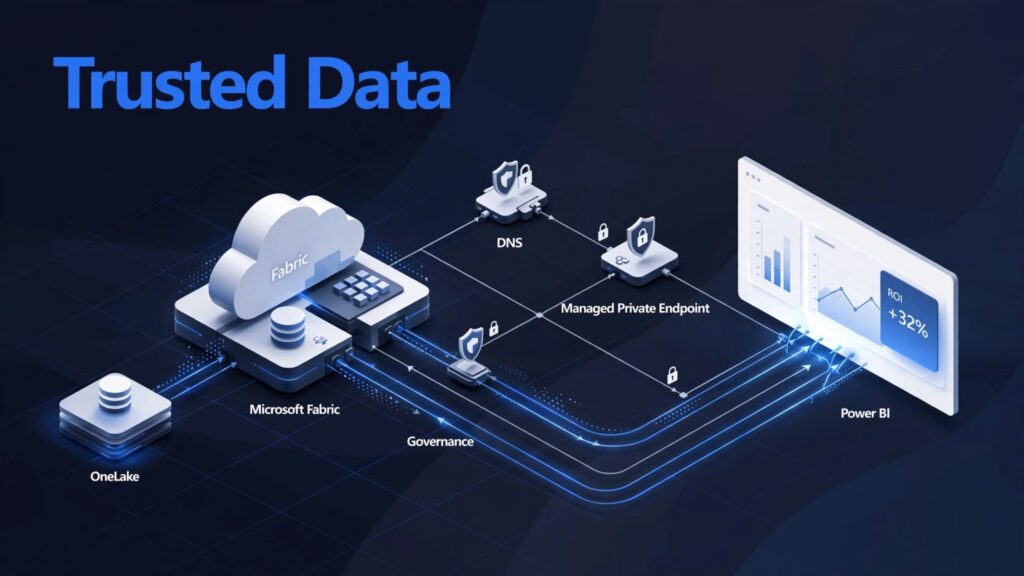
A private network design can keep Fabric traffic on a private backbone network without slowing the reporting teams that depend on it. Network boundaries matter most when OneLake, Power BI, and operational data sources support regulated or business-critical decisions.
Microsoft Fabric private networking works best when planned alongside identity, DNS, workspace ownership, and capacity. The goal is secure access that still gives analysts faster reporting and engineers a practical operating model.
Key takeaways
- Tenant-level private links apply broad controls across a Fabric tenant, while workspace-level private links isolate selected workspaces.
- Managed private endpoints govern Fabric’s outbound connections to approved data sources behind firewalls.
- A private DNS zone, endpoint approval, and workspace inbound policy cause many deployment failures.
- Block Public Internet Access should follow a tested rollout, not precede it.
- A virtual network design must align with data ownership, Fabric capacity, governance, and ongoing support.
Microsoft Fabric private networking starts with two traffic directions
Microsoft Fabric is a SaaS analytics platform where Data Factory, Data Engineering, Real-Time Intelligence, Warehouse, Power BI, Eventstream, Eventhouse, Mirrored database, and SQL analytics endpoint share a foundation in OneLake. That shared foundation reduces duplicate data movement, but it also makes access design an enterprise concern.
Microsoft’s private link overview separates the problem into inbound access to Fabric and outbound access from Fabric to protected sources. Treating them as the same control creates gaps.
Inbound access protects users and applications
Inbound private links control how users, applications, and services reach Fabric resources. Private endpoints govern that user-to-Fabric path, separate from Fabric-to-source access.
Azure Private Link routes this traffic through a private backbone network instead of the public internet.
This is the right pattern when a finance team needs private access to a Microsoft Fabric Warehouse, or when healthcare analysts access governed Power BI reports from a corporate network. It also helps security teams set clear expectations for remote access, DNS resolution, and private endpoint ownership.
Outbound access protects data-source connections
Managed private endpoints address a different risk. They let supported Fabric workloads reach a private Azure resource through a virtual network without opening that source to broad public connectivity.
That distinction matters for Fabric Data Factory consulting and Dataflow Gen2 implementation. A pipeline may run inside Fabric while securely reading from an Azure resource behind a firewall. The user accessing the pipeline and the pipeline accessing the source need separate controls.
Tenant-level and workspace-level private links
The choice between tenant and workspace scope should follow your operating model, not a default preference. Microsoft’s workspace-level private link guidance confirms that tenant controls cover the full tenant, while workspace controls target selected resources.
Use tenant-level links for shared enterprise boundaries
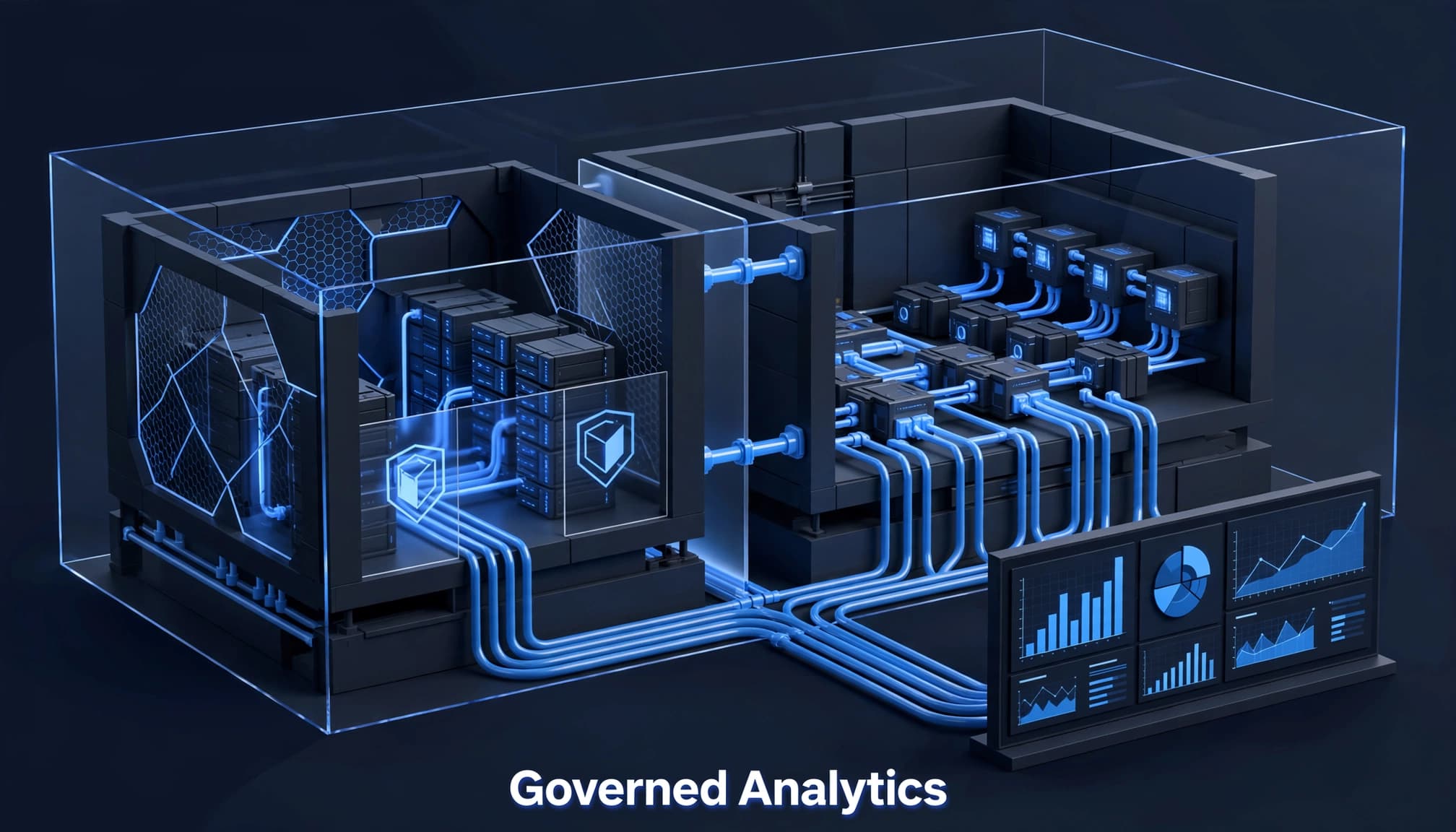
Tenant-level private links suit organizations with a single enterprise network policy and central platform operations. They reduce variance across workspaces and fit well when the same team manages identity, networking, Power BI administration, and Fabric governance.
However, tenant-level links only work with workspaces that allow connections from all networks. A workspace that blocks public access needs a workspace-level private link instead. This is often missed during a Power BI to Microsoft Fabric migration, when older workspaces have inconsistent settings.
Use workspace-level links for isolated workloads
Workspace-level private links fit business units, regulated data domains, or partner-facing analytics that need their own virtual network boundary. A manufacturing company might isolate a production Lakehouse and reporting workspace while providing trusted workspace access to approved analysts.
This model requires stronger administration. The Fabric administrator, networking team, and workspace owner must coordinate the private endpoint lifecycle, record it in the Azure portal, and review it regularly. They should also align on DNS and access reviews. Microsoft Fabric governance consulting can help turn those decisions into repeatable workspace standards.
Configure tenant-level private links in a controlled sequence
A Fabric administrator should first enable the Azure Private Links tenant setting in the Fabric admin portal. Next, the Azure networking team creates and approves private endpoints in the Azure portal within the appropriate virtual network. The team reviews the network and DNS association in the Azure portal, then connects DNS through a private DNS zone.
Only enable Block Public Internet Access after a pilot confirms that the required users, services, gateways, and operational processes can reach Fabric privately. Microsoft’s tenant-level private link setup guidance provides the current setup requirements.
Validate tenant DNS before broad rollout
Tenant DNS validation uses this fully qualified domain name: <tenant-object-id-without-hyphens>-api.privatelink.analysis.windows.net. The object ID must have its hyphens removed.
Run nslookup from a machine on the intended private network. It should resolve to the private endpoint address, not a public route. Test this before changing public access settings, then repeat from corporate VPN and approved branch-network paths.
Blocking public internet access is a service change, not merely a security toggle. It can interrupt report viewing, refresh operations, administration, and integration paths that have not been tested through private connectivity.
Treat Block Public Internet Access as a migration event
Document every workspace, user group, service principal, Eventhouse workload, virtual network data gateway, on-premises data gateway, and automated process before enforcement. Test both gateway paths separately from private links, then confirm that each has a supported private path.
This discipline is part of broader Microsoft Fabric migration work. It also prevents a rushed cutover from recreating the same fragmented reporting workflows that data platform modernization is meant to remove.
Build workspace-level private access for high-value domains
Workspace administrators can open Workspace settings, select Inbound networking, then choose Workspace connection settings. Select “Allow connections from selected networks and workspace level private links,” then apply the change.
Deploy the private link service with infrastructure as code
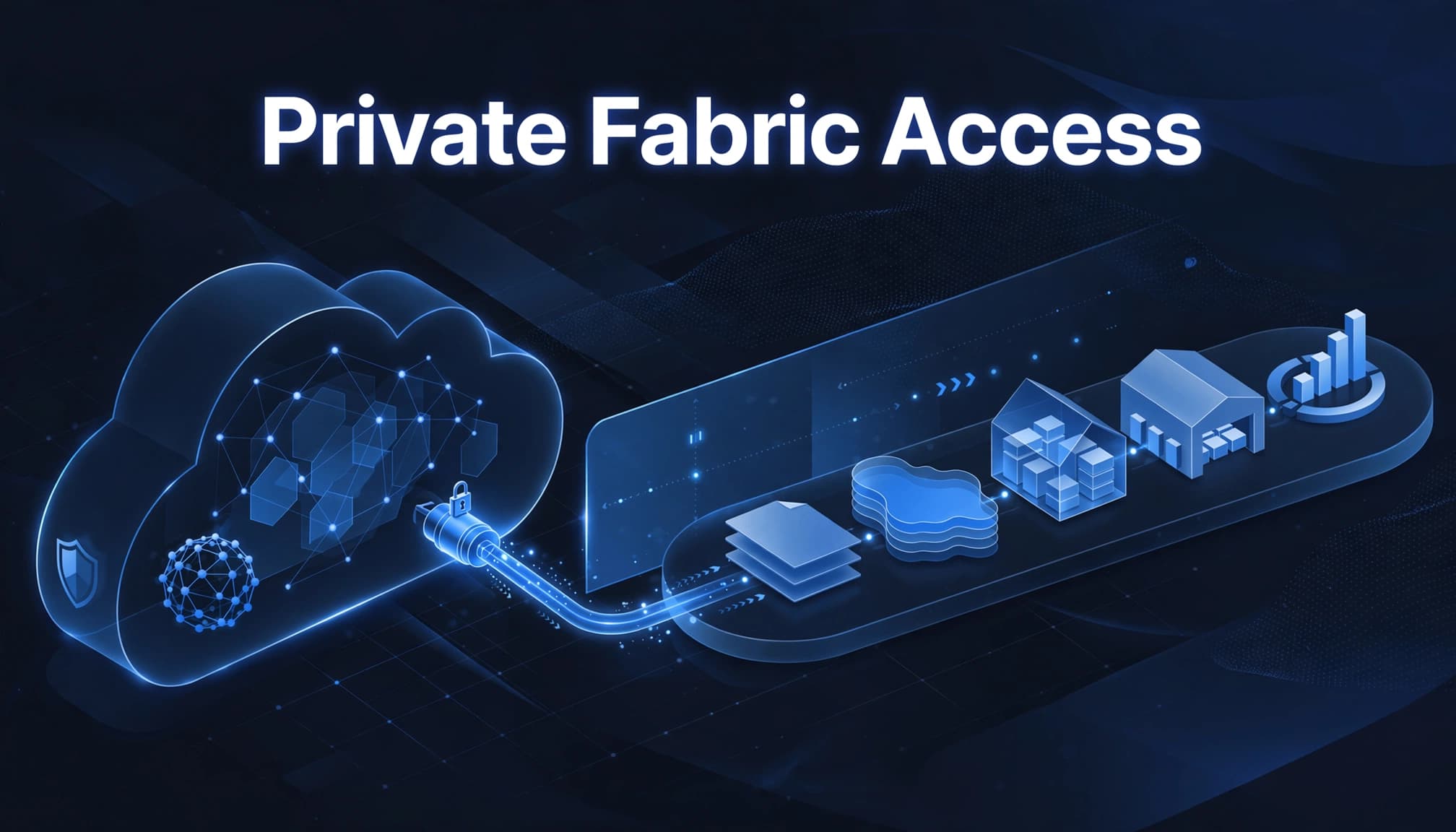
For repeatable enterprise deployment, use an ARM template with Microsoft.Fabric/privateLinkServicesForFabric, API version 2024-06-01, and location global. Its properties include the tenant ID and workspace ID.
The consuming network then creates private endpoints to that private link service in the Azure portal and configures the private DNS zone. For cross-tenant scenarios, the validation pattern is {workspaceid}.z{xy}.w.api.fabric.microsoft.com, with the DNS zone privatelink.fabric.microsoft.com.
Use the workspace-level setup documentation as the implementation reference, then version the ARM template and approved parameters in source control.
Match the boundary to the business workload
Protecting a Microsoft Fabric Lakehouse or Microsoft Fabric Warehouse is not enough if unmanaged semantic models still connect through wider routes. Review Warehouse access through the SQL analytics endpoint, Lakehouse access, real-time access through Eventhouse, and semantic models independently.
The same review should cover Microsoft Fabric Power BI integration and Power BI semantic model optimization. A private route protects traffic, while model design, refresh behavior, and permissions determine whether reporting remains fast and usable.
Use managed private endpoints for protected source systems
Workspace administrators create a managed private endpoint in the Azure portal, using Workspace settings, Network security, and Managed Private Endpoint. The request needs a name, the Azure resource identifier, and the target subresource.
These private endpoints provide source connectivity without replacing gateway-based options. A virtual network data gateway and an on-premises data gateway are separate controls, not interchangeable with managed private endpoints.
After the source owner approves it, verify that activation reaches Succeeded. For cross-workspace allowlisting, also verify that approval is Approved. Allow roughly 15 minutes before treating the request as failed.
Confirm workload support before designing around it
Managed private endpoints support certain Fabric workloads and targets, not every possible item or integration. Review Microsoft’s current managed private endpoint overview and the workspace support matrix before committing to an architecture, including Eventhouse coverage.
This is especially important for Dataflow Gen2, Eventstream, Spark-based engineering, and Fabric Real-Time Intelligence projects. Teams should test the exact workload, source, authentication method, and Fabric capacity configuration in a non-production workspace, including Eventhouse scenarios.
Keep source-side approvals accountable
A managed endpoint request spans two owners: the Fabric workspace team and the Azure resource team. Give each request a named business owner, expiry date, and documented purpose.
For companies without a large internal platform group, Microsoft Fabric data engineering consulting can support Fabric Data Engineering delivery across ingestion, OneLake consulting, pipelines, Lakehouse architecture, and secure source connectivity.
Troubleshoot policy, DNS, and approval failures in order
Network failures often look alike at first. A report may fail to load, a pipeline may reject a connection, or an Eventhouse real-time workload may stop processing. Start with the access boundary before changing authentication or rebuilding an endpoint.
Check inbound policy and workspace identifiers
Confirm the workspace inbound networking setting matches the intended pattern. In the Azure portal, verify the private link service uses the correct tenant ID and workspace ID.
A RequestDeniedByInboundPolicy message should trigger a review of workspace policy, endpoint approval, and the route used by the client. For Eventhouse, verify the relevant endpoint and route before changing credentials.
Test DNS at the client, not only in Azure
Private endpoints are ineffective when the client resolves Fabric to a public address. Test the required fully qualified domain name from the actual user network, virtual machine, or gateway host.
Next, verify the private DNS zone link to the virtual network and check for conflicting conditional forwarders. For a SQL analytics endpoint, inspect the target subresource on managed endpoints. A correct resource ID with the wrong subresource still fails.
Delivery that supports security and business outcomes
A Microsoft Fabric implementation partner should treat private networking as one workstream in a complete operating model. That model should cover design, implementation, migration, optimization, governance, capacity, secure networking, and managed support across ingestion, Data Factory, Dataflows Gen2, Lakehouse, Warehouse, OneLake, Power BI, semantic models, and real-time workloads.
Spargent Analytics provides Microsoft Fabric consulting services for U.S.-based mid-market and enterprise organizations with internal analytics teams that need additional delivery capacity, as well as organizations without a full internal data team. Its solutions are built around U.S. business needs and delivered by senior European Microsoft Fabric specialists, with strong communication, an efficient cost structure, and better ROI than a traditional U.S.-only model.
That approach supports analytics modernization, faster reporting, reduced Excel dependency, stronger governance, and better performance and cost control. Specialists can guide security architecture and delivery teams while managed support covers the Azure portal, Eventhouse, Fabric capacity, and trusted workspace access after go-live.
For organizations planning to migrate to Microsoft Fabric, the work should include capacity planning, governance, and secure workspace design from the start. Book a Microsoft Fabric Discovery Call to assess the current platform, migration priorities, and private access requirements.
Success story: Avocados From Mexico shortens reporting time
Microsoft’s Avocados From Mexico customer story reports a 95% reduction in weekly reporting time with Power BI. This sourced result shows why platform decisions should improve reporting experiences, not only security architecture. It also highlights the value of reducing manual work while building trust in shared data.
As an illustrative example, imagine a U.S. specialty-food distributor managing fragmented Excel workflows. It implements governed Microsoft Fabric ingestion and Power BI reporting, cutting weekly reporting from ten hours to three and making refreshes more reliable. This fictional scenario isn’t a reported customer result or Spargent client engagement. Its lesson is practical: design private networking around business operations, trusted data, and lower manual effort, rather than security controls alone.
Frequently asked questions
Can OneLake shortcuts cross Microsoft tenants with private networking?
Don’t assume cross-tenant OneLake shortcuts will work under a private networking design. Validate the exact shortcut scenario, tenant relationship, and supported connectivity path with Microsoft documentation and a proof of concept before building a dependency around it.
Does private networking replace Fabric permissions?
No. Private links control network reachability. Workspace roles, item permissions, OneLake security, row-level security, column-level security, and Purview controls still determine what an authenticated user can access.
How should teams validate private networking for real-time workloads?
Test the supported workload path first, including Eventhouse scenarios. Confirm private endpoints, DNS resolution, and authentication before testing capacity under expected event volume.
Which gateway supports on-premises connectivity?
Choose based on source location, supported connectivity, and operating ownership. A virtual network data gateway may fit sources connected to an Azure virtual network. An on-premises data gateway may fit sources managed within the corporate network.
When should we involve a specialist team?
Bring in Microsoft Fabric consultants when network changes affect multiple workspaces, regulated data, Power BI modernization, or critical integrations. Spargent supports Fabric Data Factory consulting, Microsoft Fabric consulting USA delivery, Microsoft Fabric migration, and end-to-end Microsoft Fabric implementation support for teams with limited internal analytics capacity.
For active environments, Optimize Fabric Performance and Cost when refreshes, semantic models, capacity usage, or workload concurrency begin to affect reporting reliability.
Private access should make Fabric easier to run
A sound private access pattern combines tenant or workspace boundaries with correct DNS, approved endpoints, and clear ownership. It also keeps governance and reporting usability in view.
The strongest design gives teams trusted access to shared Fabric data while preserving the speed, cost control, and operational clarity that justified the platform investment.
