
A mid-sized 3PL can outgrow its reporting before it outgrows its warehouses. That was the problem here.
This logistics provider had data in too many places, too many report versions, and too little confidence in daily numbers. Microsoft Fabric gave the team a cleaner path, with OneLake as the shared data foundation and Power BI as the reporting layer. Teams that want a low-risk start often begin with Microsoft Fabric consulting services.
The case below shows what changed, how the rollout stayed controlled, and where the business saw payback first.
Client snapshot: a mid-sized 3PL under pressure to move faster
The client was a regional logistics provider with five warehouse sites, a growing transportation network, and a customer base split across retail, consumer goods, and industrial parts. Revenue sat in the mid-market range, but reporting expectations looked more like an enterprise.
Operations data came from a warehouse management system, a transportation platform, an ERP, labor tracking tools, carrier feeds, and customer spreadsheets. Each customer wanted a different slice of performance. Finance wanted margin by account. Operations wanted live exceptions. Customer service wanted clean status updates without asking analysts to rebuild the same report every morning.
Growth made every handoff heavier. More sites meant more local workarounds. More customers meant more custom KPIs. More volume meant more pressure to answer basic questions fast.
The challenge: scattered logistics data made daily decisions harder
The company didn’t have a single, trusted view of inventory, shipments, labor, and billing. A supervisor might see one number in the WMS, finance might see another in the ERP, and the customer report could show something else again.

That gap created real operating cost. Inventory visibility lagged. Shipment delays were spotted late. Labor planning missed peaks. KPI definitions changed by department, so leadership spent time debating numbers instead of fixing problems.
The pain wasn’t technical first. It was business first. Waiting hours, or a full day, for a report in a warehouse operation is like driving with fogged-up glass. The truck still moves, but no one likes the risk.
Why the old reporting approach could not keep up
Before Fabric, the 3PL relied on manual exports, nightly ETL jobs, separate BI files, and a lot of spreadsheet reconciliation. That worked when volumes were smaller and reporting demand was lower.
As the business grew, the weak points showed up fast. Refreshes failed. Data copies multiplied. Analysts spent too much time checking whether yesterday’s numbers matched today’s dashboard. Every new customer request created more maintenance.
The company also lacked a shared business model. “On-time shipment” could mean departure time in one report and delivery scan time in another. That is how confidence disappears. Similar supply chain teams have made the same shift toward unified analytics, as shown in this Microsoft Fabric supply chain case study.
Why the team chose Microsoft Fabric for the new platform
Leadership didn’t want one more tool. It wanted fewer tools, fewer data copies, and a faster route to trusted reporting. That is where Microsoft Fabric fit.
Fabric brought ingestion, data engineering, warehousing, real-time analytics, and Power BI reporting into one platform. OneLake gave the team a shared data layer, so data could be reused without constant movement and duplication. Built-in governance reduced risk. Power BI stayed in place as the familiar reporting surface.
That mattered because the company did not want a big rip-and-replace project. Fabric let the team phase the work, keep core source systems running, and improve reporting first.
What made Microsoft Fabric stand out
Three features mattered most. First, shortcut-based access reduced the need to copy every source into a new stack on day one. Second, Real-Time Intelligence opened the door to faster operational alerts. Third, a shared analytics model gave finance, operations, and customer teams the same KPI definitions.
That combination matched what the business needed most, cleaner reporting now, better operational visibility next, and room for advanced use cases later. A broader Microsoft Fabric platform overview helped validate that choice.
How the consulting team built trust in the plan
The rollout started with discovery workshops, not architecture diagrams. Stakeholders mapped where reports broke, which KPIs mattered, and which use case had the clearest near-term value.
That led to a phased roadmap with visible checkpoints, data ownership rules, and a short pilot window.
The phased plan gave leadership confidence. It improved reporting first, then built a platform the company could expand without redoing the work.
The strategy: build once, govern well, and scale in phases
The plan was simple. Put the shared data foundation in OneLake. Simplify ingestion. Create a standard KPI layer. Publish governed Power BI reporting from the same curated data set.
The first use case focused on daily operations reporting across shipment status, warehouse throughput, and labor productivity. That gave the team a fast business win without trying to rebuild every report in the company.
A scoped workshop in the middle of the project kept the effort grounded. For logistics teams weighing Fabric, that is often the safest next move.
The process: a phased Microsoft Fabric implementation roadmap
The implementation followed a practical sequence over about 12 weeks.
| Phase | Timing Weeks | Main outcome |
|---|---|---|
| Discovery | 1 to 2 | Priority KPIs, source inventory, stakeholder alignment |
| Architecture design | 3 to 4 | OneLake plan, security model, data flow design |
| Pilot build | 5 to 6 | Proved value with one operations reporting use case |
| Data setup | 7 to 8 | Pipelines, shortcuts, curated tables, data validation |
| Dashboard rollout | 9 to 10 | Power BI executive and operations views |
| Stabilization | 11 to 12 | Adoption support, tuning, documentation, handoff |
Early wins mattered. Once the pilot showed faster daily reporting and fewer manual checks, leadership approved the broader rollout.
The solution delivered: what the new data platform included
At a business level, the new platform gave the 3PL one governed view of shipment, inventory, labor, and finance data. At a technical level, the solution used Fabric data integration, a lakehouse-style storage layer in OneLake, curated reporting tables, and Power BI dashboards for operations and leadership.
The deliverables were practical. Reusable pipelines reduced repeat work. A standard KPI layer kept definitions consistent. Role-based access limited who could see customer-level or finance-sensitive data. Documentation covered lineage, refresh logic, and report ownership.
Solution architecture that kept data moving less and reporting faster
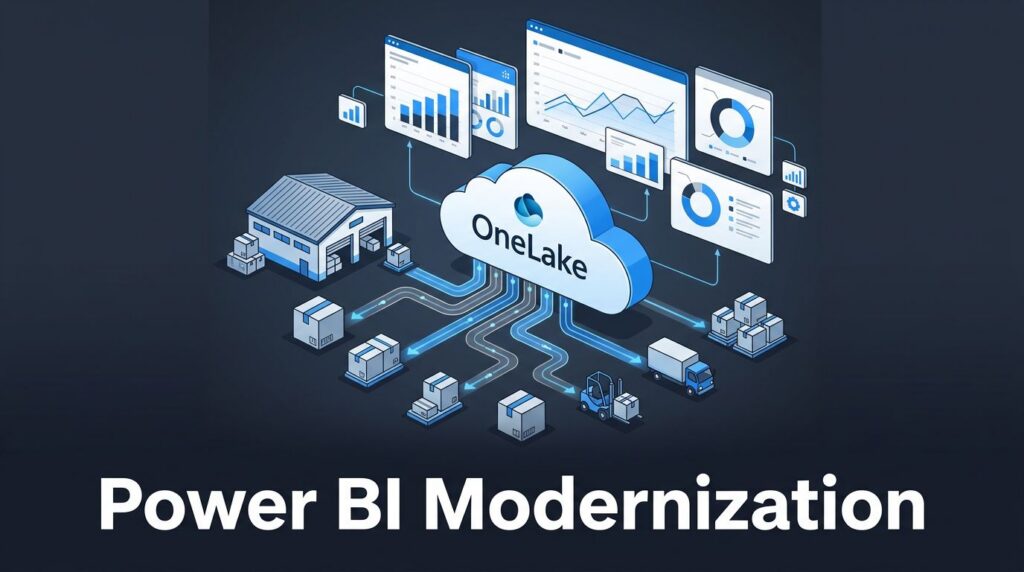
WMS, TMS, ERP, labor, and carrier data flowed into Fabric through pipelines and shortcuts. Raw data landed in OneLake. Transformation logic cleaned and joined it into curated tables. Shared semantic models then fed Power BI dashboards.
That meant the data team maintained one trusted reporting layer instead of several copies of the same truth.
Before and after: how daily work changed for the operations team
The shift showed up in ordinary work first, not in flashy demos.
| Activity | Before | After |
|---|---|---|
| Inventory checks | Manual pulls from multiple systems | Shared near real-time view |
| Shipment tracking | Status updates rebuilt each morning | Exception dashboard with common rules |
| Labor planning | Prior-day reports and guesswork | Faster trend visibility by shift and site |
| Customer reporting | Spreadsheet-heavy account packs | Reusable Power BI views |
Results and ROI: the business impact of a modern data platform
The first gains were speed and trust. Daily operational reporting time dropped by about 60 percent. Manual spreadsheet work fell by roughly 20 hours per week across operations and analytics. Report maintenance effort dropped by about 35 percent because teams stopped supporting so many separate data copies.
Leadership also got better visibility into on-time performance, backlog, and warehouse exceptions. That improved decision speed. It also reduced the number of meetings spent arguing over whose number was right.
What improved in the first 90 days
Within three months, daily reports were available earlier in the day, exception visibility improved, and customer service had fewer last-minute data requests. KPI accuracy was not perfect on day one, but it became consistent enough that leaders trusted the trend lines.
How the platform created room for future growth
The new foundation can support more customers, more sites, and more reporting without multiplying tool sprawl again. It also creates a better base for forecasting, alerting, and AI-assisted analysis later, because the data is cleaner, governed, and easier to reuse.
Ongoing work: turning the platform into a long-term advantage
Launch was not the finish line. After go-live, the team kept tuning models, validating KPI logic, reviewing access controls, and improving dashboard adoption. That work matters because a modern data platform only pays off when teams keep using it.
Next on the roadmap are labor forecasting, shipment exception alerts, and deeper margin analysis by customer and lane. This wider supply chain data fabric approach points in the same direction, fewer silos, faster response, and less time spent cleaning data.
Frequently asked questions about Microsoft Fabric for 3PL companies
How long does a 3PL implementation usually take?
A focused first phase can take 8 to 12 weeks. Broader rollouts depend on source complexity, reporting scope, and governance needs.
Can Fabric work with existing logistics systems?
Yes. It can connect to common WMS, TMS, ERP, database, and file-based sources through pipelines, shortcuts, and other ingestion methods.
Does Power BI need to be replaced?
No. Power BI usually stays in place as the reporting layer, which lowers training needs and speeds adoption.
How is governance handled in Microsoft Fabric?
Governance is built into the platform through shared storage, role-based access, lineage, and consistent security controls across workloads.
What results can a 3PL expect from Microsoft Fabric?
Most teams see faster reporting, fewer manual hours, more consistent KPIs, and better visibility into shipment, inventory, labor, and finance performance.
What this Microsoft Fabric case study means for logistics teams
This case shows that a 3PL does not need a risky big-bang migration to fix broken reporting. It needs a controlled rollout, a shared data foundation in OneLake, and a reporting layer in Power BI that people will use.
Microsoft Fabric works well when the goal is simple, trusted numbers, faster decisions, and less operational drag. For teams weighing the next step, a discovery workshop or implementation consultation is usually the smartest place to start.