
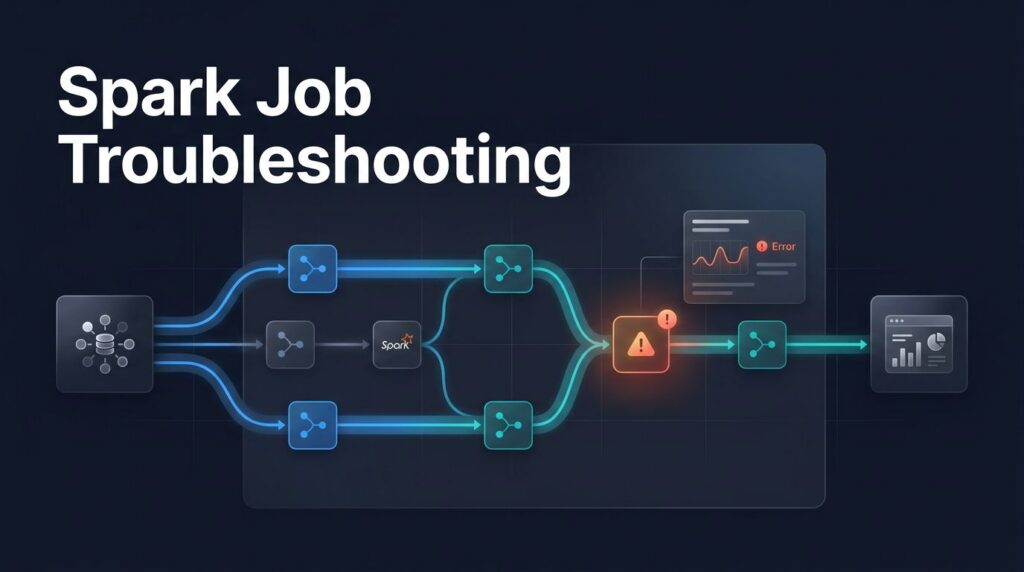
When a Fabric Spark job starts and then fails, diagnose the running application before changing capacity or restarting the session. Effective Fabric Spark job troubleshooting connects the first meaningful exception with the failed stage, input data, runtime environment, and resource conditions.
A session that starts successfully can still fail when Spark reads a protected source, loads a dependency, executes a join, or writes results. Follow the execution evidence first, then repair the cause without putting downstream reporting at risk.
Key Takeaways
- Preserve the application ID, driver logs, failed stage, and execution context before retrying.
- Separate data, permissions, and dependency errors from executor memory pressure and capacity constraints.
- Treat recovery as complete only after validating output data and downstream reporting freshness.
Capture Evidence From the Failed Application

Open the run, not just the pipeline error
Start in Fabric’s monitoring hub and open the failed Spark application. For a Spark job definition, use Recent runs to locate the affected execution.
The pipeline activity may show only a wrapper error. Application details expose the jobs, logs, properties, and diagnostics needed to investigate further. Microsoft’s Spark application monitoring guidance describes these views and the available Livy, Prelaunch, and Driver logs.
Record when execution failed and whether the run was manual or scheduled. A failure during the first read needs a different investigation than one during a final table write.
Preserve enough context to reproduce it
Save the Spark application ID, full exception chain, relevant driver logs, and failed job or stage identifiers. Also capture parameters, source paths, runtime, environment, and code version.
Then compare the failed run with the last successful execution. Look for changed libraries, input volumes, schemas, permissions, or deployment settings.
A successful interactive run doesn’t prove a scheduled run has the same dependencies, parameters, or access context.
Preserve the original evidence before another deployment changes the environment.
Diagnose Code, Input, and Access Errors
Follow the first actionable exception
Read the exception chain rather than stopping at messages such as “job aborted.” Use the earliest specific error to choose your next action.
These signals narrow the investigation without proving the cause on their own.
| Error signal | Investigate first |
|---|---|
AnalysisException | Referenced tables, columns, schemas, and expressions |
ClassNotFoundException | Missing or incompatible runtime libraries |
| Access-denied response | Execution identity and source or destination permissions |
| Missing-file error | Paths, upstream completion, and file availability |
For schema failures, compare the actual input with the transformation’s expectations. A renamed column or incompatible type can break a previously stable job.
For access failures, investigate the identity used by that execution. Avoid granting broad workspace permissions as a shortcut.
Reproduce the failing operation narrowly
Run the affected read, transformation, or write against a controlled subset that includes the problematic records. Because Spark evaluates many transformations lazily, the error may surface only when an action triggers execution.
Dependency failures need a different approach. Compare the deployed Fabric environment and library versions with the successful run. Microsoft’s session and configuration troubleshooting guidance covers these error categories.
Our Fabric data engineering services address repeat failures through explicit schemas, consistent environments, and controlled deployments.
Separate Memory Pressure From Capacity Constraints
Inspect executors and uneven stages
Use the Spark UI’s Stages and Executors views to investigate repeated task failures, long-running tasks, and resource pressure. A large difference between median and maximum task duration can indicate skew.
Look for oversized partitions, expensive joins, excessive caching, or data collected onto the driver. Increasing resources without addressing those patterns can preserve an inefficient workload.
Microsoft’s Spark memory troubleshooting guidance connects these symptoms with diagnostic steps. Exit code 143 indicates termination; it doesn’t identify one definitive cause.
During Microsoft Fabric performance optimization, change one factor at a time. Compare duration, failed tasks, and resource consumption against the same workload.
Correlate failures with shared usage
Microsoft Fabric capacity planning requires workload evidence, not just an employee count or dataset size. Use the Capacity Metrics app to understand consumption patterns and peak periods.
Compare failure timestamps with overlapping Spark submissions and activity across the capacity. However, distinguish admission problems from execution failures. Queuing, HTTP 430 throttling, and cluster-creation failures point toward a different investigation than a failed transformation.
Microsoft’s Spark monitoring best practices covers these capacity signals. Use an estimator for an initial sizing hypothesis, then measured usage to support scheduling or scale-up decisions.
Recover Safely Before Restarting Reporting
Retry only when another attempt can help
A retry can help with a transient allocation or platform interruption. It won’t repair an invalid column reference, missing library, or denied permission.
Before rerunning, determine whether the failed execution wrote any output. Inspect the affected destination and understand the write behavior, especially when the workflow spans several tables or external systems.
Delta transactions protect individual table transactions, but they don’t make an entire multi-step pipeline atomic. A retry can therefore repeat earlier successful work.
Design recovery around idempotent operations where possible. Document which steps can run again safely and which need cleanup or a controlled restart point.
Validate the business result
A green execution status is only one recovery signal. Compare row counts, business totals, rejected records, and source watermarks with expected results.
Then inspect downstream dependencies. A Microsoft Fabric Lakehouse transformation may feed a Microsoft Fabric Warehouse, Fabric semantic models, or scheduled Power BI refreshes.
Confirm that reporting reflects the recovered data before declaring the incident resolved. Strong Microsoft Fabric and Power BI integration includes freshness checks and clear ownership across that chain.
For business teams, recovery means trustworthy reporting delivered on time, without manual Excel reconciliation.
Prevent Repeat Failures Across the Data Lifecycle
Make deployment and orchestration repeatable
Use versioned code, controlled environments, and release testing. Our Fabric CI/CD practices help keep development and production changes traceable.
Fabric Data Factory consulting and Dataflows Gen2 implementation should cover dependencies, parameters, failure paths, and restart behavior. Test upstream completion rather than assuming a scheduled start guarantees fresh input.
During a Microsoft Fabric migration, validate workload behavior before expanding scope. When organizations migrate to Microsoft Fabric, existing orchestration assumptions deserve the same scrutiny as transformation code.
A Power BI to Microsoft Fabric migration also needs coordinated refresh and semantic-layer testing. Moving ingestion alone doesn’t resolve fragmented reporting.
Govern access and reduce unnecessary copies
Microsoft Fabric governance should define ownership, access, lineage, and incident responsibilities before production workloads grow. Our Fabric governance guidance connects those controls with operational accountability.
OneLake consulting should examine where shortcuts can reduce unnecessary copies while preserving appropriate access controls. Fewer copies mean fewer refresh dependencies to manage.
Also separate Spark tuning from Power BI semantic model optimization. Each needs its own evidence. Where event-driven decisions are required, assess Fabric Real-Time Intelligence rather than forcing every requirement into a batch Spark schedule.
This makes data platform modernization more useful: fewer fragile handoffs and faster access to trusted information.
Get Specialist Support Without Building a Full Team
At Spargent Analytics, our Microsoft Fabric consulting services are built around the needs of U.S. companies and delivered by senior specialists from Europe.
We support internal analytics teams that need additional engineering depth. We also deliver implementation and managed support for organizations without a dedicated data team.
Our Microsoft Fabric consultants cover ingestion, pipelines, Lakehouse and Warehouse design, OneLake, Power BI, governance, and real-time analytics. As an implementation partner, we connect incident repair with the architecture and operating practices that prevent recurrence.
The EU-to-USA delivery model combines senior European engineering with strong communication and an efficient cost structure. It supports better project economics than a traditional USA-only staffing model, without requiring clients to hire every specialist internally.
Our Fabric implementation and support services extend into Microsoft Fabric managed services, capacity reviews, and analytics modernization. For U.S. leaders seeking data engineering consulting, the objective is measurable: fewer failed runs, faster reporting, controlled operating costs, and better returns from existing Microsoft investments.
Frequently Asked Questions
Why does a Spark job fail after the session starts?
Session startup establishes compute availability. The application can still fail when it reads data, resolves dependencies, executes transformations, or writes output. Use driver logs and failed-stage evidence to identify the operation involved.
Should we increase capacity immediately?
Increase capacity when measured demand supports it. First distinguish shared-capacity constraints from code defects, permissions, skew, and driver or executor memory pressure. A larger capacity won’t correct an invalid transformation.
What should we send a Microsoft Fabric expert?
Provide the application ID, execution timestamp, exception chain, driver logs, failed stage, code version, runtime environment, and relevant parameters. Include recent changes and downstream reporting impact so the investigation has both technical and business context. Remove credentials and sensitive data before sharing incident materials.
Restore Reliable Runs, Then Fix the Repeat Cause
Successful Fabric Spark troubleshooting connects the failed operation with evidence and a targeted correction. Recovery also requires validated outputs and trustworthy downstream reporting.
Use each incident to strengthen deployment, ownership, and workload design. That reduces repeat support work and protects reporting deadlines.
For persistent failures or unpredictable consumption, Optimize Fabric Performance and Cost with a focused review of execution evidence and workload priorities.
