
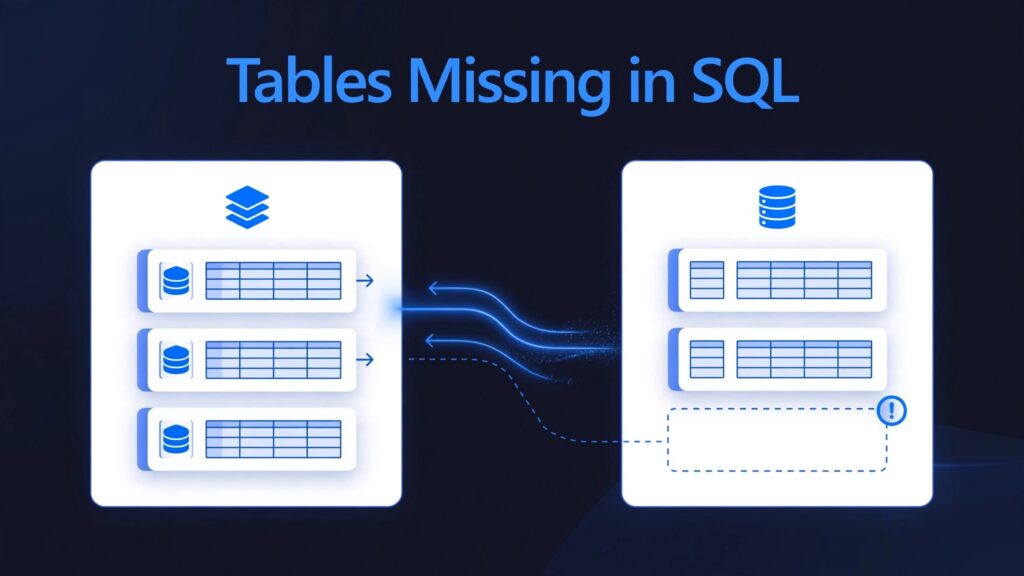
Tables usually disappear from a Fabric lakehouse SQL endpoint because they aren’t registered Delta tables, synchronization hasn’t finished, or you’re querying the wrong schema or identity. Files in shared Fabric storage don’t automatically become SQL-queryable tables.
The fastest fix starts with separating missing tables from stale rows and permission failures. That distinction prevents unnecessary pipeline reruns and protects reporting reliability.
Check table eligibility, registration, and metadata to diagnose sync issues before rerunning a pipeline. Then trace synchronization and downstream dependencies.
Key takeaways
- Only supported Delta tables registered in the Lakehouse Tables area appear through its SQL analytics endpoint.
- Spark and SQL can temporarily return different results because endpoint synchronization runs asynchronously.
- Fixing endpoint visibility doesn’t automatically refresh every Power BI semantic model or resolve its security settings.
Confirm that the table qualifies for SQL access
Microsoft automatically provisions a SQL analytics endpoint for every Lakehouse. Its read-only T-SQL interface exposes supported Delta tables without requiring another data copy.

Separate files from registered Delta tables
A CSV, JSON file, or standalone Parquet folder under Files won’t appear as a SQL table. Delta tables require a transaction log, normally stored in _delta_log, alongside their data files.
Also, a Spark-readable path isn’t necessarily a registered Lakehouse table. Write or register the dataset correctly in the Tables area using supported Lakehouse operations.
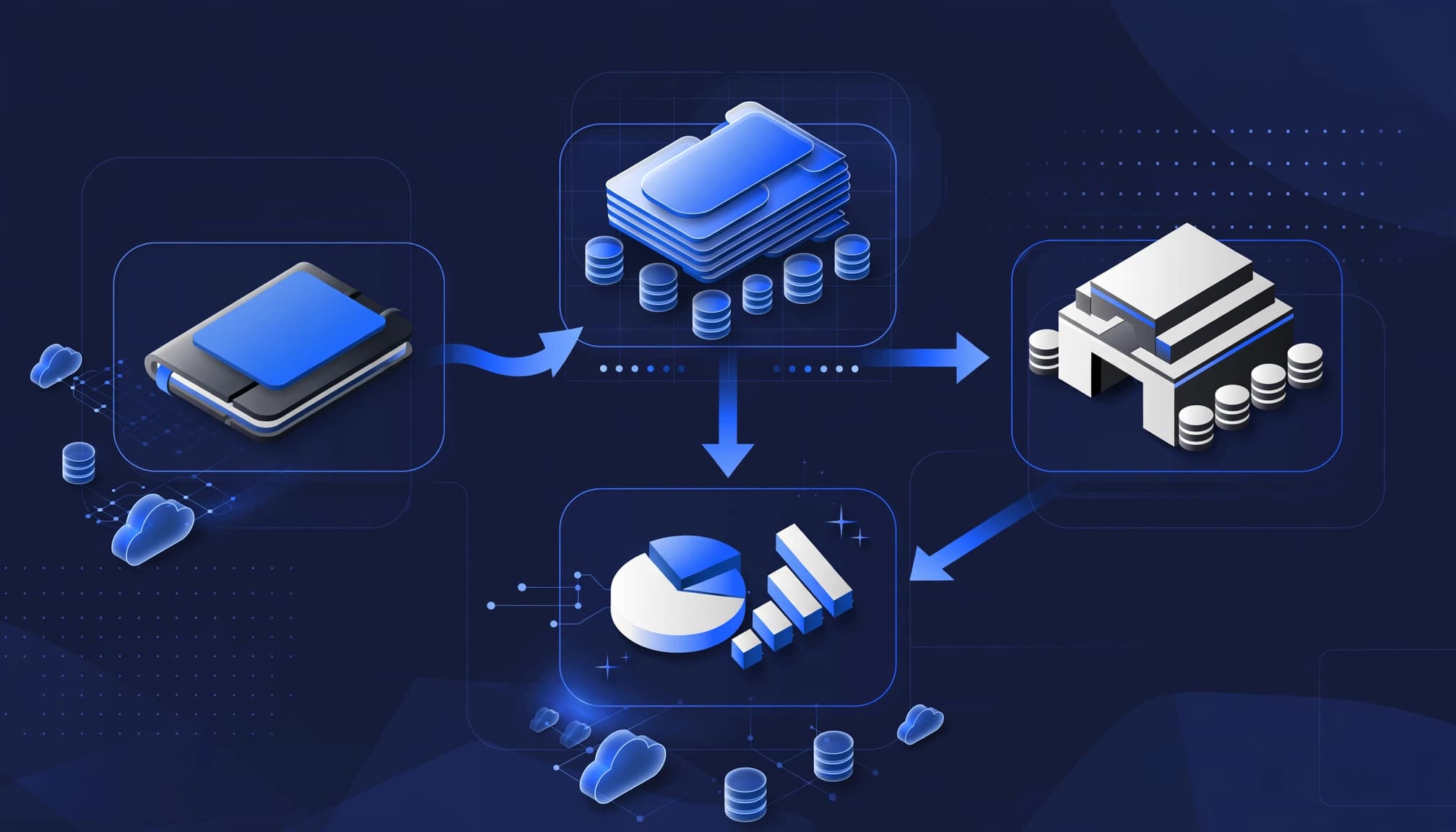
A medallion architecture can organize outputs into bronze, silver, gold layers. Only suitable tables registered in the Tables area are exposed for SQL access.
For cross-workspace data, create a table shortcut to a supported Delta target. A shortcut under Files doesn’t automatically create a SQL table. Unsupported Delta features or incompatible column types can also prevent complete exposure.
Match the Lakehouse, schema, and identity
Open the endpoint associated with the Lakehouse receiving the write. Then inspect its catalog:
SELECT s.name AS schema_name, t.name AS table_name
FROM sys.tables AS t
JOIN sys.schemas AS s ON s.schema_id = t.schema_id
ORDER BY s.name, t.name;
Schema-enabled Lakehouses can use schemas other than dbo. Also, metadata visibility depends on permissions, so an empty catalog under one identity doesn’t prove the table is absent.
Diagnose synchronization before rebuilding anything
The endpoint maintains SQL metadata over Delta storage. Consequently, successful Spark writes and SQL visibility aren’t always simultaneous.
Distinguish missing metadata from stale rows
Microsoft describes normal synchronization lag as less than one minute. However, synchronization can take a minute or longer when processing changes, so this isn’t a guaranteed freshness deadline.
If the table is absent, investigate registration, schema, compatibility, and metadata synchronization. If it exists but returns older results, compare the same table through Spark and SQL.
Record the completed write time, Spark row count, SQL row count, and comparison time. Pause concurrent writes where practical. Otherwise, different snapshots can produce legitimate differences.
Refresh metadata, then validate downstream results
Use the endpoint metadata refresh action in Fabric, or the Refresh SQL analytics endpoint metadata REST API. Allow the operation to finish before repeating the comparison.
Mark Pryce Maher’s community refresh gist is referenced in the SQL endpoint notebook walkthrough. Prefer supported platform refresh mechanisms when building production orchestration.
A completed ingestion activity confirms the write finished. It doesn’t confirm that SQL metadata or a dependent semantic model is ready.
Avoid rerunning ingestion simply because SQL looks stale. That can duplicate data or consume capacity without fixing synchronization. Once freshness is correct, address slow queries separately through SQL endpoint performance tuning.
Query the Fabric lakehouse SQL endpoint from a notebook
A notebook can query either the Spark catalog or the SQL endpoint. Spark notebooks and SQL use different engines, so a successful notebook-side result doesn’t establish that SQL sees the same state.
Use the Spark connector for endpoint reads
Microsoft’s Spark data warehouse connector reads from Warehouse and Lakehouse SQL endpoints through synapsesql.
The published Geography example uses this pattern:
import com.microsoft.spark.fabric
from com.microsoft.spark.fabric.Constants import Constants


df = spark.read.synapsesql("dw1.dbo.Geography")
display(df)
The connector also offers workspace and database targeting options, including Constants.WorkspaceId and Constants.DatabaseName, for cross-workspace scenarios with appropriate access.
The earlier community walkthrough reports no predicate pushdown. Don’t assume a later DataFrame filter reduces the initial endpoint read. For diagnostics, return a SQL aggregate rather than transferring an entire table.
Use T-SQL cells to compare results
Python notebook T-SQL cells were released on June 25, 2025. The published example is:
df = %tsql select top(10) * from [dw1].[dbo].[Geography]
Here, dw1 identifies the attached Warehouse. Select the intended Lakehouse SQL endpoint when diagnosing Lakehouse visibility.
After a write completes, run a Spark count against the registered table. Then execute COUNT_BIG(*) against that same table through SQL. Match workspace, item, schema, and identity before interpreting differences.
Understand the endpoint’s limits versus a Warehouse
A Microsoft Fabric Lakehouse favors Spark-based engineering. A Microsoft Fabric Warehouse provides a SQL-oriented development and write surface.
Their main differences are operational.
| Capability | Lakehouse SQL endpoint | Fabric Warehouse |
|---|---|---|
| Query tables | SELECT, JOIN, GROUP BY | SELECT, JOIN, GROUP BY |
| Change table data | No INSERT, UPDATE, DELETE, or MERGE | Supports these operations |
| Create physical tables through T-SQL | Not supported | Supported |
| SQL programming objects | Supported within read-only data access limits | Broader read-write capabilities |
| Typical write path | Spark or Dataflow Gen2 | T-SQL and supported ingestion tools |
| Storage | Delta Parquet in shared Fabric storage | Delta Parquet in shared Fabric storage |
Choose a Fabric Data Warehouse when SQL-based loading and transactional transformations drive the workload. Keep Lakehouse when Spark owns transformation and SQL provides analytical access.
The endpoint’s read-only restriction applies to table data. It doesn’t prohibit every SQL object: views, functions, and read-only stored procedures can encapsulate queries. Stored procedures still can’t bypass its data-write restrictions.
Traditional indexes and dedicated SQL pool distribution settings aren’t endpoint tuning controls.
Trace connections, Power BI, and security separately
Fabric engines share storage, but each connection can use different discovery, refresh, or security behavior.
Connect through the correct SQL interface
Copy the SQL connection string from the endpoint’s Fabric settings or connection details. Connect with SSMS or another supported SQL client using Microsoft Entra authentication.
Compare catalog visibility in SSMS using the same Microsoft Entra identity as your application. This helps isolate authentication or client differences.
Azure Data Studio was another connection option, but Microsoft retired it on February 28, 2026. Use supported tooling for new deployments.
Custom applications can use pyodbc with an Entra token or an appropriately configured JDBC driver. Ibis depends on its backend, so don’t assume connector-x accepts the same token configuration.
Within a supported same-workspace context, use three-part names such as [Lakehouse].[dbo].[Table]. Cross-item queries require workspace and item permissions, shortcuts, or connector targeting that match the intended query path.
Identify the semantic model’s actual path
Power BI can use DirectQuery against the endpoint or Direct Lake over Delta data. Microsoft’s Direct Lake development guidance distinguishes Direct Lake on SQL from Direct Lake on OneLake.
Endpoint staleness can affect discovery and dependent models that use SQL. Direct Lake on OneLake doesn’t use the endpoint in the same way. Warehouse and Lakehouse both support Direct Lake, but performance can differ.
Also, trace workspace permissions, SQL permissions, lake-level permissions, and model security separately. Row-level or column-level restrictions can explain different results. Purview sensitivity labels complement these controls, but they don’t replace access permissions.
Customer success: Acme Corrugated Box
Microsoft reports that Acme Corrugated Box’s Fabric deployment increased self-service reporting by 50%. The company also reclaimed more than 50 hours each week.
Fictional illustration, separate from Acme’s reported results: A mid-market manufacturer finds that a lakehouse table is missing from SQL reports. Before rerunning ingestion, the team validates table registration, metadata, schema, and permissions. The checks reveal a visibility dependency that can be corrected without rebuilding the data. Reporting becomes more reliable after the team resolves the issue. The lesson is to diagnose the dependency chain first, then rerun ingestion only if validation shows it is necessary.
How we make Fabric reporting dependable
At Spargent Analytics, our Microsoft Fabric consulting services connect ingestion, storage, security, and reporting with clear ownership. This helps teams deliver faster reporting with less manual Excel work.
Fix the dependency chain, not one symptom
Our Microsoft Fabric consultants support Data Factory pipelines, Dataflows Gen2 implementation, Lakehouse and Warehouse design, OneLake architecture, and Fabric semantic models. We also handle Power BI integration, model optimization, and governance to improve reporting and data control.
During a Microsoft Fabric migration, including Power BI modernization, we define readiness checks across those layers. After implementation, performance optimization, capacity planning, and managed support help control costs.
For workloads that need lower-latency responses, we design Fabric Real-Time Intelligence solutions instead of routing every requirement through scheduled SQL reporting.
Add senior delivery capacity without building a full team
We support U.S. mid-market and enterprise organizations with established analytics teams or no internal analytics function. Our delivery model adds senior capacity without requiring a full internal team.
Our delivery is built for U.S. market needs, with senior Microsoft Fabric specialists based in Europe. Clear communication and an efficient cost structure can deliver stronger ROI than traditional U.S.-only consulting models.
As an implementation partner, we connect data engineering and analytics modernization with measurable reporting outcomes. Fabric lineage and governance help teams identify ownership and understand downstream impact when changes occur.
Frequently asked questions
Can a Warehouse query Lakehouse tables?
Yes, supported cross-item SQL queries can reference accessible Lakehouse endpoint tables. For another workspace, use an appropriate shortcut or connection pattern.
Can I fix a missing table with CREATE TABLE on the endpoint?
No. Create or register the Delta table through supported Lakehouse operations. The endpoint doesn’t allow T-SQL creation of physical Lakehouse tables.
Does refreshing Power BI fix endpoint synchronization?
No. Resolve source visibility first, then handle the semantic model’s refresh or framing requirements. Repeating report refreshes won’t repair missing SQL metadata.
How do I verify whether data is missing or hidden by permissions?
Run the query under the identity that reports the problem, then check its workspace, item, and table permissions. Compare results with a permitted identity to distinguish missing data from restricted access.
What if the SQL results are correct but my Power BI report is stale?
After confirming the source results are correct, refresh the semantic model. If the schema changed, update the model’s framing before refreshing the report.
Restore visibility before optimizing speed
Missing Lakehouse tables usually require a targeted correction: supported Delta registration, the right schema and permissions, or completed endpoint synchronization. Compare Spark and SQL only after matching their targets.
Then connect data readiness to reporting readiness so business users receive consistent results.
If these gaps keep delaying reports, Book a Microsoft Fabric Discovery Call to review your environment and identify the next practical improvement.
